RaiseTouch User Manual Date:03/03/2020
- 37 / 80 -
www.raise3d.com
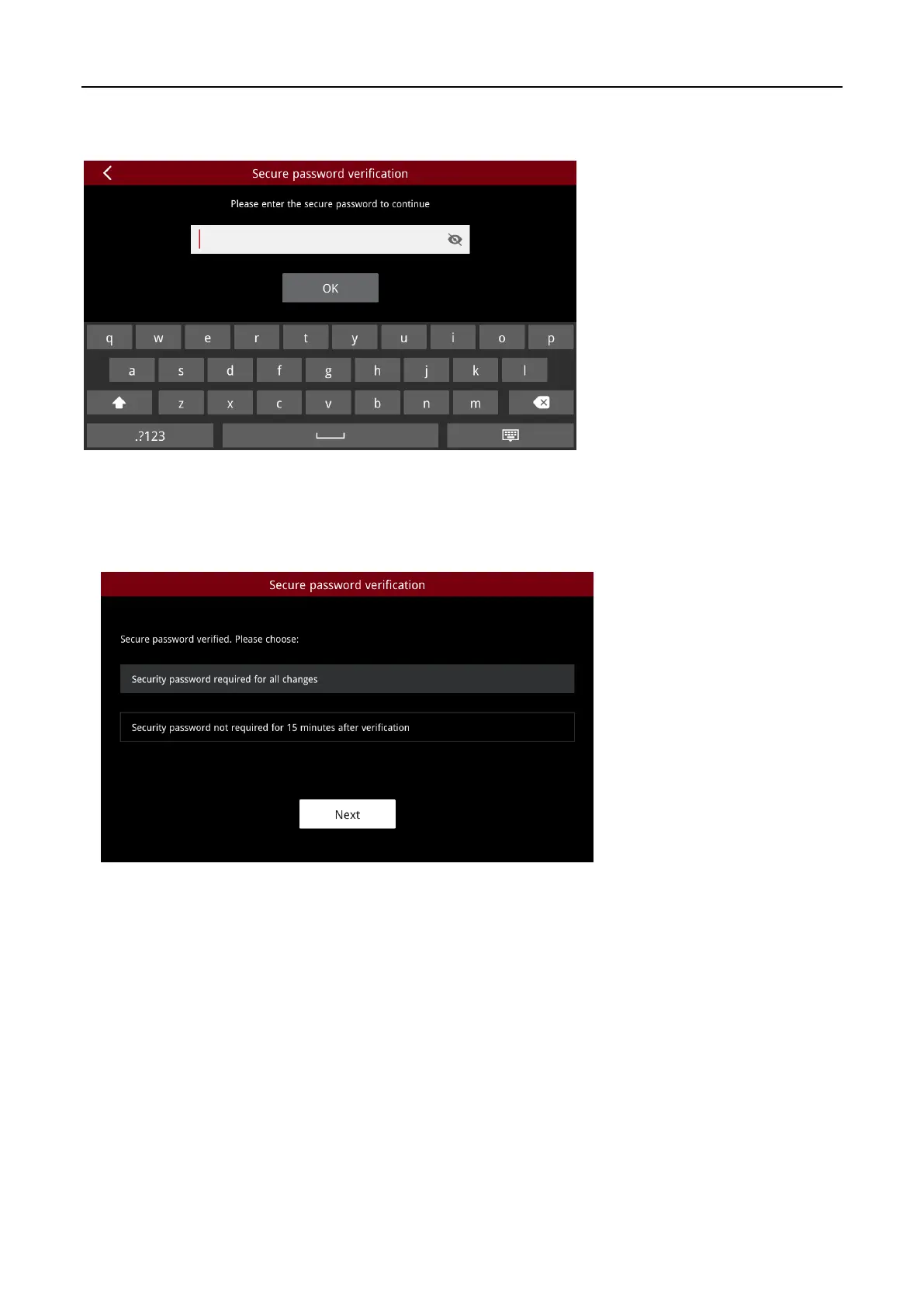
As the security service is turned on, each time you enter the SSH password, lock screen password and
other security and privacy related passwords, you need to check the security password first.
Security Password Verification 1
After the security password is successfully verified, you can choose:
a. Security password required for all changes;
b. Security password not required for 15 minutes after verification.
Security Password Verification 2



 To Next Page