RaiseTouch User Manual Date:03/03/2020
- 47 / 80 -
www.raise3d.com
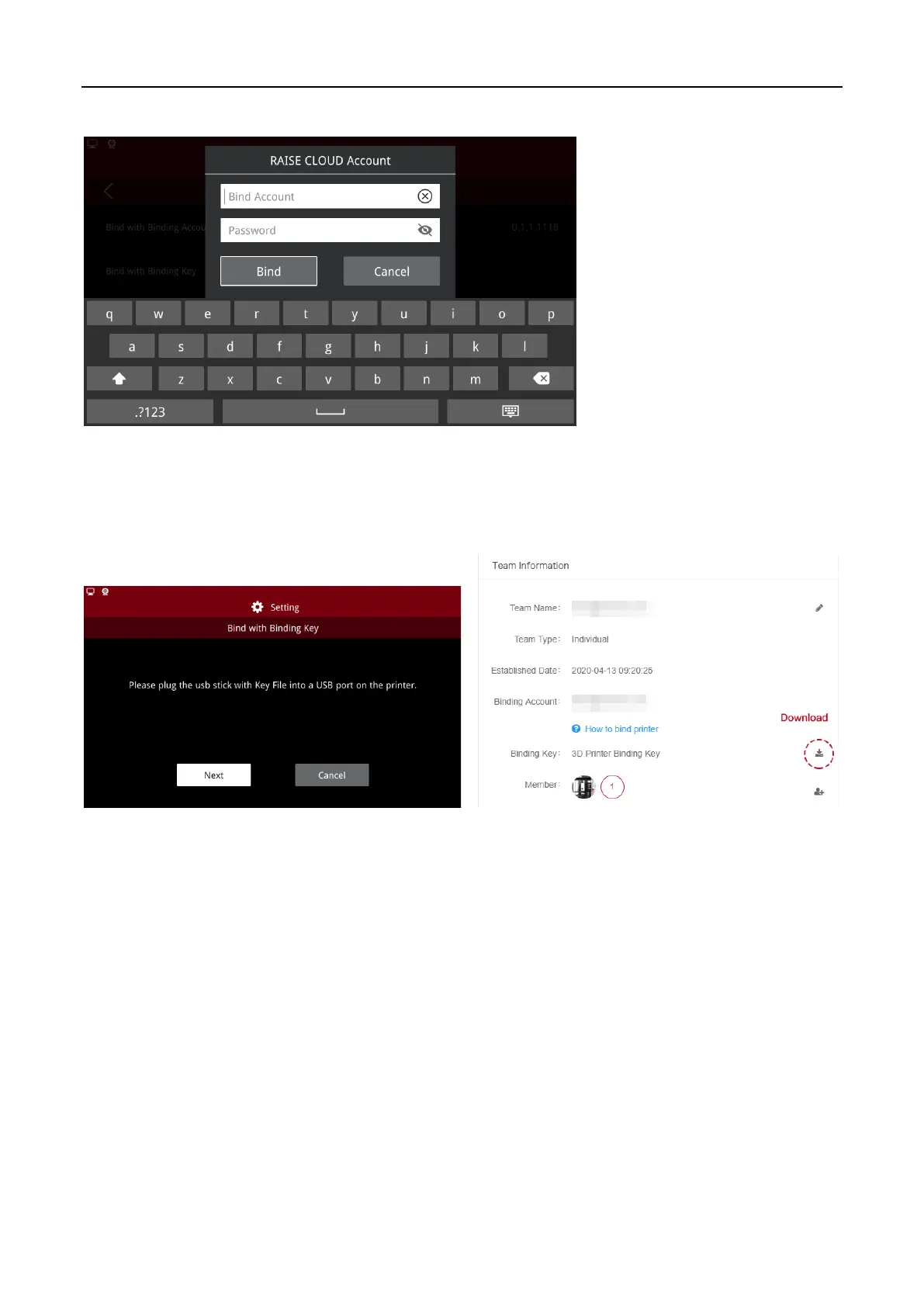
Enter RaiseCloud account and password, click “Bind”.
Binding Account and Password
(2) Binding with an Encrypted Binding File
You need to download the binding Key file on RaiseCloud website to the USB device. Insert the device
on the touch screen, and follow the wizard to complete the printer binding.
Binding by Encrypted File
Note:
you need to create a team before downloading the encrypted binding file, otherwise RaiseCloud
will not provide the encrypted binding file.



 To Next Page