RaiseTouch User Manual Date:03/03/2020
- 48 / 80 -
www.raise3d.com
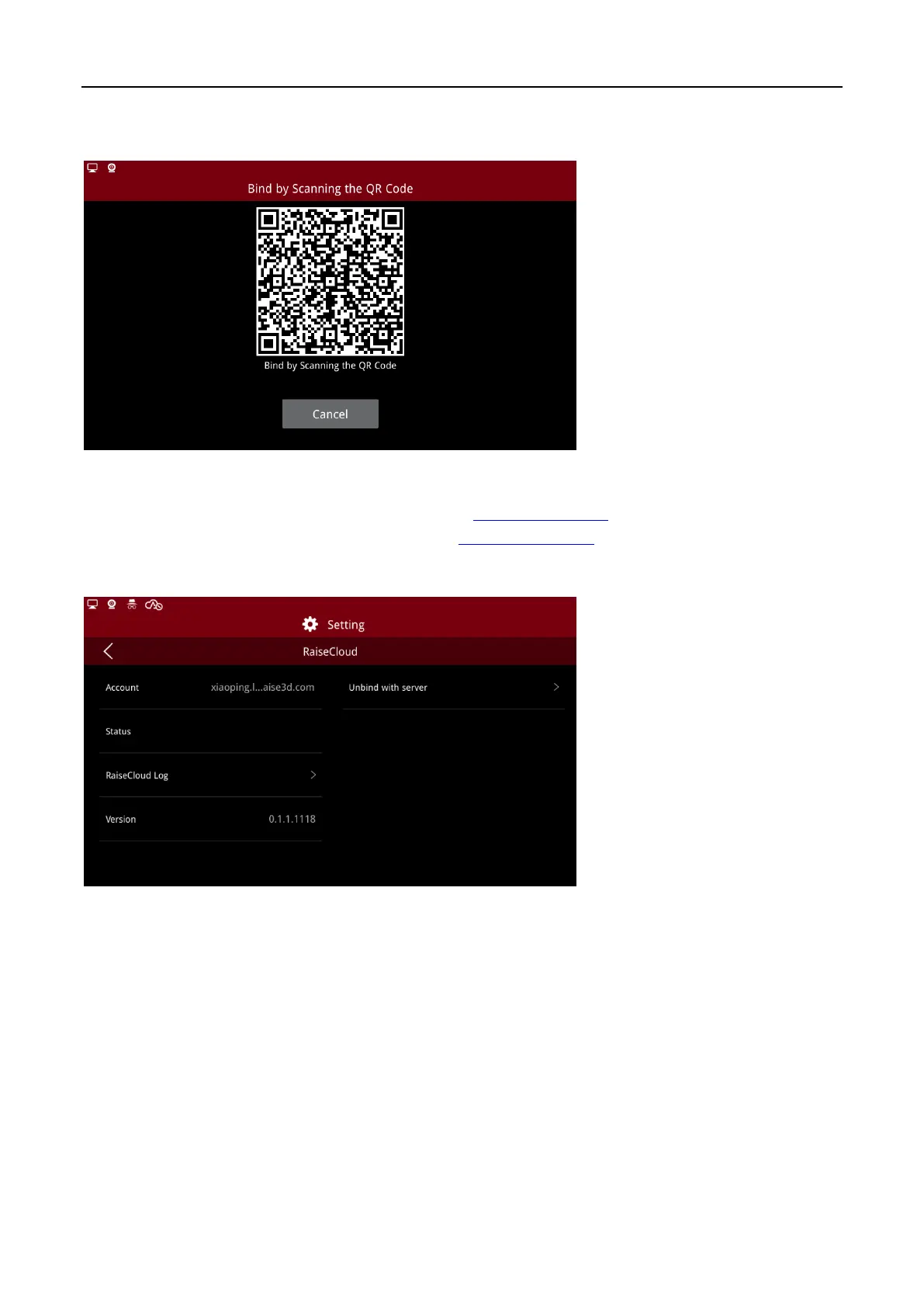
(1) Binding by Scanning QR code
Open RaiseCloud APP, click scan code for QR code scanning.
Binding by Scanning QR Code
If you don’t have a RaiseCloud account, please go to Cloud.raise3d.com to register. For more
information about RaiseCloud, please visit website: Cloud.raise3d.com.
After successful login, the page appears as follows:
Binding Success Page



 To Next Page