27
WARNING: This manual DOES NOT replace an adequate diving training !
Watch Menu
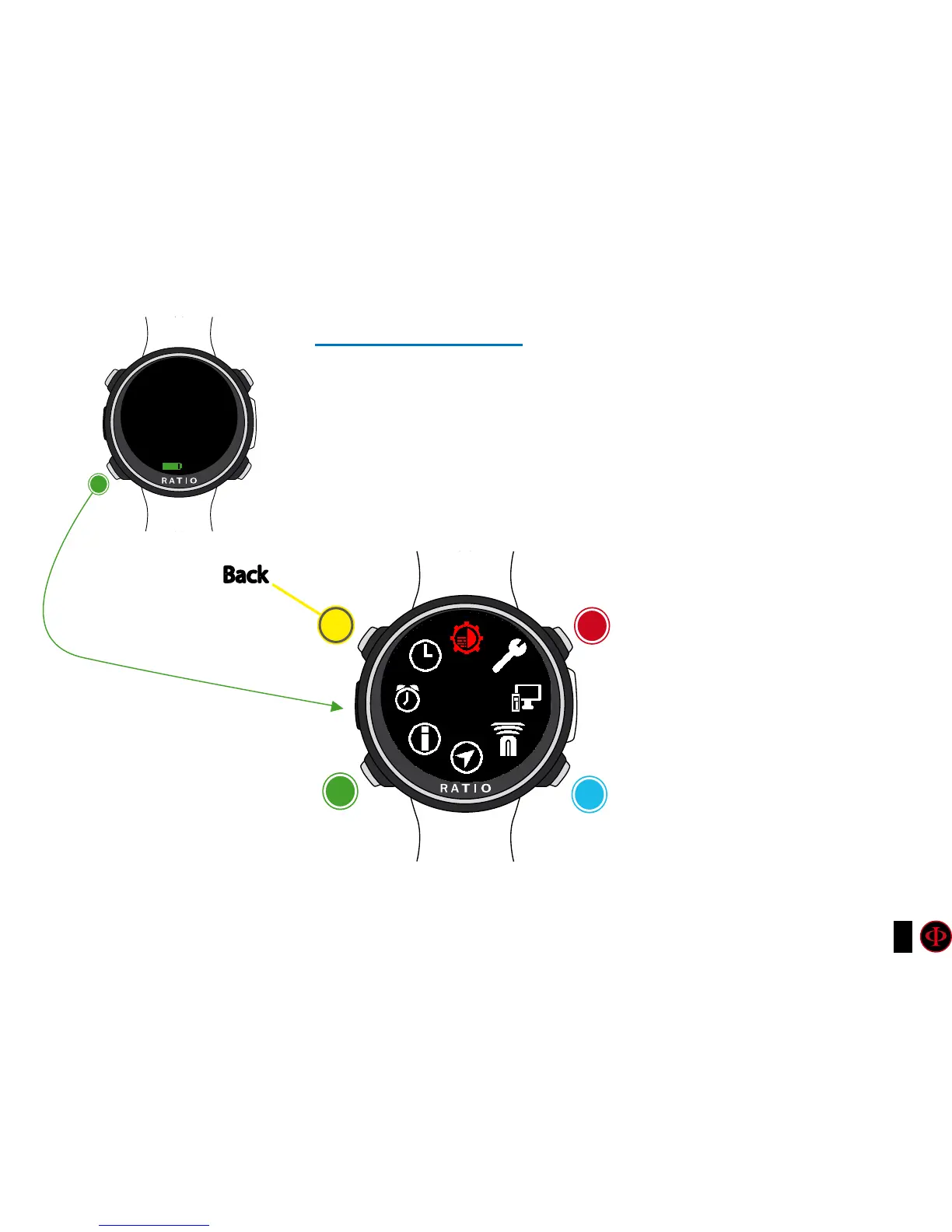
From the main screen, press button A to have access to the menu.
Use buttons as described in the picture to navigate in the menu.
The selected entry is indicated in red.
Do you know what?:
You can change the RATIO iDive Color’s menu color, titles and data from the menu DISPLAY.
Watch
Menu
clockwise
counter-
clockwise
Enter
Back
b
C
A
D
DISPLAY
Watch
C
12:30
05/12/2018 WE
95%



 To Next Page