37
WARNING: This manual DOES NOT replace an adequate diving training !
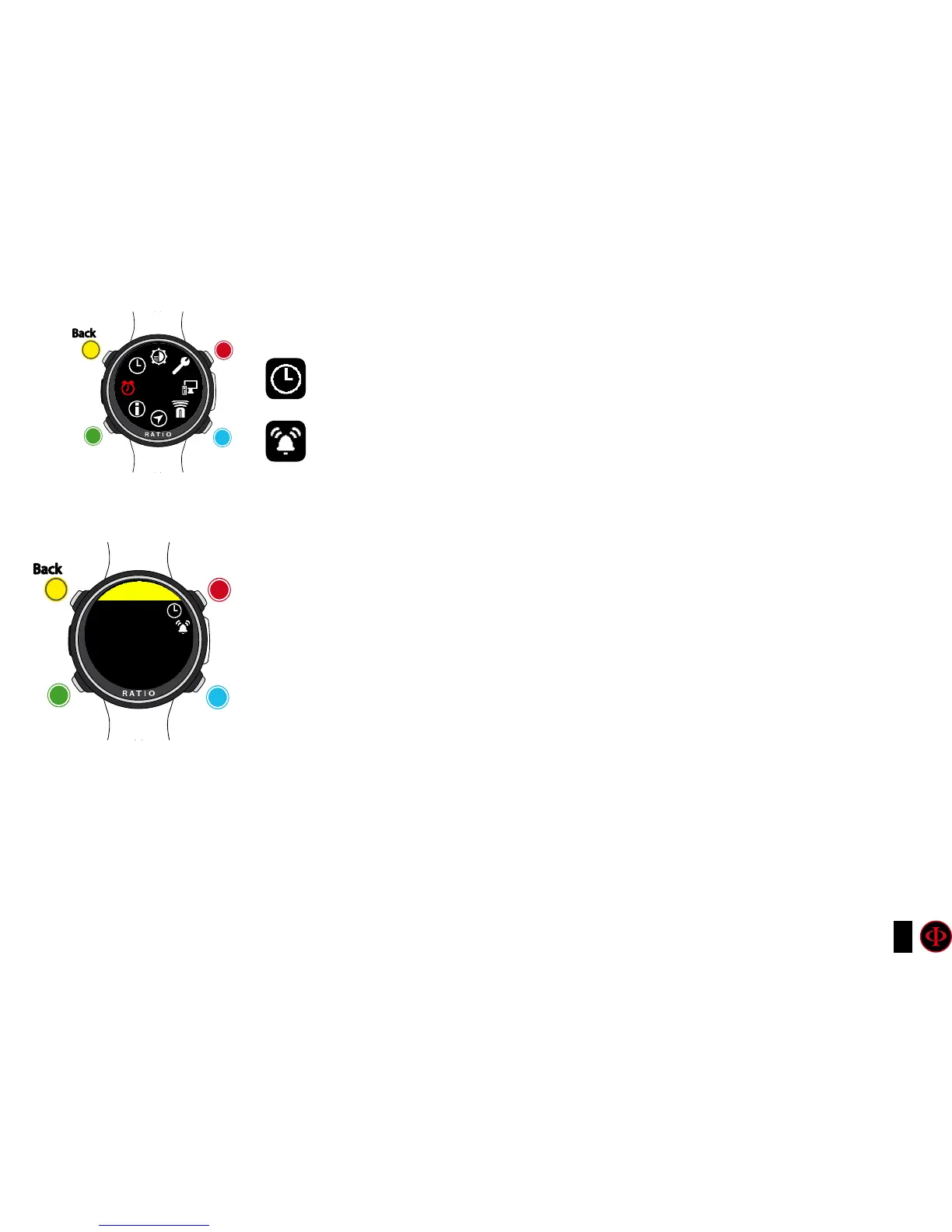
ALARM CLOCK
SET: Set the time of the alarm clock.
ENABLE: (ON/OFF) Enable the alarm clock. If the alarm clock is enabled the alarm
clock’s icon will be displayed on the watch screen.
When the alarm clock rings press any button to stop it. If the alarm clock is not
manually disabled it will ring again the next day at the same time.
clockwise
clockwise
or
+
Use B and D to select the setting, use C to enter the
setting you want to change.
(Once you selected the setting with C)
Use B and D to change the value of the setting and press
C to conrm the changes.
counter-
clockwise
counter-
clockwise
or
-
Enter
Enter
or
Conrm
Back
Back
b
b
C
C
A
A
D
D
ALARM CLK
ALARM CLK
SET
12:00



 To Next Page