28
WARNING: This manual DOES NOT replace an adequate diving training !
DISPLAY
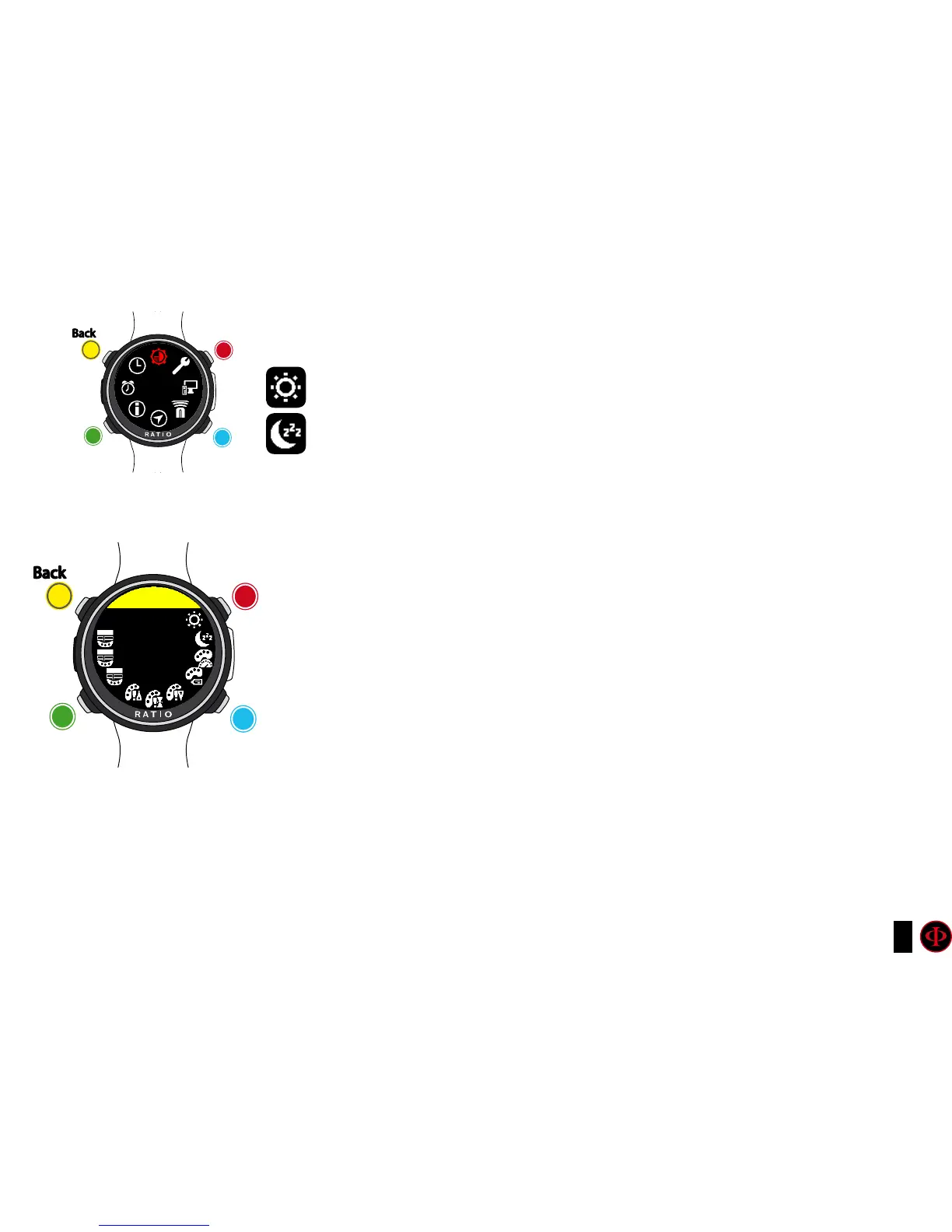
To navigate the menu follow the instructions in the picture on the left.
BACKLIGHT: Display luminous intensity. From 1 to 15 (manual set)
SLEEP L00 - L15 / H00 - H15: Set the sensibility of the “Rotate to Wake Up” and
set the timeout of the “Rotate to Wake Up” form 1 to 15 minutes.
L: Low sensibility to rotations, this setting save the battery as the iDive
will perform less unwanted wake-up.
H: High sensibility to rotations of the wrist. The iDive Color is easyer
to wake up with the rotation of the writs. This setting consume
more battery as unwanted wake-up of the display increase.
00-15: Time out of the rotate to wake-up (in minutes) from the last
wake-up of the display. Set to L00 or H00 to disable the timeout.
Examples of settings:
L05 = (Best battery saving setting) Low sensibility to wrist rotation +
after 5 minutes display-off the “Rotate to Wake-Up” function is disabled (you need to
press D button to wake-up the iDive Color).
L00 = (suggested setting) Low sensibility to wrist rotation, the iDive
Color will never disable the “Rotate to Wake-Up”
H00 = (Higher battery consumpion) High sensibility to wrist rotation, the
iDive Color will never disable the “Rotate to Wake-Up”.
clockwise
clockwise
or
+
Use B and D to select the setting, use C to enter the
setting you want to change.
(Once you selected the setting with C)
Use B and D to change the value of the setting and press
C to conrm the changes.
counter-
clockwise
counter-
clockwise
or
-
Enter
Enter
or
Conrm
Back
Back
b
b
C
C
A
A
D
D
DISPLAY
DISPLAY
bACK
LIGHT
15



 To Next Page