30
WARNING: This manual DOES NOT replace an adequate diving training !
GENERAL
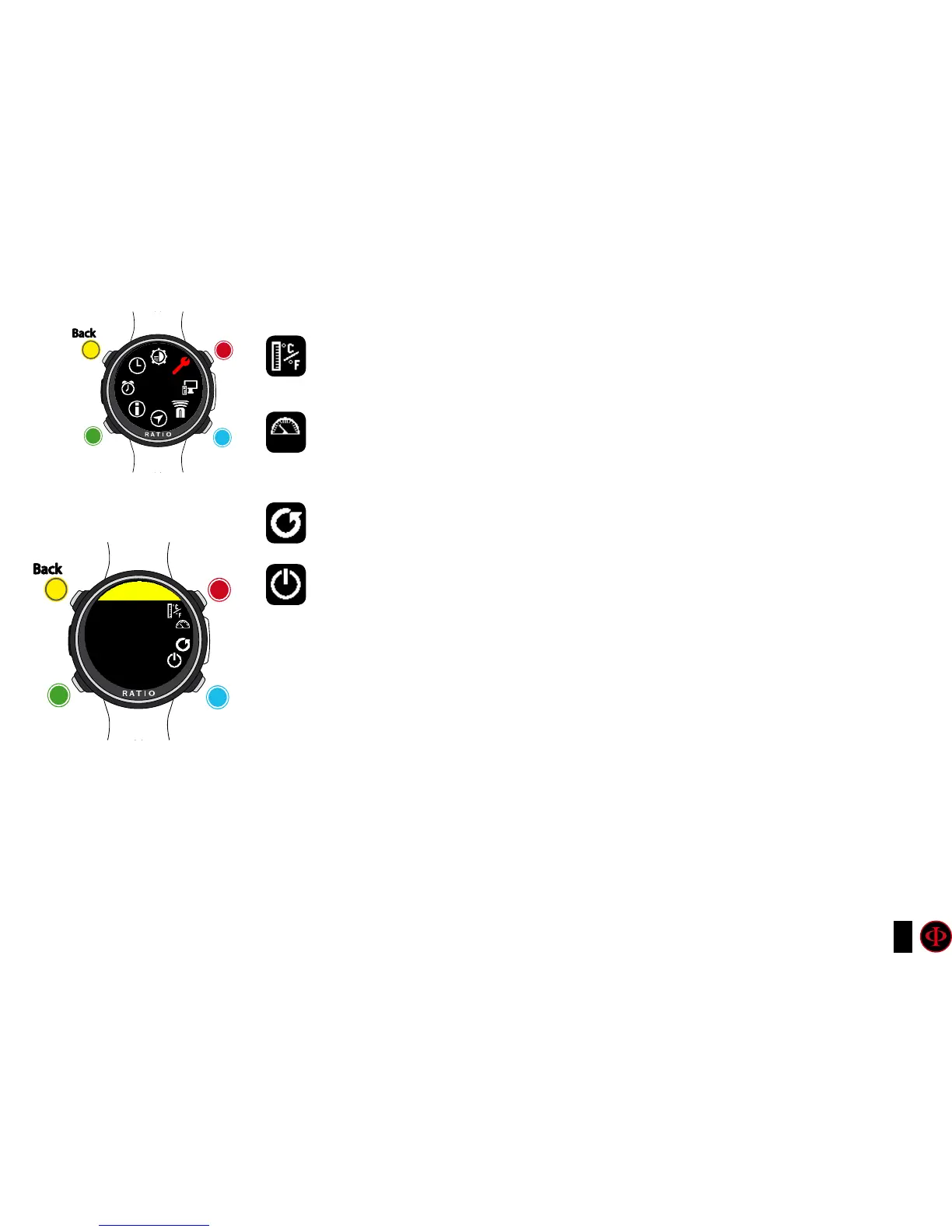
UNITS: Set the metric or imperial unit of measure .
SEA REF PRESSURE: Set the reference mbar value above the sea level according
to the current position.
The best way to get the reference mbar is to the national air force and set the
measured value of the weather station closest to your location
DEFAULT SETTINGS: See following page (important)
SWITCH OFF: Turn off the iDive Color
clockwise
clockwise
or
+
Use B and D to select the setting, use C to enter the
setting you want to change.
(Once you selected the setting with C)
Use B and D to change the value of the setting and press
C to conrm the changes.
counter-
clockwise
counter-
clockwise
or
-
Enter
Enter
or
Conrm
Back
Back
b
b
C
C
A
A
D
D
GENERAL
GENERAL
UNITS
m/°C



 To Next Page