31
WARNING: This manual DOES NOT replace an adequate diving training !
DEFAULT SETTINGS (reset the factory data)
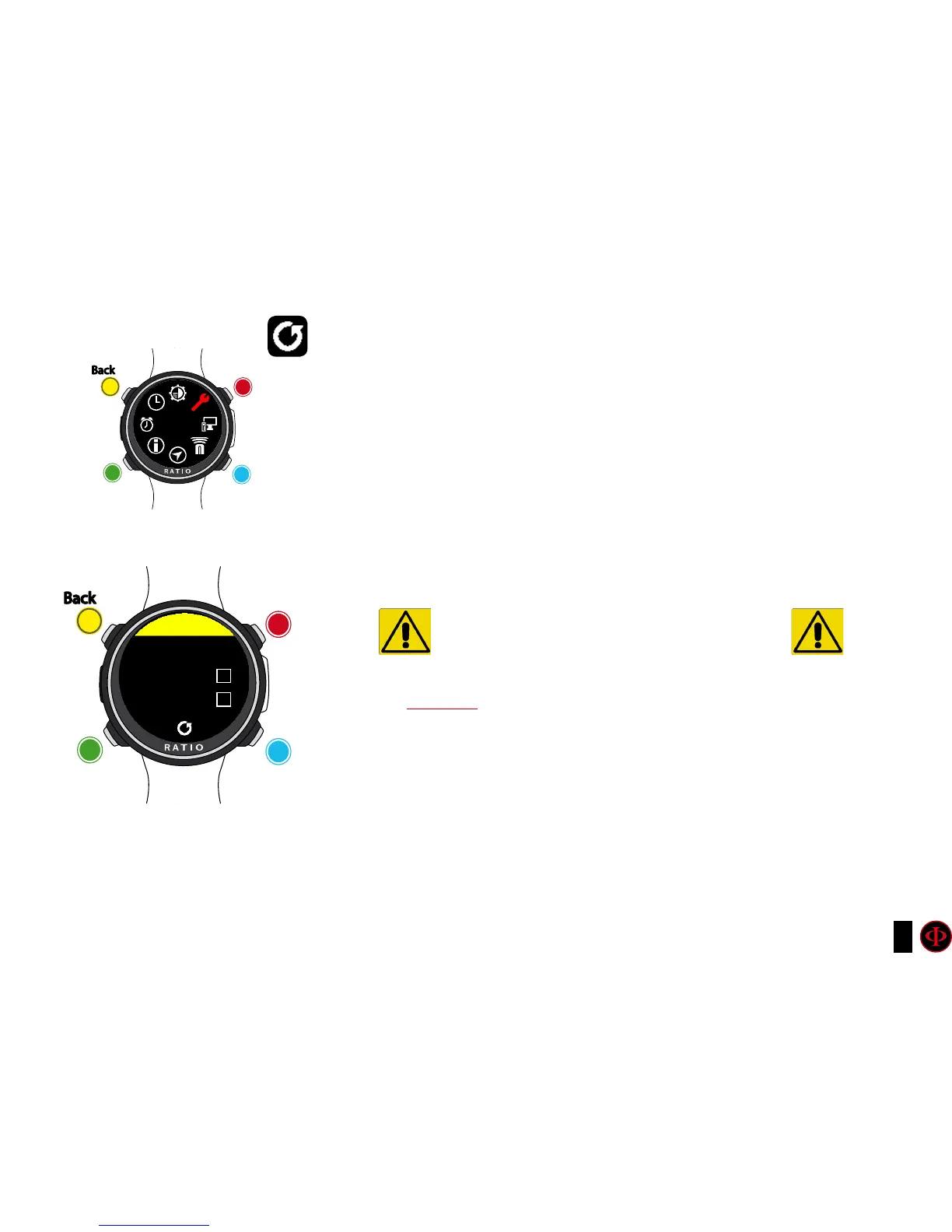
To navigate the menu follow the instructions in the picture on the left.
SETTINGS: Yes/No. It resets all menu entries to the factory settings.
The command SETTING resets all menu and
settings (MIX, Alarms, Colors etc.) It doesn’t reset the diver’s
tissues saturation.
TISSUES: Yes/No. It resets the diver’s tissues saturation. .
Attention: NEVER EVER reset the tissue saturation if the device is always used by the
same person! This doesn’t allow the computer to carry out a correct decompressive
calculation. !
EXECUTE: It carries out the reset of the entries set as YES.
WARNING - DANGER
DO NOT reset the tissue saturation (TISSUES=YES)
if the device will be always used by the same person!!!
This may cause the risk of injuries, even lethal.
It is possible to reset the tissue sauturation only if the iDivel
device will be used by a person who does not have carried out dives during
the previous 48 hours .
ATTENTION!
A possible tissue saturation reset is recorded permanently
in the RATIO iDive Logbook (see “Logbook” on this manual).
The user will be fully responsible of the tissue saturation reset !
clockwise
UP
counter-
clockwise
DOWN
Enter
SELECT
Back
Back
b
b
C
C
A
A
D
D
GENERAL
DEFAULTS
DANGER
SETTINGS
TISSUES



 To Next Page