45
WARNING: This manual DOES NOT replace an adequate diving training !
DIVE SET for iDive Color Tech+
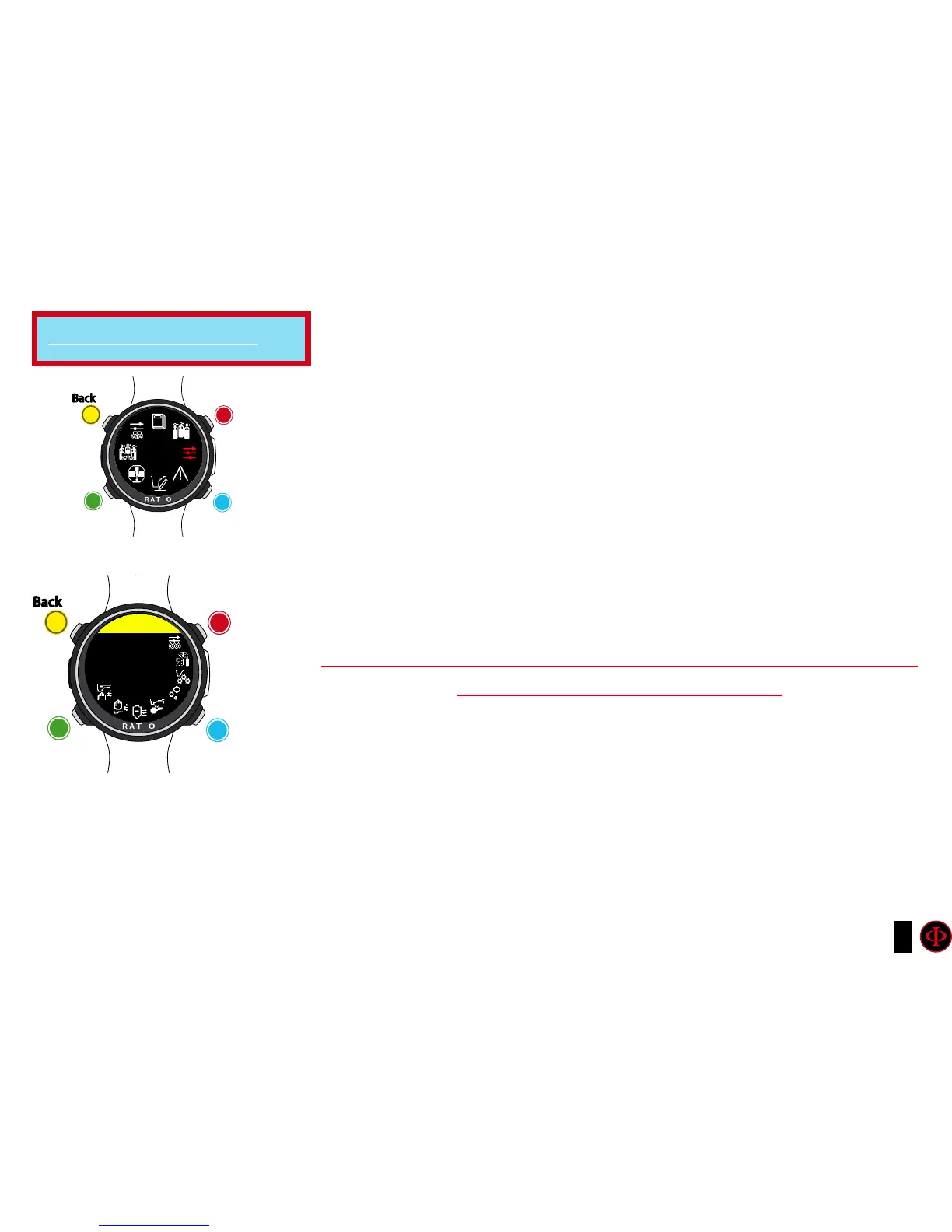
To navigate this menu follow the clues in the picture on the left.
ALGO (Algorithm): Select the decompressive algorithm you want to use for your dive.
BUH/OC: Bühlmann ZHL-16 B and Open Circuit dive
BUH/CCR: Bühlmann ZHL-16 B and Closed Circuit dive
VPM/OC: VPM-B and Open Circuit dive(next page of this manual)
VPM/CCR: VPM-B and Closed Circuit dive(next page of this manual)
If the chosen Algorithm is BUL:
GFL/GFH:
set the Gradient Factor Low (GFL) e Gradient Factor High (GFH).
Attention: The GFL can NEVER be higher than the GFH.
It is possible to set the GFH from 20% to 100% ( 20% < GFH < 100% )
It is possible to set the GFL from 20% to GFH ( 20% < GFL < GFH )
ATTENTION: To change the Gradient Factor’s value a suitable theoretical
knowledge is needed.
DO NOT CHANGE THE GRADIENT FACTOR WITHOUT HAVING
RECEIVED A SUITABLE TRAINING.
The RATIO iDive Color is not responsible for damages to people or objects due to a
wrong setting of such parametres.
For suggested protection levels refer to the previous page of this manual.
Do you know what?:
If you have any doubts on your device’s setting, you can set the company’s parametres from the menu DEFAULT
Do you know what?:
Generally speaking, reducing the GFH involves a computer increasing conservatism. The GFL’s reduction involves a
shift towards a major depth of the first compulsory decompressive stop.
Do you know what?:
With the RATIO iDive Color it is possible to change the value GFL/GFH while diving, to manage possible emergencies.
For iDive Color Tech+ only
clockwise
counter-
clockwise
Enter
Back
b
C
A
D
DIVE
SET
clockwise
or
+
Use B and D to select the setting, use C to enter the
setting you want to change.
(Once you selected the setting with C)
Use B and D to change the value of the setting and press
C to conrm the changes.
counter-
clockwise
or
-
Enter
or
Conrm
Back
b
C
A
D
DIVE SET
CONSERV
GFH: 93
GFL: 93



 To Next Page