47
WARNING: This manual DOES NOT replace an adequate diving training !
DIVE SET (II part)
S. STOP TIME: It sets the Safety Stop’s time in minutes.
You can set the time from 0 to 9 minutes (if 0 the Safety Stop is omitted)
Do you know what?:
The different diving agencies can recommend different times for the Safety Stop.
Ask your Instructor or your diving diving certification agency for the value they suggest.
S. STOP DEPTH: It sets the Safety Stop’s depth.
You can set the Safety Stop’s depth between 3 and 9 metres.
The Safety Stop is carried out one meter deeper, than the depth you have set .
(eg. if S.STOP DEPTH= 5 the stop is carried out from 5.9 metres)
The Safety Stop is recommended only for dives deeper than 9 metres.
The timer is re-set if the depth of 9 metres is passed again.
Do you know what?:
If in the dives with deco, a deco stop is set between 10 and 1 mt, the Safety Stop is automatically omitted.
DEEP STOP: It selects if use the Deep Stops and which algorithm is to be used to
calculate the DEEP STOPS:
OFF: No Deep Stop
STD: Standard Method (half of the max. depth for 2,5 minutes)
LAST STOP AT: (1-10): The depth at which you want to carry out the last
decompression stop (if the dive is outside NDLs and requires decompression stops)
clockwise
counter-
clockwise
Enter
Back
b
C
A
D
DIVE
SET
clockwise
or
+
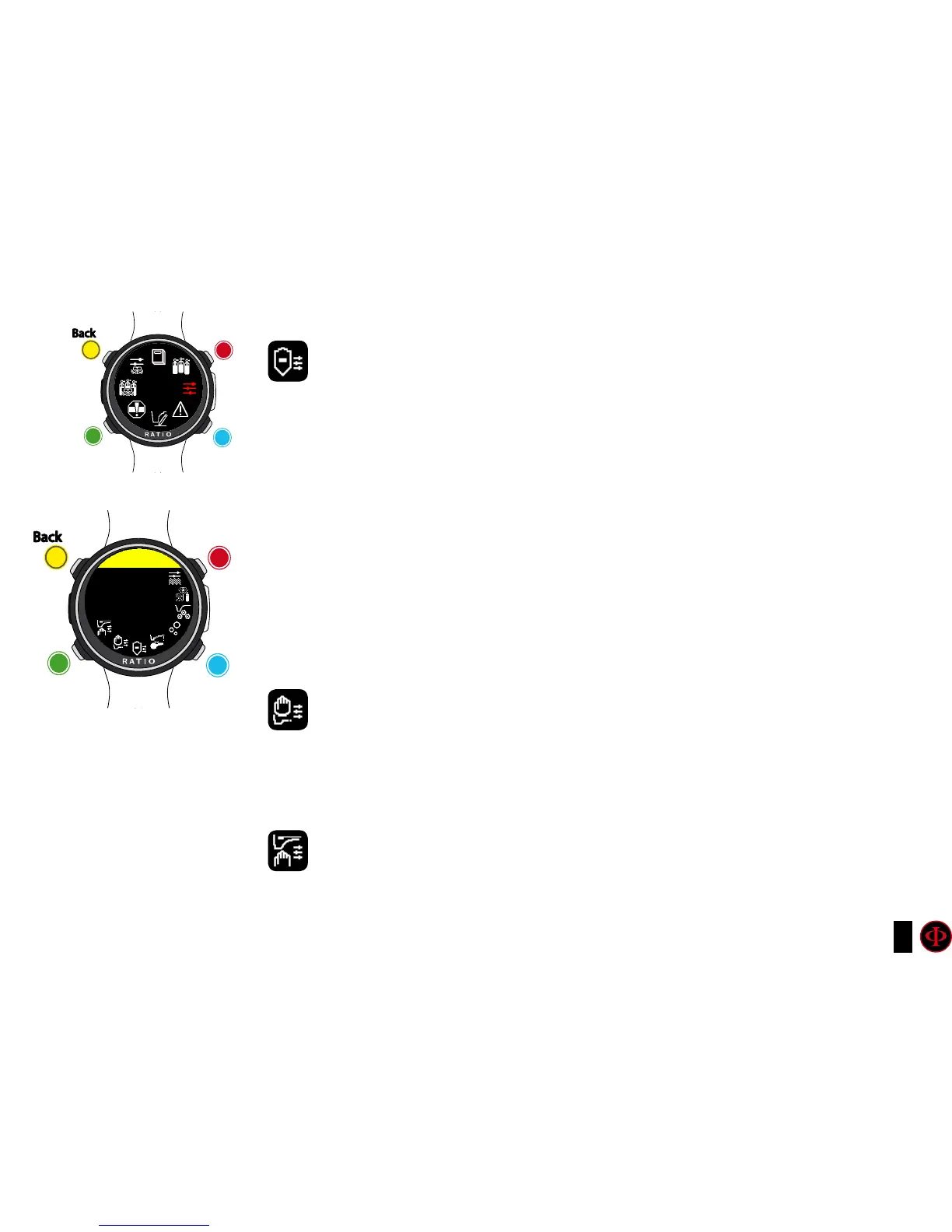
Use B and D to select the setting, use C to enter the
setting you want to change.
(Once you selected the setting with C)
Use B and D to change the value of the setting and press
C to conrm the changes.
counter-
clockwise
or
-
Enter
or
Conrm
Back
b
C
A
D
DIVE SET
S.STOP
TIME: 3
DEPTH: 5



 To Next Page