36
WARNING: This manual DOES NOT replace an adequate diving training !
INFO
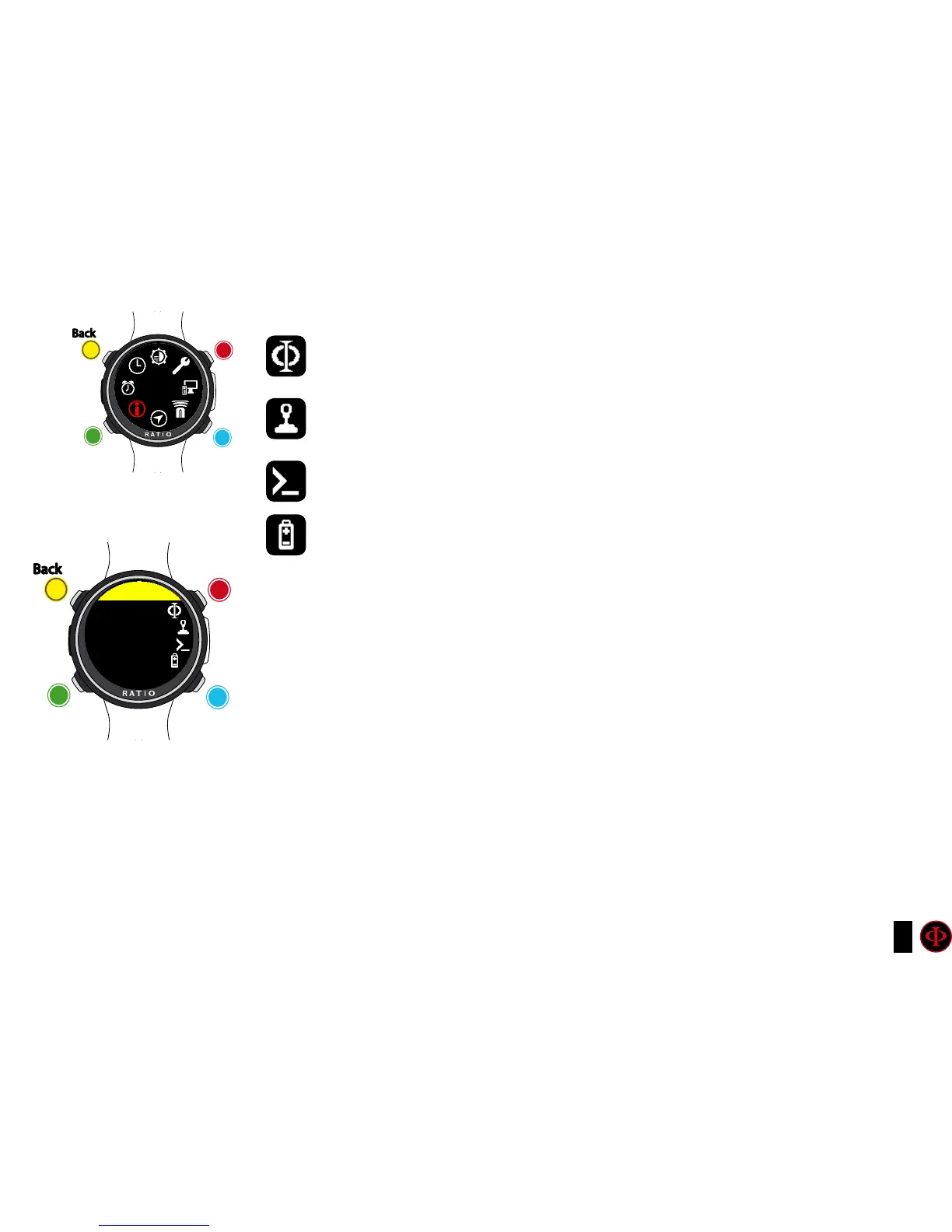
MODEL: Shows the model of your iDive Color.
SERIAL: Shows the serial number of your iDive Color and the date of the
production of the unit.
FW VERS. (Firmware Version): Shows the OS versione installed in the iDive Color.
BATTERY: Shows the current % of battery of the iDive Color, the current voltage of
the battery and the date when the battery has been installed in the unit.
clockwise
clockwise
or
+
Use B and D to select the setting, use C to enter the
setting you want to change.
(Once you selected the setting with C)
Use B and D to change the value of the setting and press
C to conrm the changes.
counter-
clockwise
counter-
clockwise
or
-
Enter
Enter
or
Conrm
Back
Back
b
b
C
C
A
A
D
D
INFO
INFO
MODEL
IDIVE COLOR
TECH
MADE IN
ITALY



 To Next Page