63
WARNING: This manual DOES NOT replace an adequate diving training !
21|00
21|00
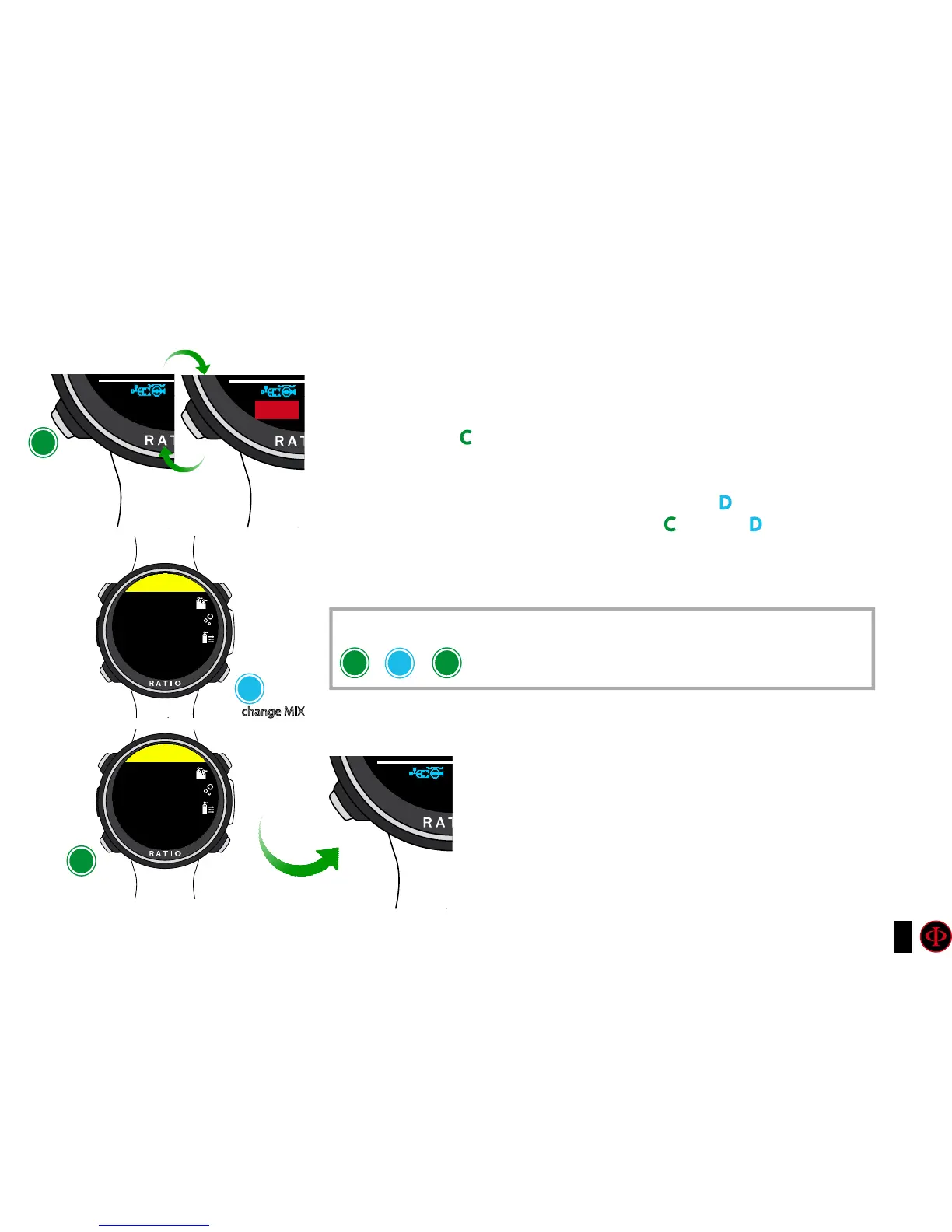
If decompressive mixes are set, the computer will warn the user when it’s the right
moment to change the mix, making the MIX area (on bottom left of the main
screen) blinking (see picture).
Pressing the button C you have access to the screen CHANGE MIX (only if a better
mix is available and the MIX paramtre blinks)
To conrm the mix change select YES (in red) and press D
To refuse the mix change select NO (in red) with C and press D
Once the change is confirmed the new mix will be displayed in the bottom-left
corner of the screen.
What if I can’t change the mix as planned?
If for any reason you are not able to change the mix as
sheduled (e.g. your deco-stage tank is not working) do not
confirm the mix change in the iDive.
The deco stop informations (TTS, DEEP, STOP) will start
decreasing as soon as the deco-time of the active mix
matches up with the deco-time of the “best mix” that you
planned to use.
Mix change during the dive
change MIX
change
mix
conrm
change
C C
C
C
D
D
To confirm the mix change press
in sequence from the dive screen when the word MIX blinks
SETUP
SETUP
21|00
50|00
50|00



 To Next Page