33
WARNING: This manual DOES NOT replace an adequate diving training !
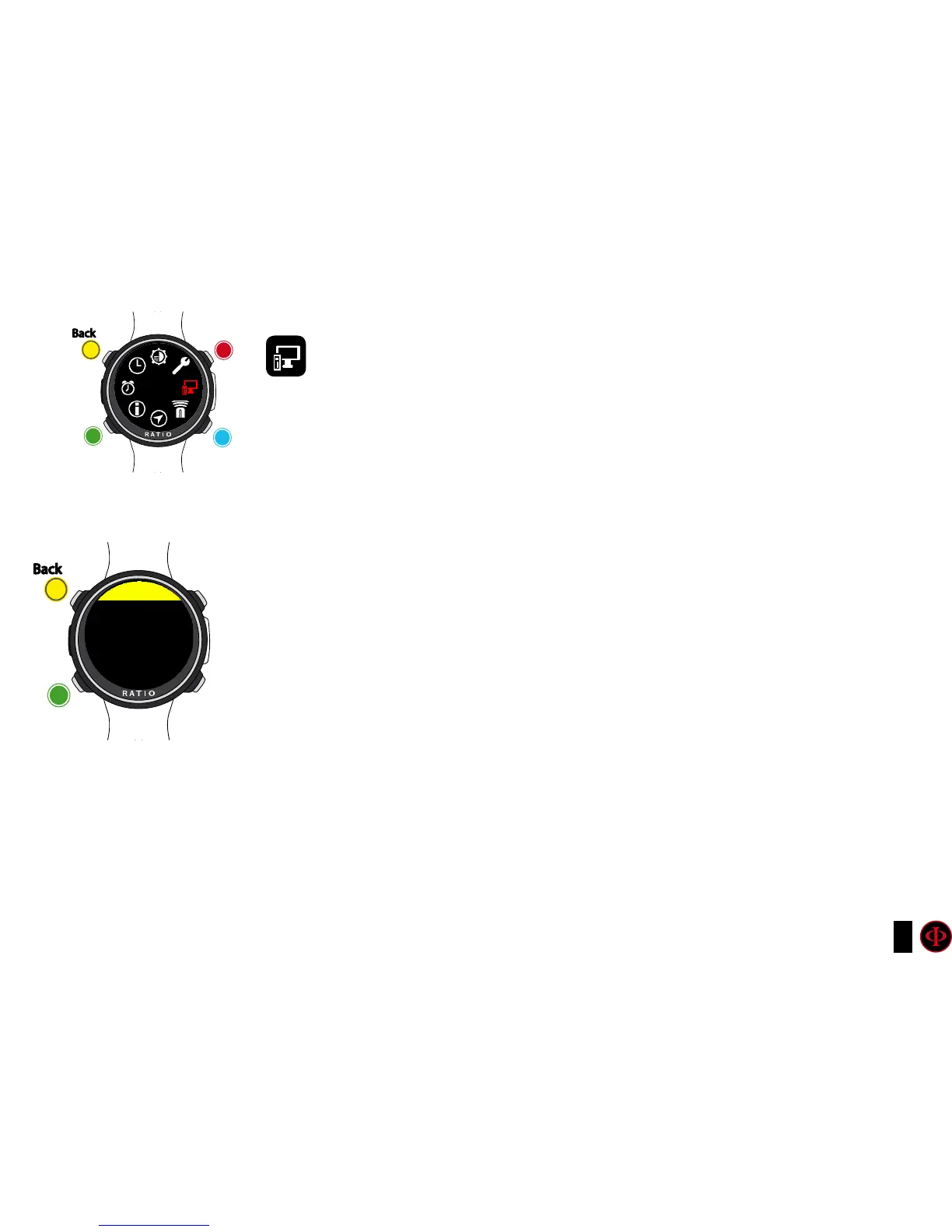
PC MODE (Connect the iDive to PC/Mac)
To connect the iDive to the PC/Mac install the Ratio ToolBox
(available for free in the web site www.ratio-computers.com/support)
Refer to the step-by-step tutorial availabe at ratio-computers.com/support to install
the Ratio ToolBox and to connect the iDive Color.
clockwise
Use B and D to select the setting, use C to enter the
setting you want to change.
(Once you selected the setting with C)
Use B and D to change the value of the setting and press
C to conrm the changes.
counter-
clockwise
Enter
Exit
Back
Back
b
C
C
A
A
D
PC MODE
PC MODE
S/N: 000000
READY
EXIT



 To Next Page