53
WARNING: This manual DOES NOT replace an adequate diving training !
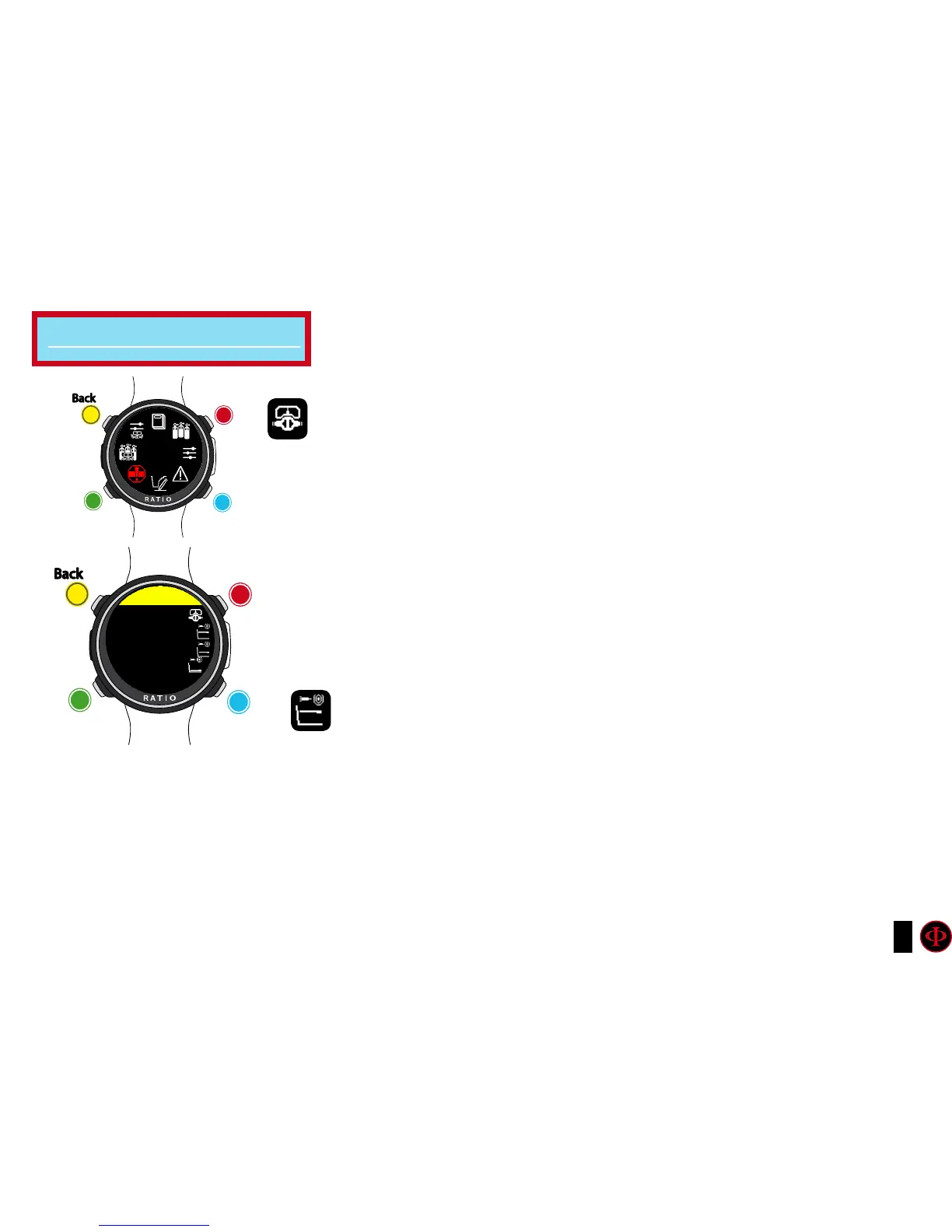
CCR SET (for iDive Color Tech+ only)
ATTENTION: The CCR SET is active ONLY if the DIVE SET -> ALGO is BUL/CC
or VPM/CC
CCR SP MODE (SETPOINT MODE):
AUTO = During the dive the iDive Color Tech+ will automatically switch from LEG1-SP to LEG2-
SP at LEG1-DEPTH, from LEG2-SP to LEG3-SP at LEG2-DEPTH 2 and (during the ascending) from
LEG3-SP to LEG2-SP at LEG2-DEPTH and LEG2-SP to LEG1-SP at LEG1-DEPTH.
MAN= The Set Point have to be managed manually during the dive.
(See “Change the set point during a dive” on this manual)
During the dive you can switch from AUTO to MAN,
During the dive you can NOT switch from MAN to AUTO.
(See “Change the set point during a dive” on this manual)
LEG1: First Zone: Set Point (SP) to be used from the surface to depth DEPTH1.
LEG2: Second Zone: Set Point (SP) to be used from DEPTH1 to DEPTH 2.
LEG3: Third Zone: Set Point (SP) to be used from DEPTH2 to the maximum
depth reached during the dive
SP (SETPOINT): Range 0.40 a 1.60 (step 0.05)
DEPTH: Depth in mt or ft (step 1mt)
Attention: Enable the Rebreather mode (CCR) only for dives with rebreather. The CCR mode is not suitable for dives in open circuit!
Attention: Diving with Rebreather requires a specific training !!!
Diving with Rebreather without a suitable training or without the due caution can cause injuries or death.
Refer to your Rebreather instructor to get instructions on how to set the SET POINT.
for iDive Color Tech+ only
clockwise
counter-
clockwise
Enter
Back
b
C
A
D
DECO
STOPS
Use B and D to select the setting, use C to enter the
setting you want to change.
(Once you selected the setting with C)
Use B and D to change the value of the setting and press
C to conrm the changes.
clockwise
or
+
counter-
clockwise
or
-
Enter
or
Conrm
Back
b
C
A
D
CCR SET
LEG1
SP: 0.70
DEPTH: 5



 To Next Page