38
WARNING: This manual DOES NOT replace an adequate diving training !
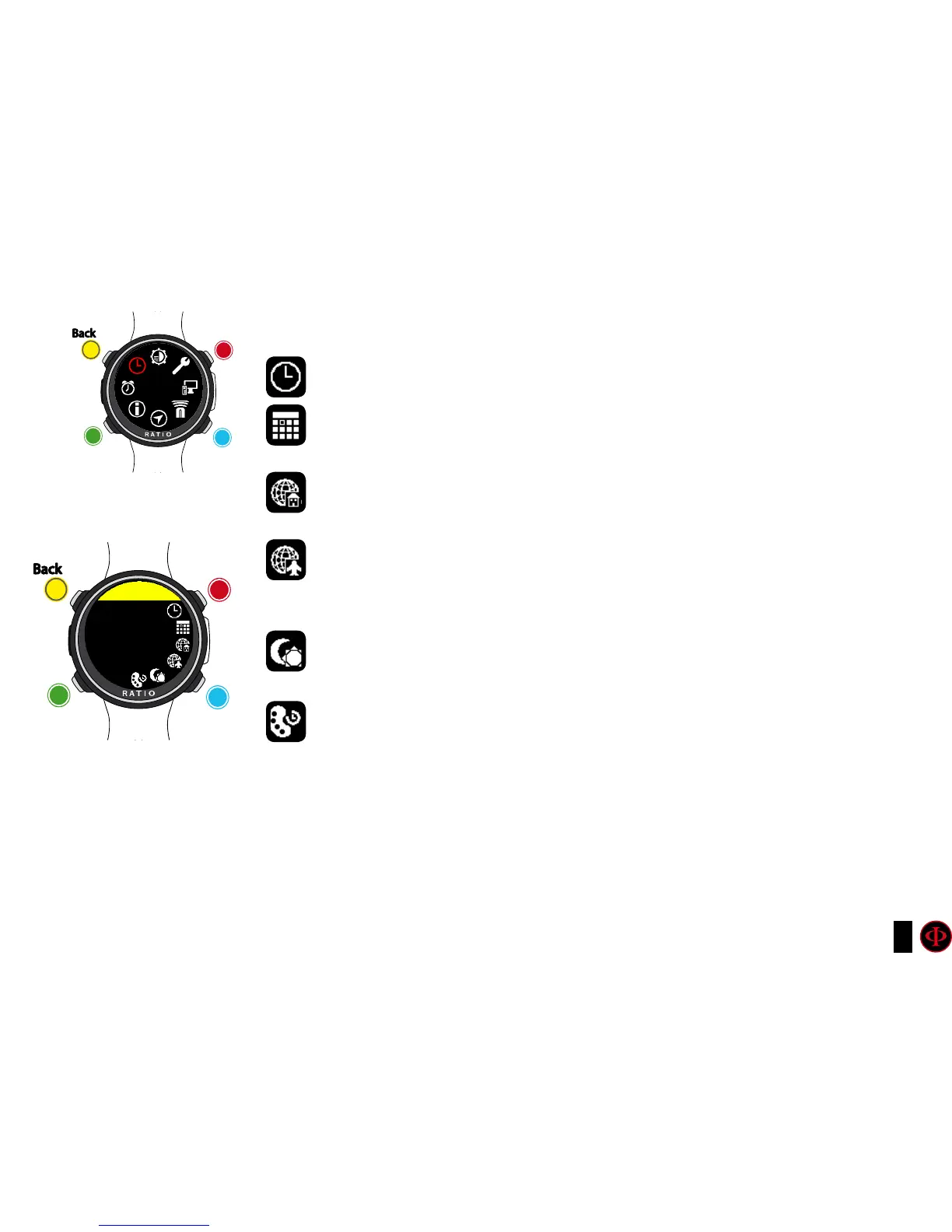
DATE & TIME
TIME: Set the GMT in hours, minutes, seconds
DATE: Set the date.
UTC1: Set the main UTC (usually your home UTC).
UTC2: Set the second UTC, if UTC2 is different from UTC1 a sencond time will be
displayed on the watch screen.
FORMAT: (24/12) Set the time/date format you prefer (24 hr or 12hr).
RING COLOR: Set the color of the ring shown in the watch mode. Set it on BLACK
to disable the color ring.
clockwise
clockwise
or
+
Use B and D to select the setting, use C to enter the
setting you want to change.
(Once you selected the setting with C)
Use B and D to change the value of the setting and press
C to conrm the changes.
counter-
clockwise
counter-
clockwise
or
-
Enter
Enter
or
Conrm
Back
Back
b
b
C
C
A
A
D
D
DATE
TIME
DATE TIME
TIME
12:30:50



 To Next Page