50
WARNING: This manual DOES NOT replace an adequate diving training !
PLANNER (Deco Planner)
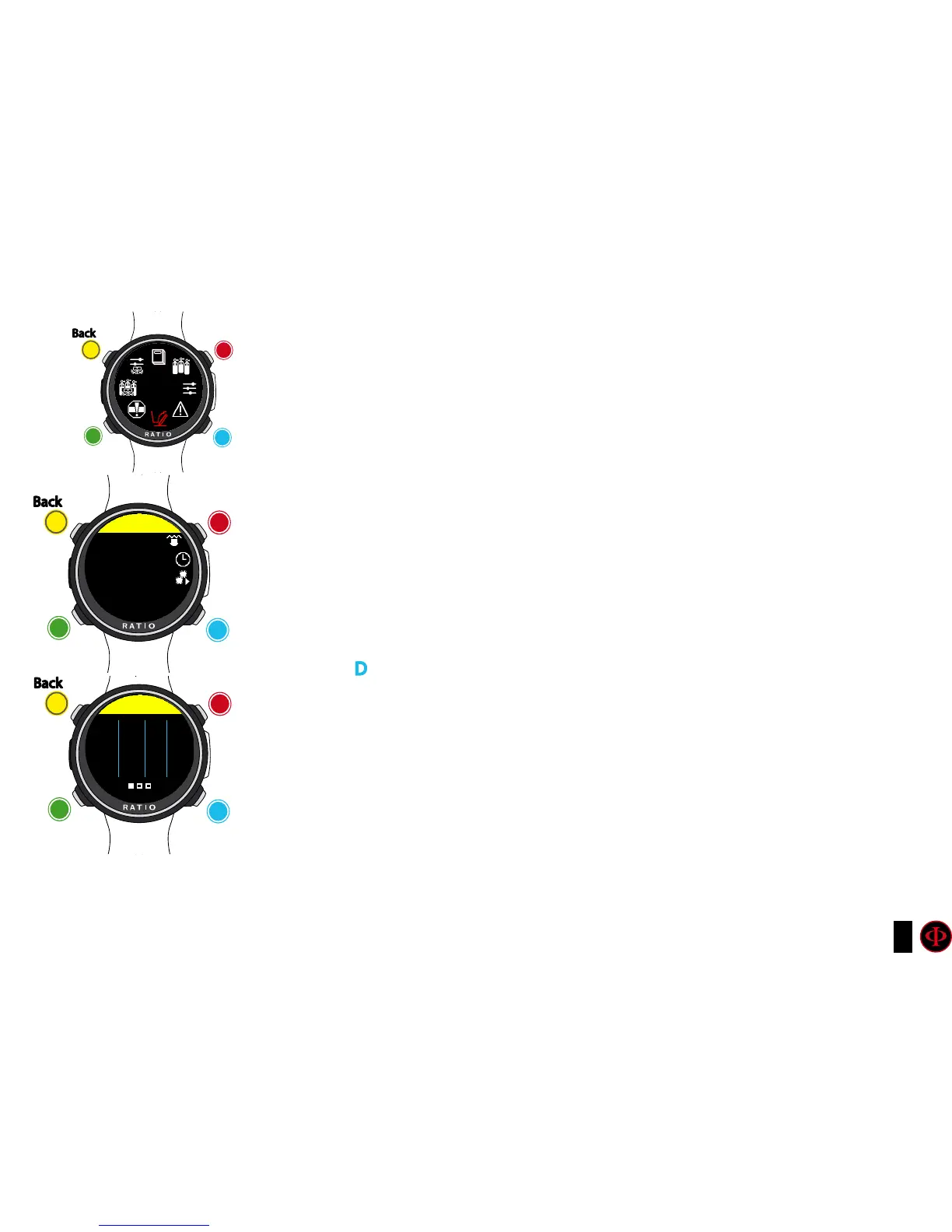
To navigate the menu follow the instructions in the picture on the left.
The RATIO iDive Color integrates a complete planner for square dives for both BUL & VPM
Attention: To modify the dive parametres set the device as desired entering the
menu DIVE SET and the menu MIX
For DEPTH, TIME and EVALUATE make reference to “NDL Planner” (previous page)
If the dive is outside safety parametres:
DEPTH: It indicates the decompression stop depth (in metres if not modified)
TIME: It indicates the decompression stop duration (in minutes)
RTIME: It indicates the run time (time from the dive’s beginning) to the
decompression stop
MIX: It indicates the mix used to calculate the decompression (to be set in
menu MIX)
Press D to pass to the next screen to visualize CNS e OTU.
ATTENTION: the planner uses 18 mt/min as descent speed and 9 mt/min as ascent speed for
the decompression calculations .
The iDive Color will highlight in red a deco stop if the planned PpO2 is above maximum threshold.
ATTENTION: The function Planner doesn’t carry out the profile “validation”, i.e. it doesn’t
consider a possible excess of CNS, limits on mixes’ volumetric availability, a possible isobaric
counterdiffusion due to a mix change.
To plan a technical dive properly, a suitable training is necessary.
Make reference to your instructor or to your diving certification agency you belong to in case of
doubts about planning a dive.
clockwise
counter-
clockwise
Enter
Back
b
C
A
D
PLANNER
clockwise
or
+
Use B and D to select the setting, use C to enter the
setting you want to change.
(Once you selected the setting with C)
Use B and D to change the value of the setting and press
C to conrm the changes.
counter-
clockwise
or
-
Enter
or
Conrm
Back
b
C
A
D
PLANNER
DEPTH
40
clockwise
or
+
counter-
clockwise
or
-
Enter
or
Conrm
Back
b
C
A
D
PLANNER
DPT
0
3
6
RTIME
33
29
24
TIME
0
4
4
MIX
21/00
50/00
50/00



 To Next Page