34
WARNING: This manual DOES NOT replace an adequate diving training !
TRANSMITTERS
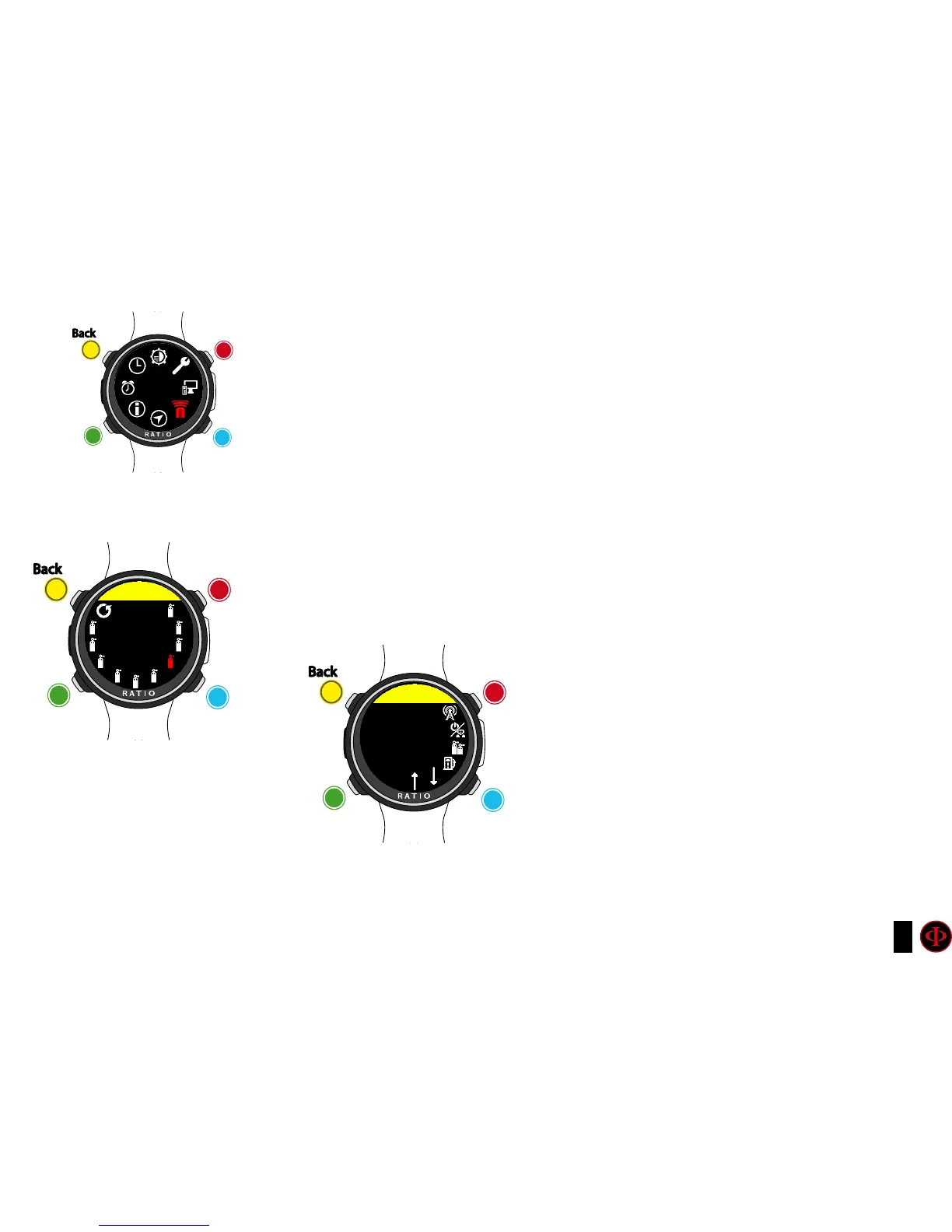
iDive Color is able to handle more than one transmitter at the time (multi transmitter).
The iDive Color Tech+ can handle up to 10 transmitters,
The iDive Color Deep can handle up to 3 transmitters,
The iDive Color Easy can handle up to 2 transmitters,
The RATIO® CC Transmitter dedicated manual (how to pair, how to use, etc.) is available at:
http://www.ratio-computers.com/support/
(manuals section)
clockwise
clockwise
or
+
Use B and D to select the setting, use C to enter the
setting you want to change.
(Once you selected the setting with C)
Use B and D to change the value of the setting and press
C to conrm the changes.
counter-
clockwise
counter-
clockwise
or
-
Enter
Enter
or
Conrm
Back
Back
b
b
C
C
A
A
D
D
TRANSM
TRANSM
ID 3
MIX: 21/00
0
1
2
3
4
5
6
7
8
9
MODE: OFF
clockwise
or
+
counter-
clockwise
or
-
Enter
or
Conrm
Back
b
C
A
D
TX3
CHANNEL
OFF



 To Next Page