42
WARNING: This manual DOES NOT replace an adequate diving training !
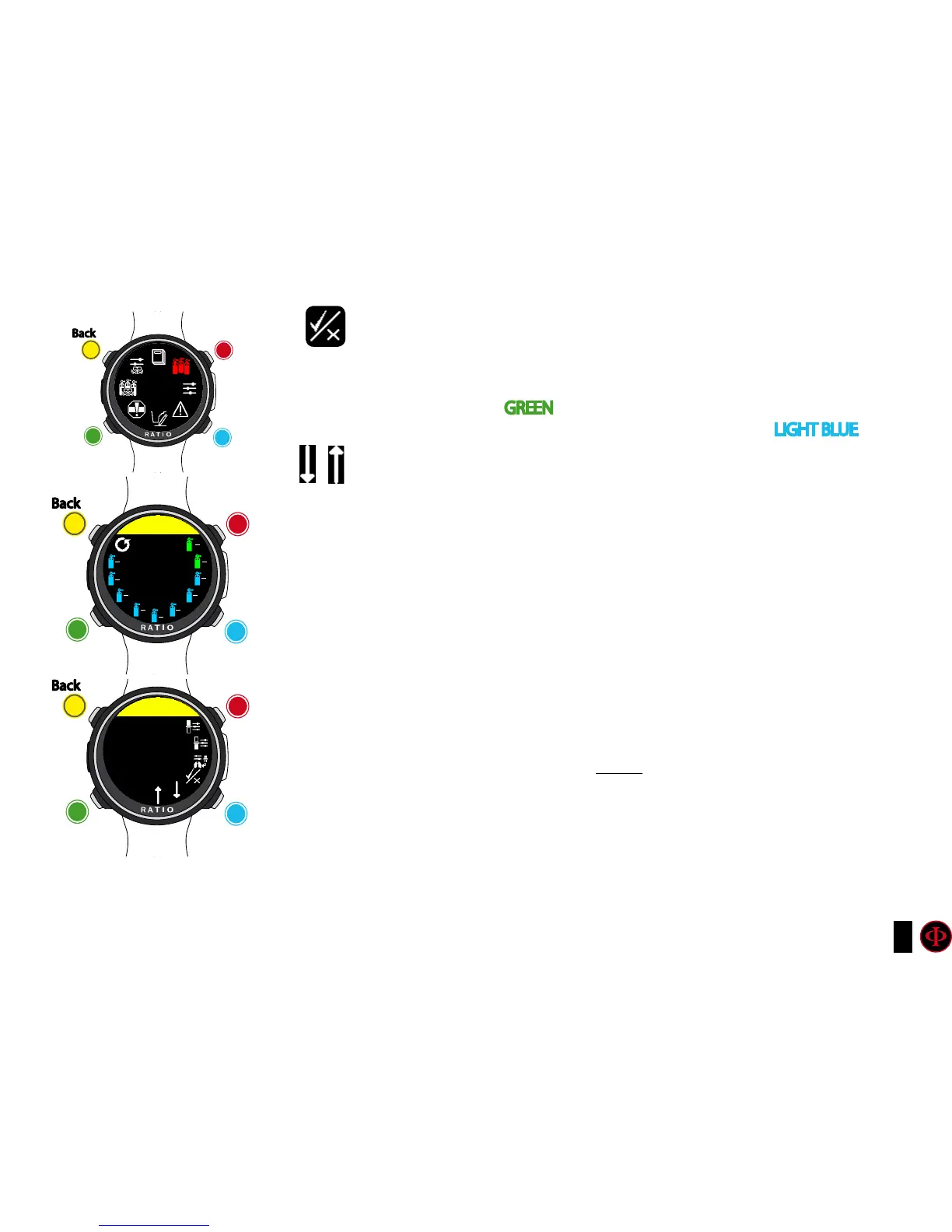
ENABLE / DISABLE: It indicates if the mix has to be used as decompressive
or not.
If set on YES the device considers the mix change in the calculation
of decompression at the depth indicated by the MOD (Enabled tanks
are shown in
GREEN
If set on NO the Mix table is deactivated (shown in
LIGHT BLUE )
GO TO PREVIOUS MIX and GO TO NEXT MIX
Do you know what?: With the iDive Color you can enable/deactivate the MIX while
diving. This is particularly useful in case of loss of one decompressive gas or if you
forgot to set the device correctly before diving!
Diving with more than 1 mix
ATTENTION: Mix 1 is always the starting one.
The iDive Color will automatically suggest a mix as soon as a best deco mix is available
considering the MOD of the set mixes regardless the label of the mix (Mix 2, Mix 3 etc.)
The iDive Color suggest the “best mix” during the ascent and during the descent.
If you don’t want to use the best mix during the descent phase ignore the suggestion.
The iDive Color will adjust the deco calculations automatically.
WARNING: The iDive Color will calculate the TTS considering alle the active mixes
(ENABLED), double check the MIX TABLE before each dive!
clockwise
counter-
clockwise
Enter
Back
b
C
A
D
MIXES
TAbLE
clockwise
or
+
Use B and D to select the setting, use C to enter the
setting you want to change.
(Once you selected the setting with C)
Use B and D to change the value of the setting and press
C to conrm the changes.
counter-
clockwise
or
-
Enter
or
Conrm
Back
b
C
A
D
MIXES
MIX 2
MIX: 50/00
21
00
50
00
99
00
18
45
17
50
15
55
10
50
05
70
10
70
15
70
MOD: 18
ENAbLED
clockwise
or
+
counter-
clockwise
or
-
Enter
or
Conrm
Back
b
C
A
D
MIX 2
O2
50



 To Next Page