Instructions for Use RAUMEDIC
MPR2 logO
Manufacturer: zwo-400EN
RAUMEDIC AG, Hermann-Staudinger-Strasse 2, 95233 Helmbrechts, Germany Rev. 9 2020-09-22
Page 27 of 99
4.1.2.1 Information field
The following data are always displayed in the information field:
• Screen number for the data field (see below)
• Patient ID
• Time and date
• Battery charge condition (symbol)
• Available memory capacity, i.e. the free memory is symbolised, thus the same logic as in the
battery charge condition shall apply: a lot = good
• Memory mode (SP or LP)
• Alarm symbol (indicates the alarm clearing when crossed out)
4.1.2.2 Navigation field
The navigation field contains the designations of the contextually defined programmable function keys (F
keys). The F keys are arranged next to the display in such a way that the designation is indicated right next
to the respective key when the key has been allocated to a function by the software of the MPR2.
4.1.2.3 Data field
The data field is used to display the data measured.
There are three different data displays and in addition the window for device configuration. Hereinafter, they
will be referred to as screens for short. Each screen is identified by a number 1 to 4, which is displayed in
the information field.
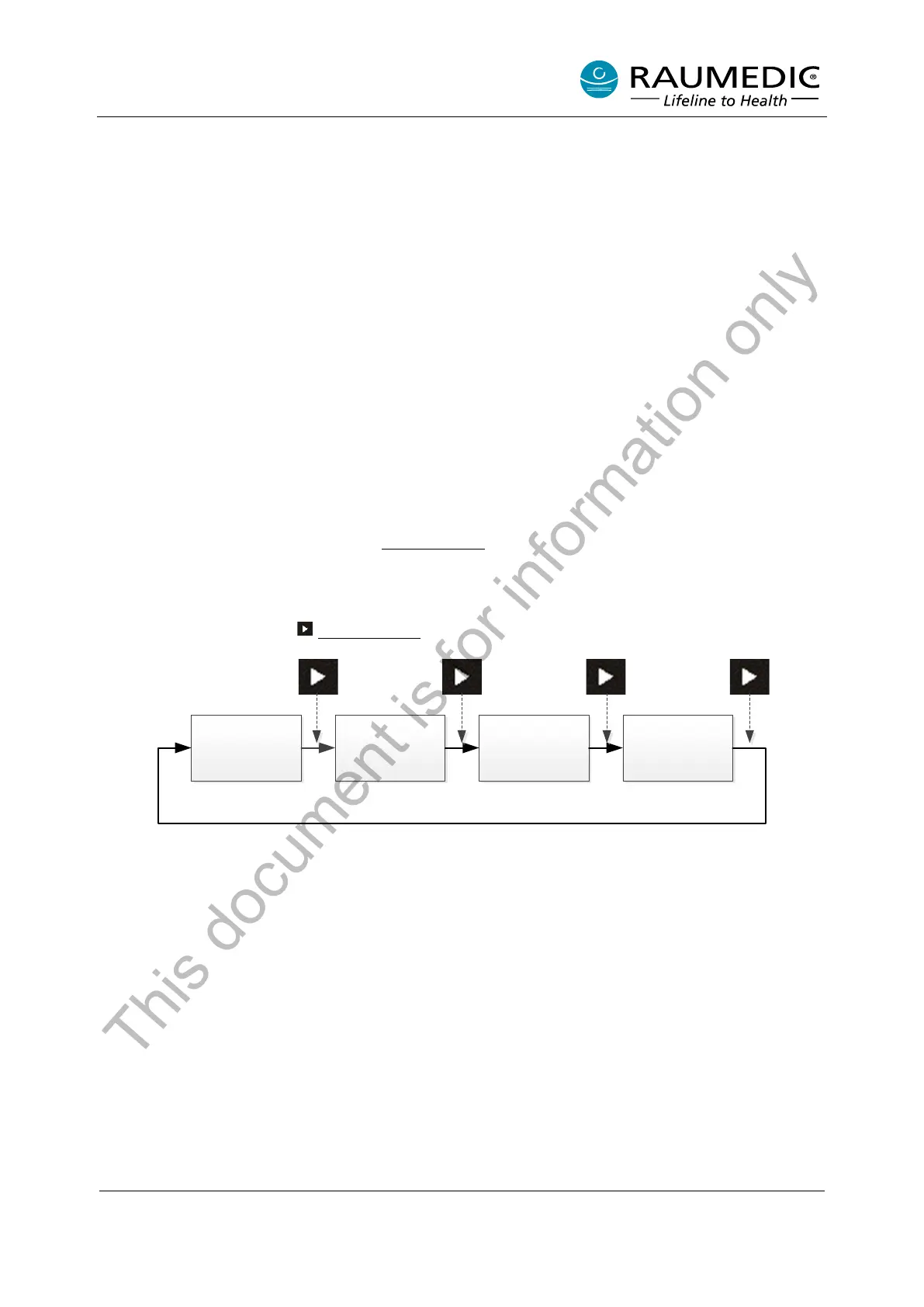
The screens have a fixed sequence; the screen forward key (also referred to as screen selector key) can
be used to skip between the individual screens.
The following three symbols are available: digital display, graphics and trend.
In base condition (i.e. after the apparatus has been switched on), the start screen will always be displayed
(cf. Fig. 8).
By repeated actuation of the screen forward key, you skip between the individual screens:
Overview
[1]
Overview
[2]
Overview
[3]
Overview
[4]
1x 2x 3x 4x
This document is for information only



 To Next Page