Instructions for Use RAUMEDIC
MPR2 logO
Manufacturer: zwo-400EN
RAUMEDIC AG, Hermann-Staudinger-Strasse 2, 95233 Helmbrechts, Germany Rev. 9 2020-09-22
Page 73 of 99
4.9.2.3 Scaling
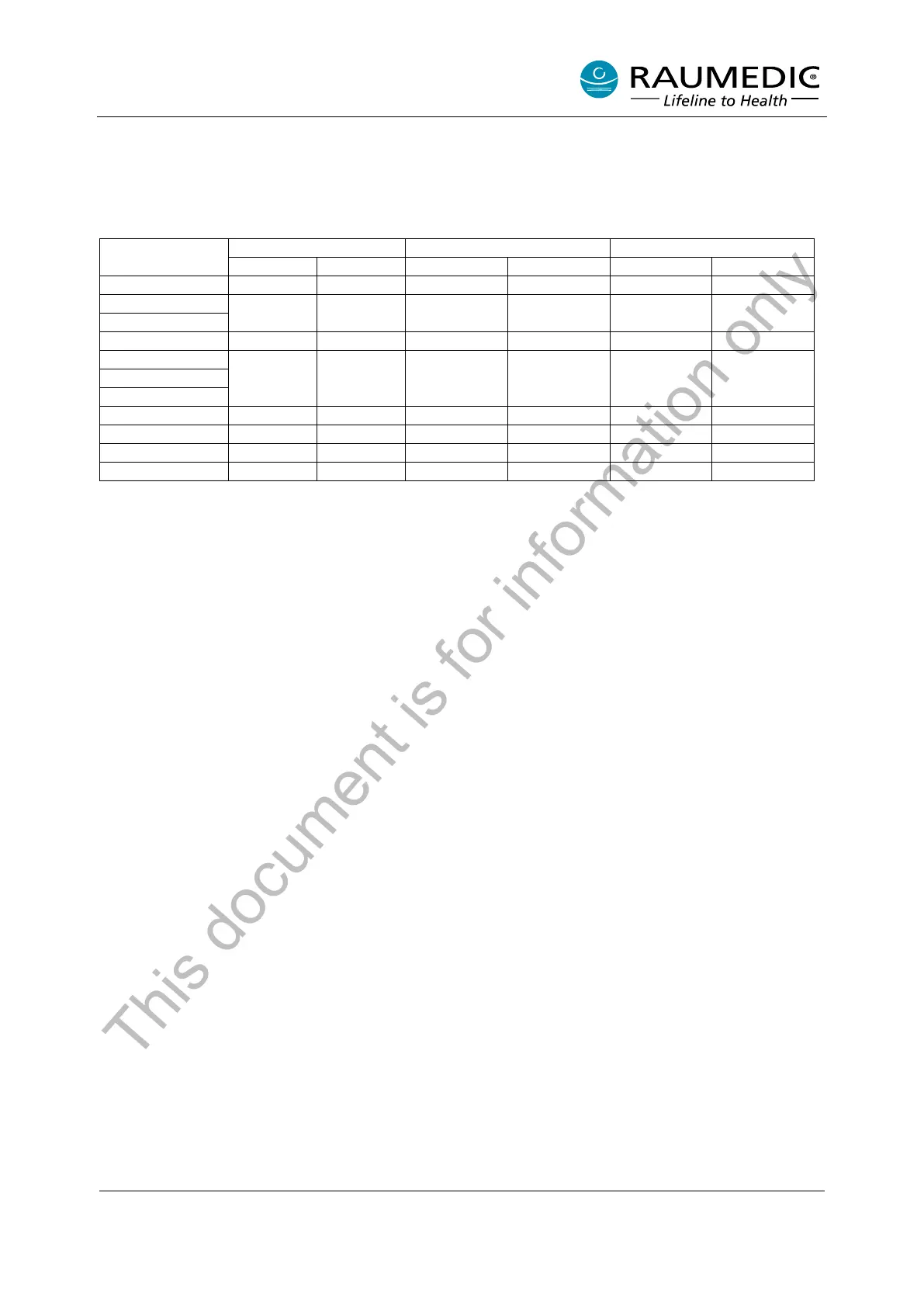
In the works of the manufacturer the scaling mode has been set to “Automatic” which means that the scaling
is automatically adapted to the signal value. Alternatively, one of the three following setups can be chosen
for the scaling. At the point of delivery, the setups have been set according to the following table
(modifications of the setup settings cf. chapter 5.9.10 Changing the operator settings).
0 50 0 20 -10 100
-20 400 -20 400 -20 400
4.9.3 Saving the alarm settings
The factory settings for the alarms (alarm limits and their alarm activation) can be changed at any time. The
limiting alarm values and the alarm release settings will be retained after the apparatus has been switched
off. The next measurement with the apparatus will activate the settings of the last measurement by selecting
the “Cur” option in the “Selection alarm limiting values” menu item after the apparatus has been switched
on (cf. chapter 4.3 Selecting the limiting alarm values).
4.9.4 Technical alarms
Technical alarms are subdivided into alarms which indicate conditions under which a correct operation of
the apparatus is no longer ensured or where this fact has to be expected, respectively, and into those
alarms in which measuring or saving functions can no longer be carried out at all or to a limited extent only
because a sensor has been removed or due to a memory overflow, but the problem has no or could have
no technical reason.
Hereinafter the first will be referred to as apparatus alarms and the latter as sensor alarms. The difference
between the two is that the alarm key in case of sensor alarms also resets the optical alarm signal.
4.9.4.1 Apparatus alarms
The following apparatus alarms are distinguished:
1. Battery discharged
The alarm will be activated thirty minutes prior to automatic shut-down, which means that the alarm is
activated when the calculated time remaining drops below the thirty-minute limit.
In case of an alarm, an alarm sound of medium priority is produced and the battery symbol flashes.
In case of this alarm, the AUDIO OFF function can only switch off the acoustic signal.
2. Memory full
The alarm Memory full will be activated when the available capacity remaining drops below a recording
period of thirty minutes. In case of an alarm, an alarm sound of medium priority is produced and the battery
symbol flashes.
In case of both alarms, the muting / reset function will switch off the acoustic signal only.
In conjunction with the info message, this alarm behaves like a sensor alarm. If the info message is viewed,
the alarm is erased, but the memory filling level indicator continues to flash.
This document is for information only



 To Next Page