Instructions for Use RAUMEDIC
MPR2 logO
Manufacturer: zwo-400EN
RAUMEDIC AG, Hermann-Staudinger-Strasse 2, 95233 Helmbrechts, Germany Rev. 9 2020-09-22
Page 55 of 99
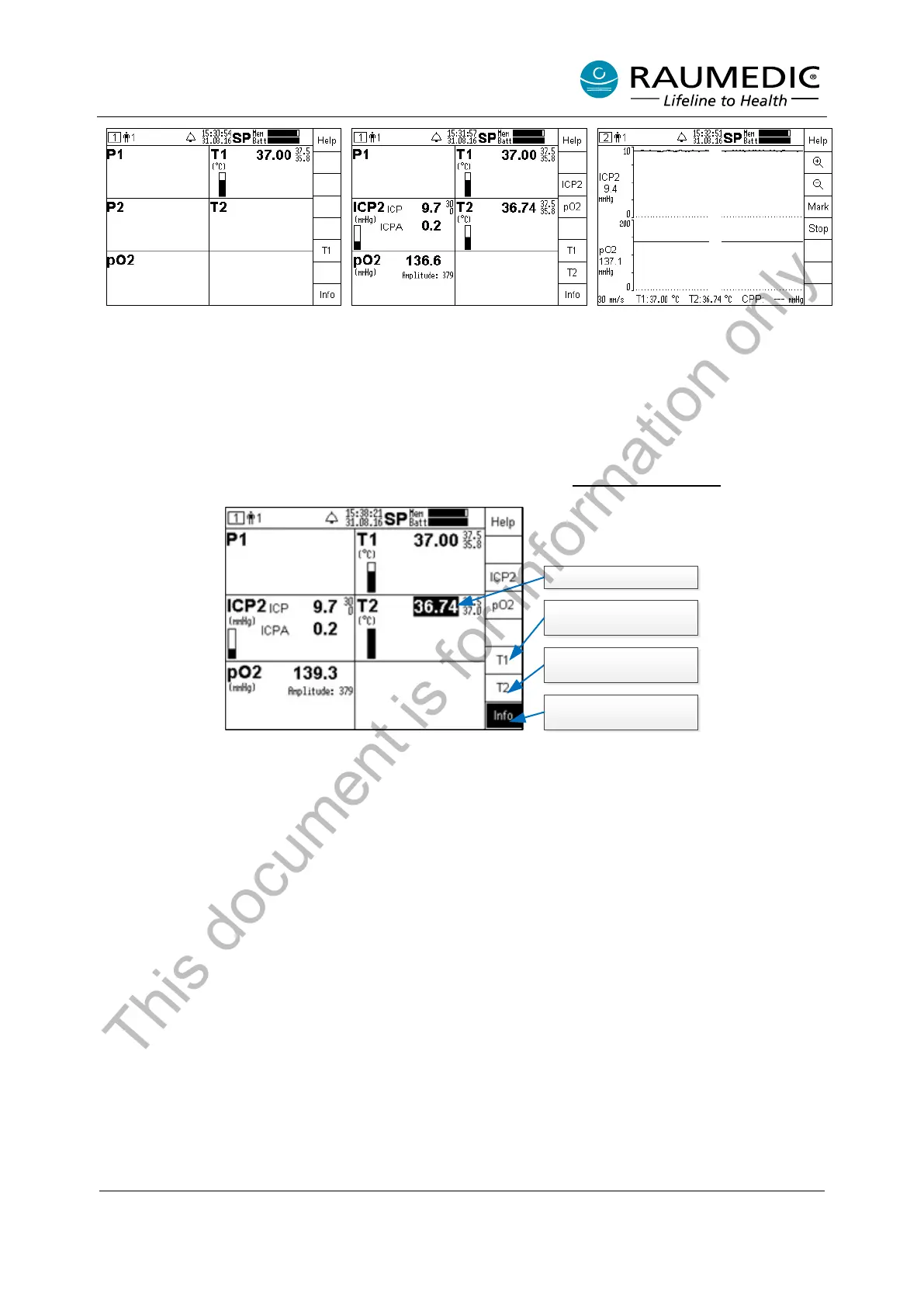
connected to input T1.
Second temperature sensor
connected to input T2.
In the graphics screen, the
temperatures are displayed as
numerical values only.
After the temperature sensor has been connected, the display field, which has been allocated to the
temperature input, will display the numerical value of the temperature measured. For the settings of the
limiting alarm values the settings mode is active first which you have selected in the window Selection alarm
limiting values when the unit was started. For data on the basic settings of the alarm limits, the alarm
activation and the settings of the alarm limits, please refer to chapter 4.9.2 Factory settings
.
Optical alarm T2
Other settings T1
Alarm limits
Information
(on alarms, for example).
Other settings T2
Alarm limits
This document is for information only



 To Next Page