Instructions for Use RAUMEDIC
MPR2 logO
Manufacturer: zwo-400EN
RAUMEDIC AG, Hermann-Staudinger-Strasse 2, 95233 Helmbrechts, Germany Rev. 9 2020-09-22
Page 79 of 99
Fault
Possible cause
Rectification
No partial oxygen
partial pressure
measurable while
temperature T2 is
displayed
Cable LWL not or not
properly connected
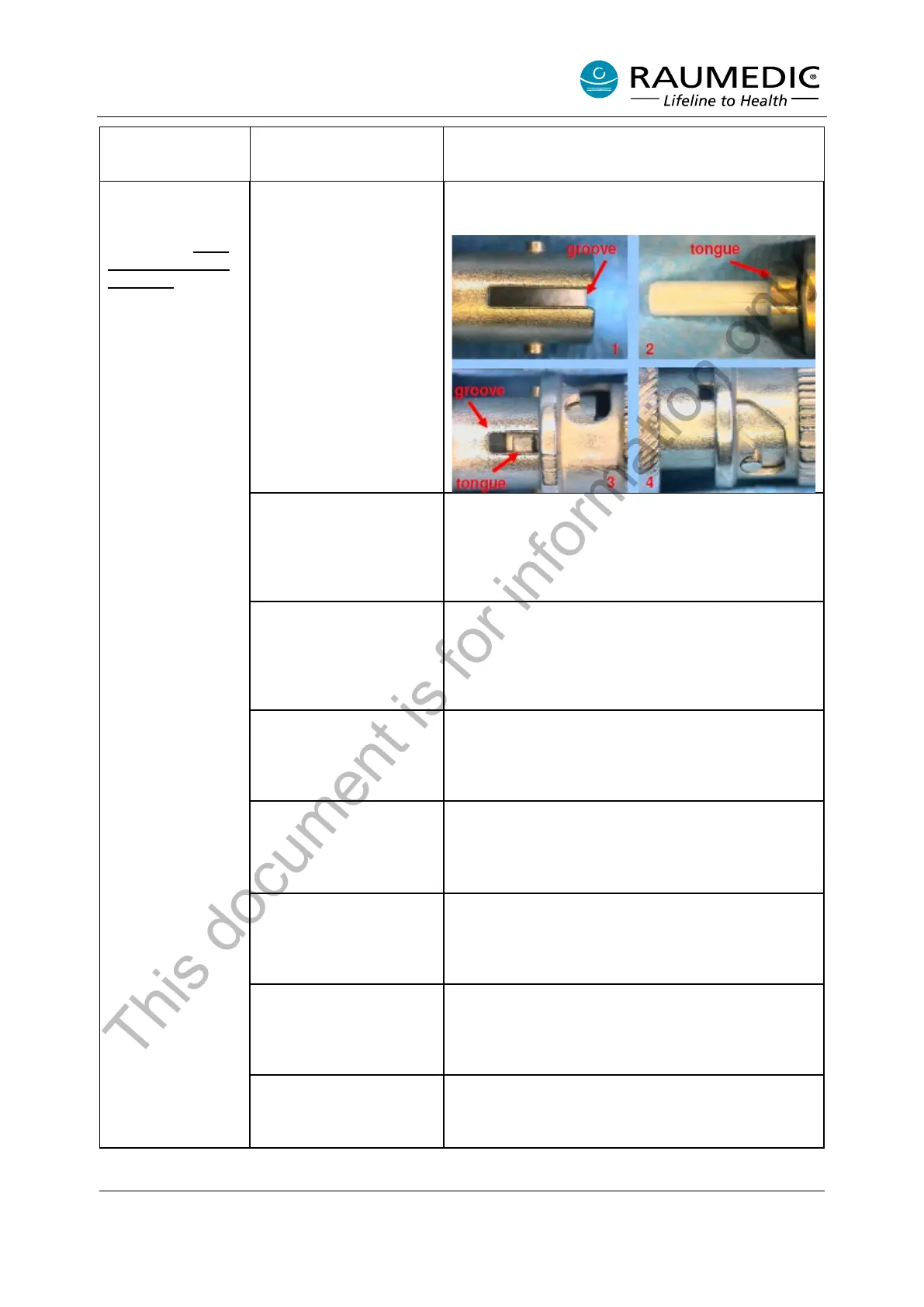
Connect Cable LWL in correct way. Follow steps
below:
Optical fiber is broken
inside catheter
Change catheter. If catheter is working properly and
pO2-measurement is activated a green blinking light
at the catheter tip must be visible in dark
environment.
Cable LWL is defect
Change Cable LWL. If cable is working properly and
pO2-measurement is activated a green blinking light
at the cable end (catheter side) must be visible in
dark environment.
ST-Connector
(Connector pO2 at
MPR2) is defect
Change MPR2. MPR2 with malfunction has to be
send to service.
Dirt on optical connector
at the catheter
Check amplitude at MPR2. Normal value > 375.
Clean optical connector at the catheter.
Follow additional references.
Dirt on optical connector
at cable LWL
Check amplitude at MPR2. Normal value > 375.
Clean optical connector at the catheter.
Follow additional references.
Dirt on optical connector
at MPR2
Check amplitude at MPR2. Normal value > 375.
Clean optical connector at the catheter.
Follow additional references.
pO2 deactivated at
MPR2
Change device settings. Activate pO2 channel.
This document is for information only



 To Next Page