Whenthebreak
erisswitchedbackonorthepowercableisreconnected
thedisplaywillremainpoweredoff,untilswitchedbackonusingthe[Power]
button.
Switchingactiveapp
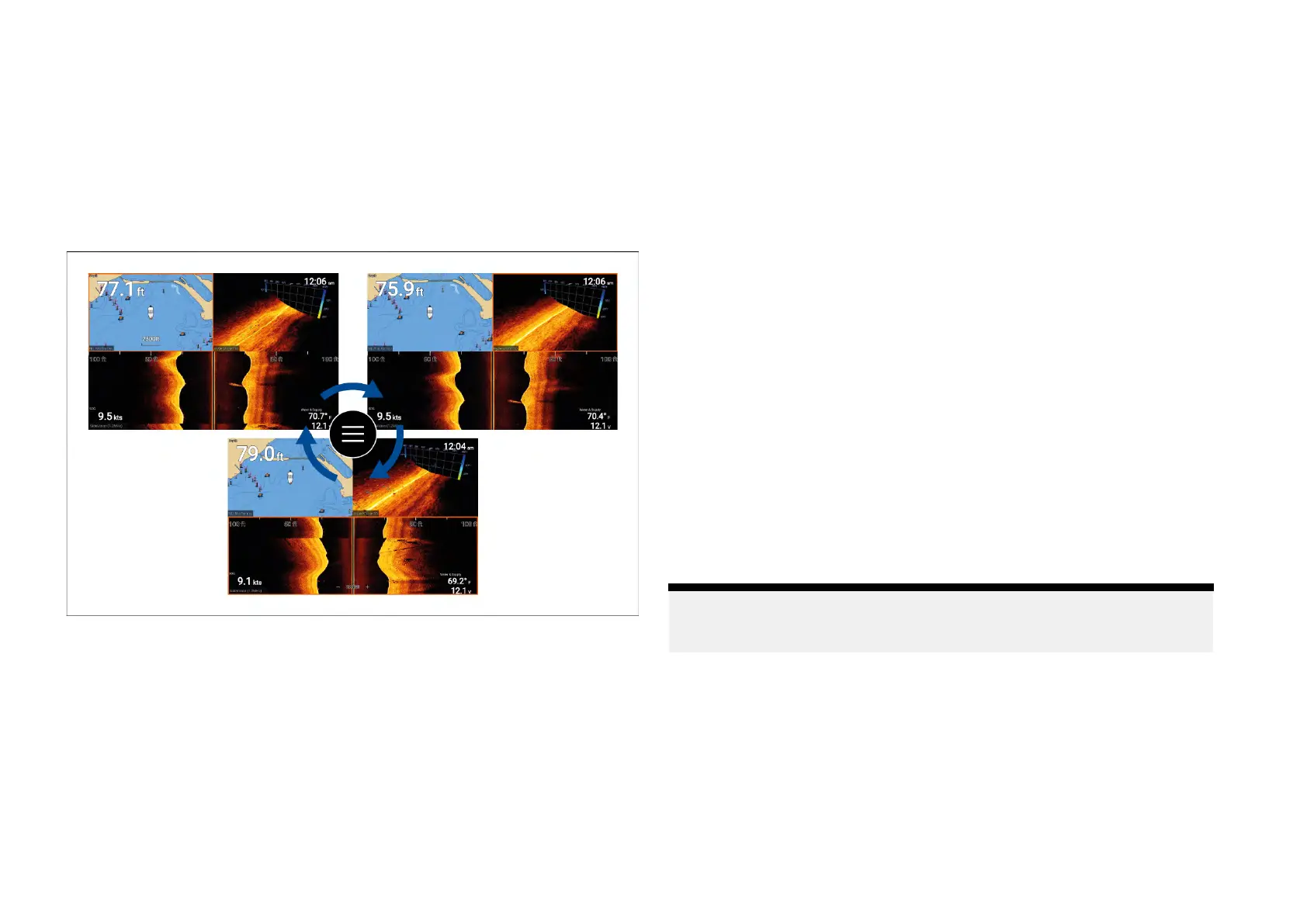
Onapppagesthatcontainmorethan1appyoucanselectwhichapphasthe
currentfocus(i.e.:whichapprespondstoyourcontrol).
Pressandholdthe[Menu]buttontomovefocustothenextapp.
Inadditiontopressingandholdingonthe[Menu]buttonyoucanalsoswitch
appfocusfromtheappmenu.Withamultiapppagedisplayed:
1.Pressthe[Menu]button.
2.Highlightthe[S
witchto]option.
3.Inapppageswithmorethan2apps,usethe[Right]and[Left]buttonsto
highlighttheappyouwanttomakeactive.
4.Pressthe[OK]button.
5.Pressthe[Back]buttontoclosethemenu.
4.2Gettingstarted
Startupwizard
Thefirsttimethedisplayispoweredup,oraftera[Factoryreset]thestartup
wizardisdisplayed.
Thestartupwizardguidesyouthroughtheconfigurationofimportantdisplay
settings.
Thesettingsincludedinthestartupwizardarelistedbelow:
•Userinterfacelanguage—foralistofavailableuserinterfacelanguages
see:Languages
•Activity—activityselectiondeterminesdefaultsettingsandhomescreen
apppageicons:
–Fishing(inland)
–Fishing(coastal)
–Fishing(ice)
–Motorcruising
–Sailing
–Paddle
–Other
•*Boatdetails—boatdetailsincludeimportantsafetyrelatedsettings:
Note:*Boatdetailsareskippedwhenthe[Fishing(ice)]activityis
selected.Ifrequired,boatdetailscanbeconfiguredmanuallyfromthe
[Boatdetails]settingstab.
–Safetyclearances
–Numberofengines
–Numberoftank
s
–Numberofbatteries
–Sonartransducerselection
–Radarselection
Setup
23





 To Next Page