Chapter 1: Operation 5
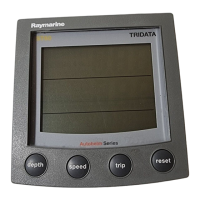
2. Use the reset button to select the timescale value you want.
3. Hold down the
reset button for 1 second, to return to the normal display,
with the new timescale selected.
1.3 Chapter and page details
This section lists all the available pages along with titles and salient points.
Note:
The units in which SeaTalk data is displayed, are derived from SeaTalk. The units in
which NMEA data is displayed, and the choice of magnetic or true bearing information, are
determined during User calibration. See Chapter 4, Calibration.
Depth chapter
Page Remarks
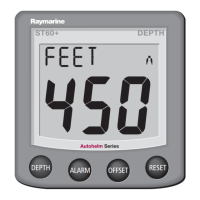
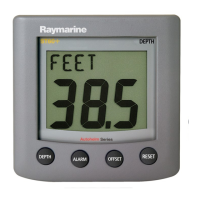
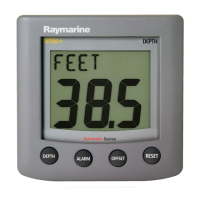
DEPTH Current depth, displayed in either FEET, METERS or FATHOMS. An up
arrow is displayed if the sea-bed is rising, and a down arrow is displayed if the
sea-bed is falling. If the depth echo is lost, the title is
LAST DEPTH and the
last valid depth reading is shown flashing.
MIN DEPTH Minimum depth since power up or last reset, in either FEET, METERS or
FATHOMS. Hold down the reset button for 3 seconds, to reset.
MAX DEPTH Maximum depth since power up or last reset, in either FEET, METERS or
FATHOMS. Hold down the reset button for 3 seconds, to reset.
DEPTH (graph) Depth information in either FEET, METERS or FATHOMS, displayed
against time, as a graph.
D6482-1
Timescale menu
81268_3.book Page 5 Tuesday, August 1, 2006 8:05 AM






 To Next Page
