9
CHARGING INSTRUCTIONS
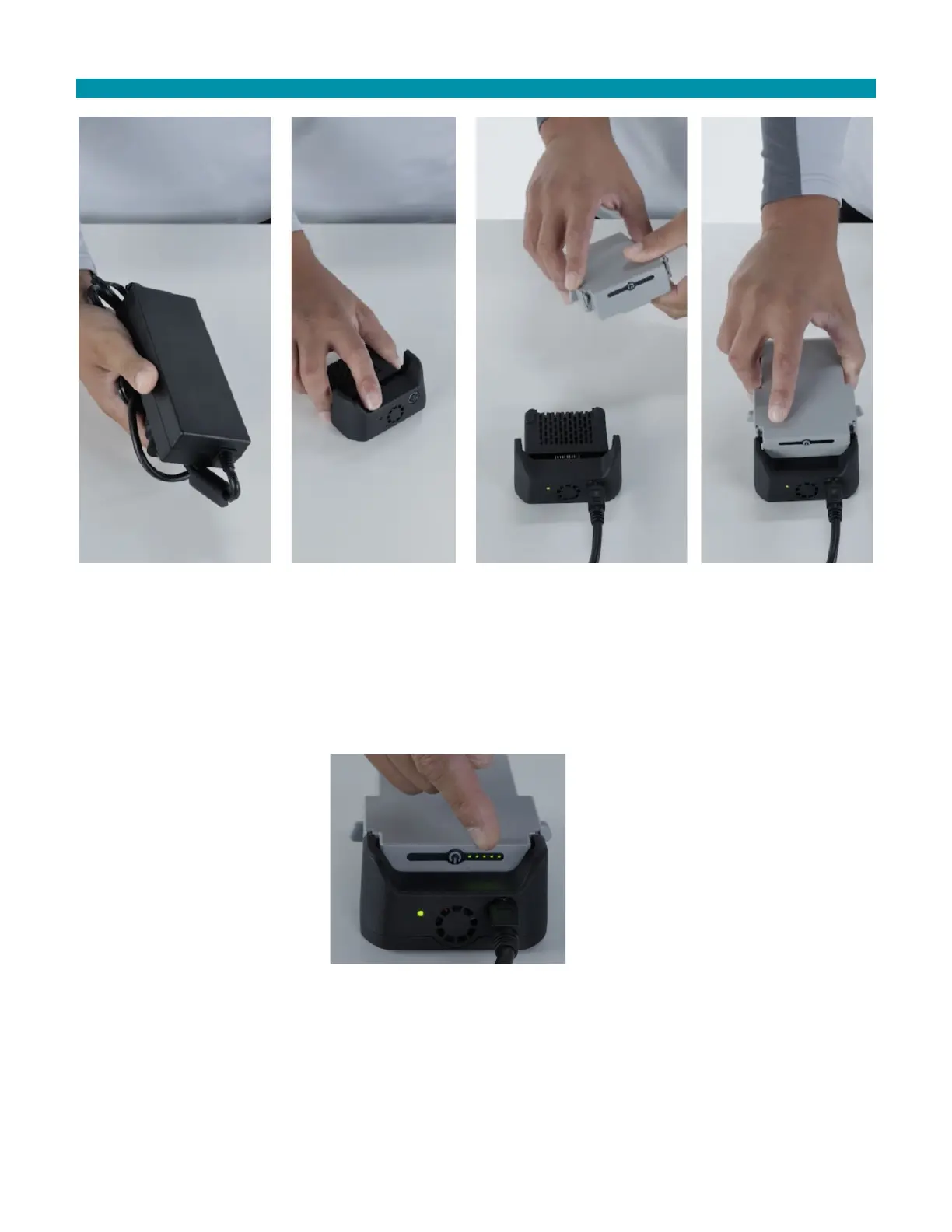
Insert the DC charger power cable into the charger.
Plug the AC power cord into an AC outlet. The green LED is illuminated when power is applied.
Tap the power button once. This activates the battery and it can now be charged.
Insert the battery pack onto the charger, fully engaging the side latches with the charger.
The battery pack is at 100% charge when all five (5) LEDs are lit.
Remove the battery pack from the charger by pulling back the two (2) side latch release buttons and then pull the
battery pack vertically off the charger.



 To Next Page