24
Other functions in the VEHICLE SETUP screen include
sensor calibration. See instructions as to how in the
TEAL 2 DETAILS
section of this manual.
ENABLE PHOTO SETTINGS INSTRUCTIONS
All photo functions must be enabled before flight or
else the media will not be stored locally on the TAC and
will not be transferrable after the mission.
However, the tradeoff to having the media stored
locally on the TAC during flight is a reduction of
bandwidth which could degrade the quality of the
media seen on the TAC fly screen during the mission.
If possible, we recommend storing media on the SD
card, but realize some security protocols will not allow
this.
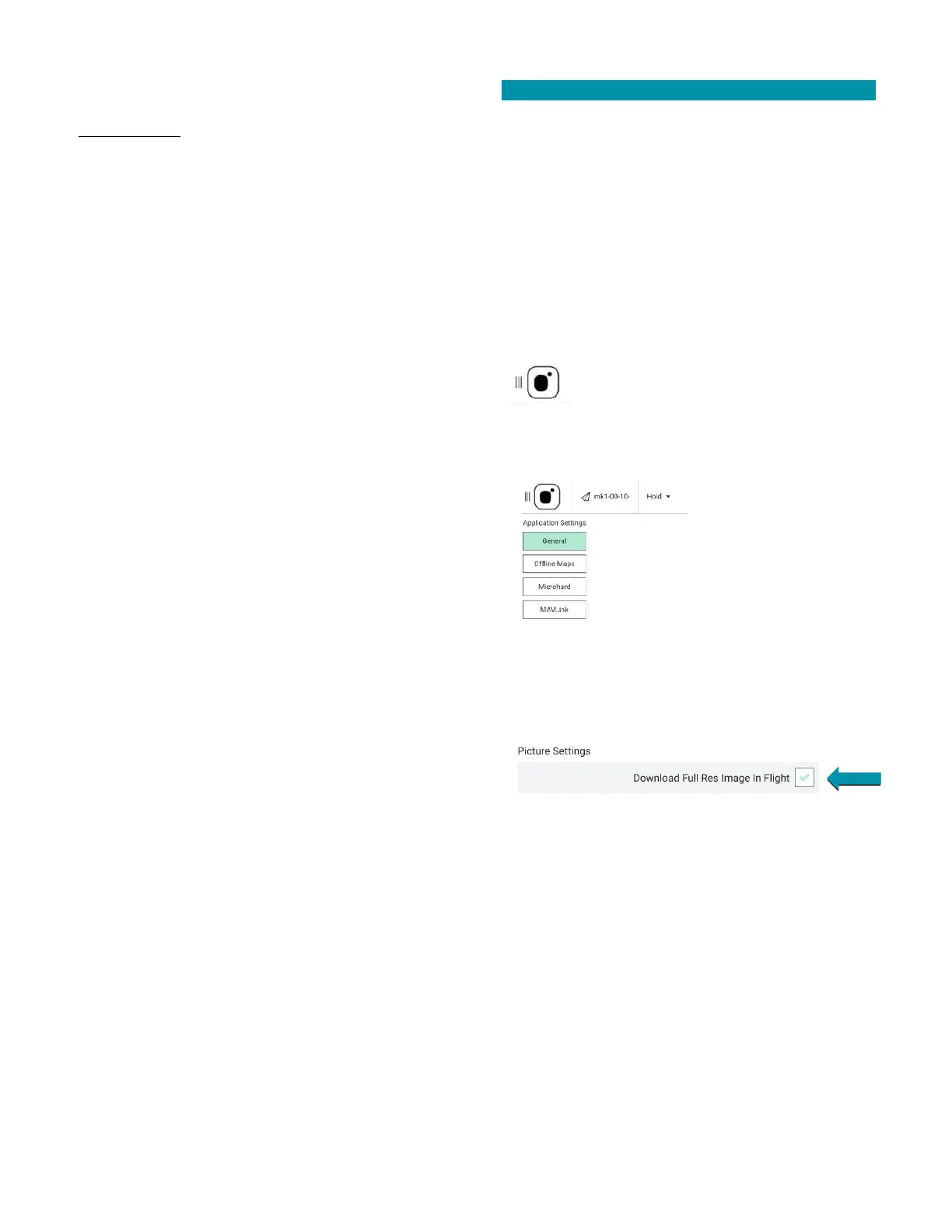
Touch the MENU icon.
Select SETTINGS at the bottom of the
screen.
Select GENERAL.
Scroll down to PICTURE SETTINGS.
Check the DOWNLOAD FULL RES IMAGE IN FLIGHT box.



 To Next Page