34
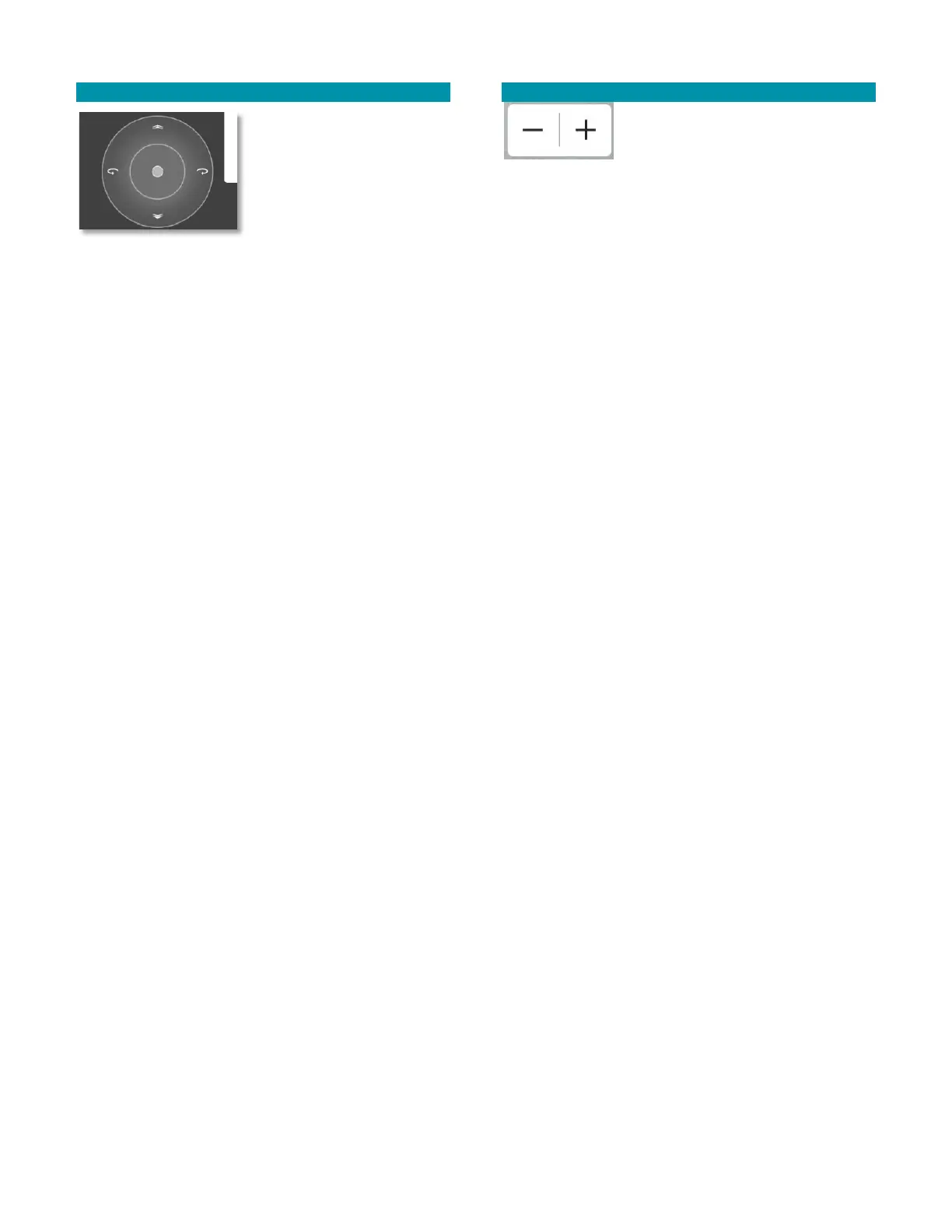
GIMBAL CONTROL CIRCLE
The Gimbal Control Circle is
only visible when the Video
view is selected. It
disappears in Map view.
This control provides an
alternate and more
intuitive way to control the
gimbal’s pitch.
Touch the bullseye to change the pitch and yaw of the
gimbal.
The up/down directions control the pitch.
Release to stop the movement of the gimbal at that
current position.
Alternatively, press or tap the upper right switch
button on the rear-panel of the TAC to continuously
rotate the camera angle up until the button is released
or until it reaches its maximum up position.
Momentary taps of this button rotate the camera angle
up by about 7-8° per tap.
Alternatively, press or tap the lower right switch
button on the rear-panel of the TAC to rotate the
camera angle until the button is released or until it
reaches its maximum down position. Momentary taps
of this button rotate the camera angle down by about
7-8°per tap.
ZOOM IN / ZOOM OUT CONTROLS
Below the camera and gimbal
control panels are the zoom in and
zoom out controls. The EO camera
has 12 levels of digital zoom, the default being the fully
zoomed-out level. The IR camera has 11 levels of digital
zoom. Each “+” or “-” button press changes the zoom
by one level.
Alternatively, move the front right 4-position switch
on the TAC to the left to zoom in and to the right to
zoom out.



 To Next Page