118
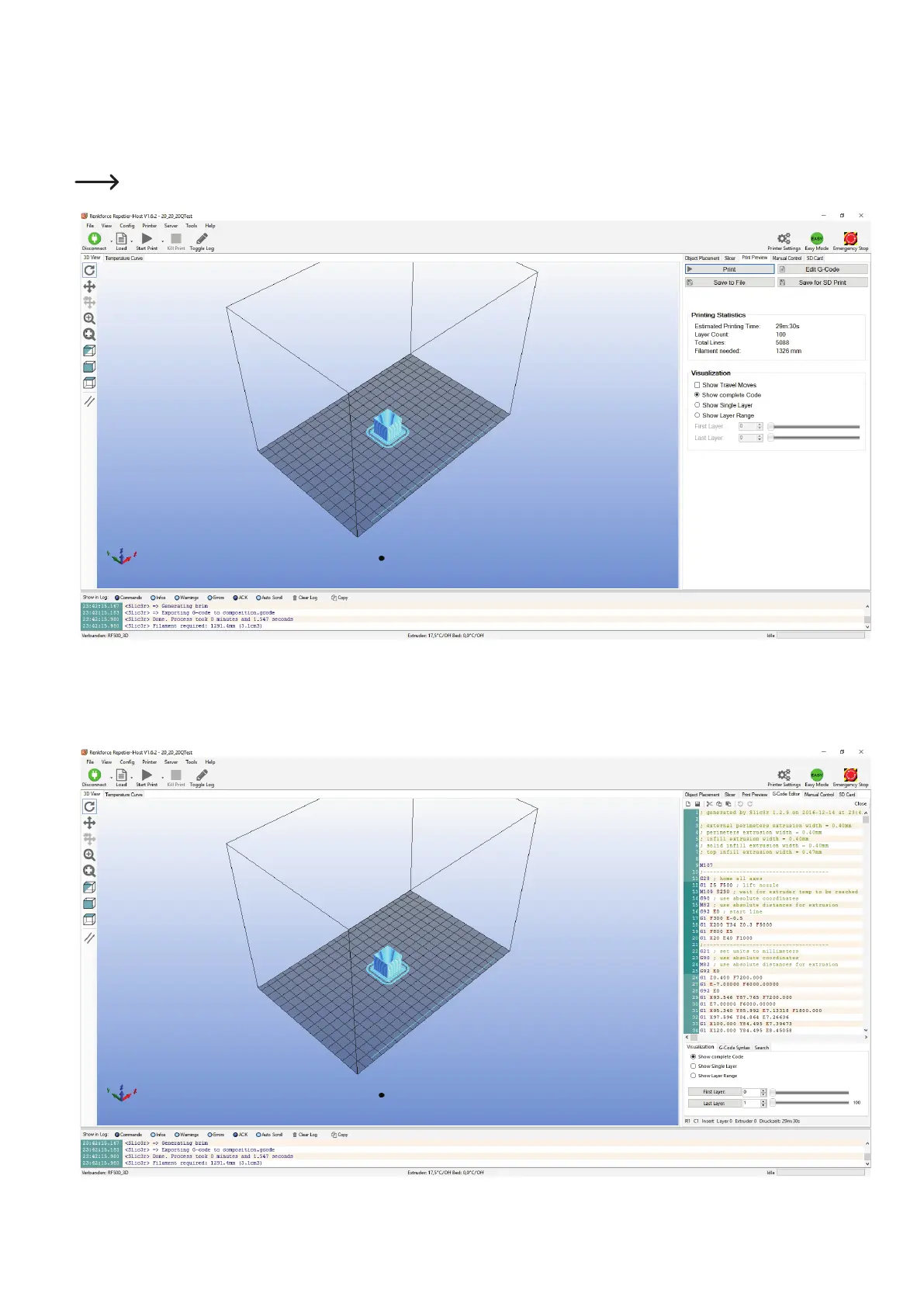
Thepreassembledprintingleappearsinthegraphicswindowaftercalculation.
To the right of this, you will see a small overview for printing.
This layer view serves to check for errors before printing.
At the very left of the screen, there is a tool bar that serves view control.
For more detailed descriptions of the functions, see the online help function of the software.
If you click "Edit G-code"attheupperright,theG-codeeditorwillopenandtheG-code(thelayerdescription)willbedisplayed.Thecontrol
belowcaninuencethelayerview.



 To Next Page