106
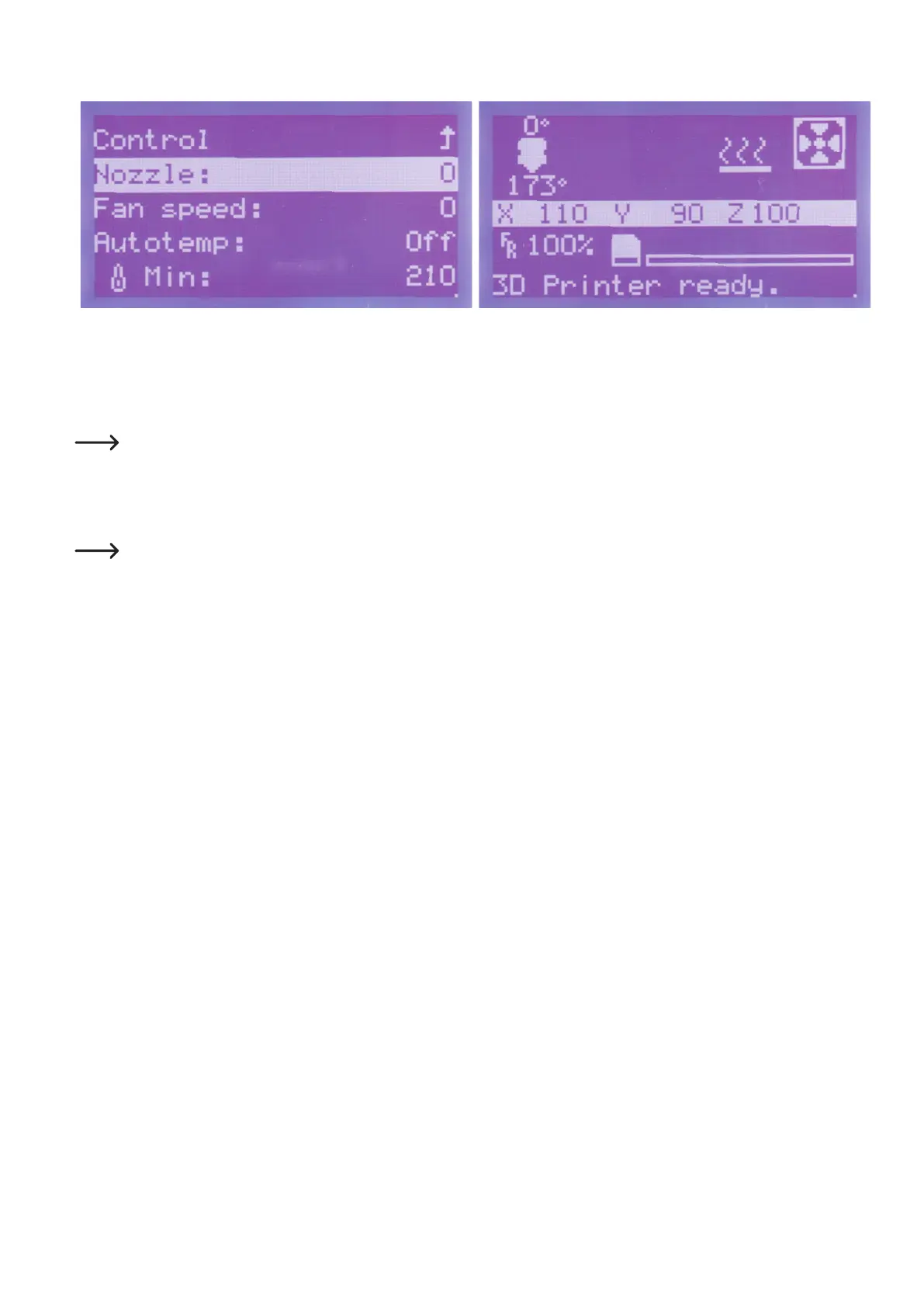
Now the same value 0 as set before should be displayed here. The printer will switch back to the main menu automatically after a
fewseconds.Nowthetargettemperatureisdisplayedat0°Chere
as well. Below this, the dropping current temperature of the extruder
is displayed.
Insertionofthelamentisthencompleted.Asanalternativetothedescribedmethod,youcaninsertthelamentmanuallyintothe
extruder as well after heating.
c)RemovingandChangingtheFilament
Holdthelamentwhenitmovesoutoftheballbearingholder.Otherwise,itmayjumpoutandcauseinjury.Theupperlay-
ersoftherespectivelamentrollmayjumpopenaswell,whichmaycausethelamenttotangle.
Removingthelament
Removethelamentaccordingtothesameprocedureasusedforinsertion.
Ifyoumovetheinfeedmotorafterheating,donotturntheoperatingknobtotheright,buttotheleft.Thiswillmovethelamentoutoftheex-
truder.Youcanremovethelamentallthewaythisway,oronlyalittlewaysoyoucanpulltherestoutofthelamenttubebyhand.
Changingthelament
Proceedinthesamemannerwhenchangingthelament.Firstremovethelamentandtheninsertthenewlament.
Ifyouhaveremovedthelamentafterheating,youcaninsertthenewlamentrightaway.



 To Next Page