12
c)InstallationoftheRepeaterHostSoftware
• Installthele"setupRepetierHostRenkforce_x_x_x.exe" from the directory "Repetier-Host"fromthedownloadpackage(x_x_xdesig-
nates the software version here).
InstallationofthecustomversionoftheRepetier-Hostrequiresadministratorrights,sincethenecessarycongurationlesand
printer settings will not be installed otherwise. If the corresponding message appears in Windows
®
,conrmitwithYesinanycase.
The installation will otherwise be interrupted.
Ifsetupasksifyouwanttoinstalltheserialdrivers("Installserialdriver"),dothisinanycasefortherstinstallation,sincetheprinter
will not be recognised otherwise.
• Alternatively,theinstallationleforthebasicversionofthesoftwarecanalsobedownloadedfromwww.repetier.com.There,MacOSX-and
LINUXversionsofthissoftwareareofferedaswell.
Prerequisites for installing under Windows
®
:
Microsoft .Net Framework 4 must be installed on the computer. This software can be downloaded free of charge from
www.microsoft.com or installed subsequently in the operating system via the Windows
®
features.
ThefurthersystemrequirementsforinstallationofRepetier-Host(alsoforotheroperatingsystems)arefoundonwww.repetier.com.
Updates for Repetier-Host are regularly published under www.repetier.com. Updates of the custom version can be found on
www.conrad.com in the download area on the product page of the 3D-printer.
d)InstallationandUpdatingoftheFirmware
Atdelivery,normwareisinstalledonthemainPCBoftheconstructionkit.Thermwaremustbeinstalledoncebefore
installationofthemainPCB.Installationtakesplaceviathermwareupdater.
Thisstephasalreadybeenperformedinproductiononthepreassembleddevice.However,werecommendthatyoucheck
beforecommissioningwhetherthelatestrmwareisalreadyinstalled.
Newversionsofthermwarearecontainedinthedownloadpackage"BUNDEL_Vx_x_x_RENKFORCE_RF500".
Thefollowingdescriptionisvalidforrstinstallation(constructionkitonly),aswellaslaterwhenupdatingthermware
(constructionkitandpreassembleddevice).
Alternatively,chapter"20.FirmwareUpdate"describeshowtoinstallthermwarewiththeArduino
TM
-software.
Update process
• Afteryouhaveinstalledtherepeaterhostsoftwareincl.theserialdrivers,connectthemainPCB(onlytheArduino
TM
-PCB without the ad-
ditional PCB) to your computer by USB.
ThePCBissuppliedwithpowerviaUSB.Thisisenoughtoinstallthermware.
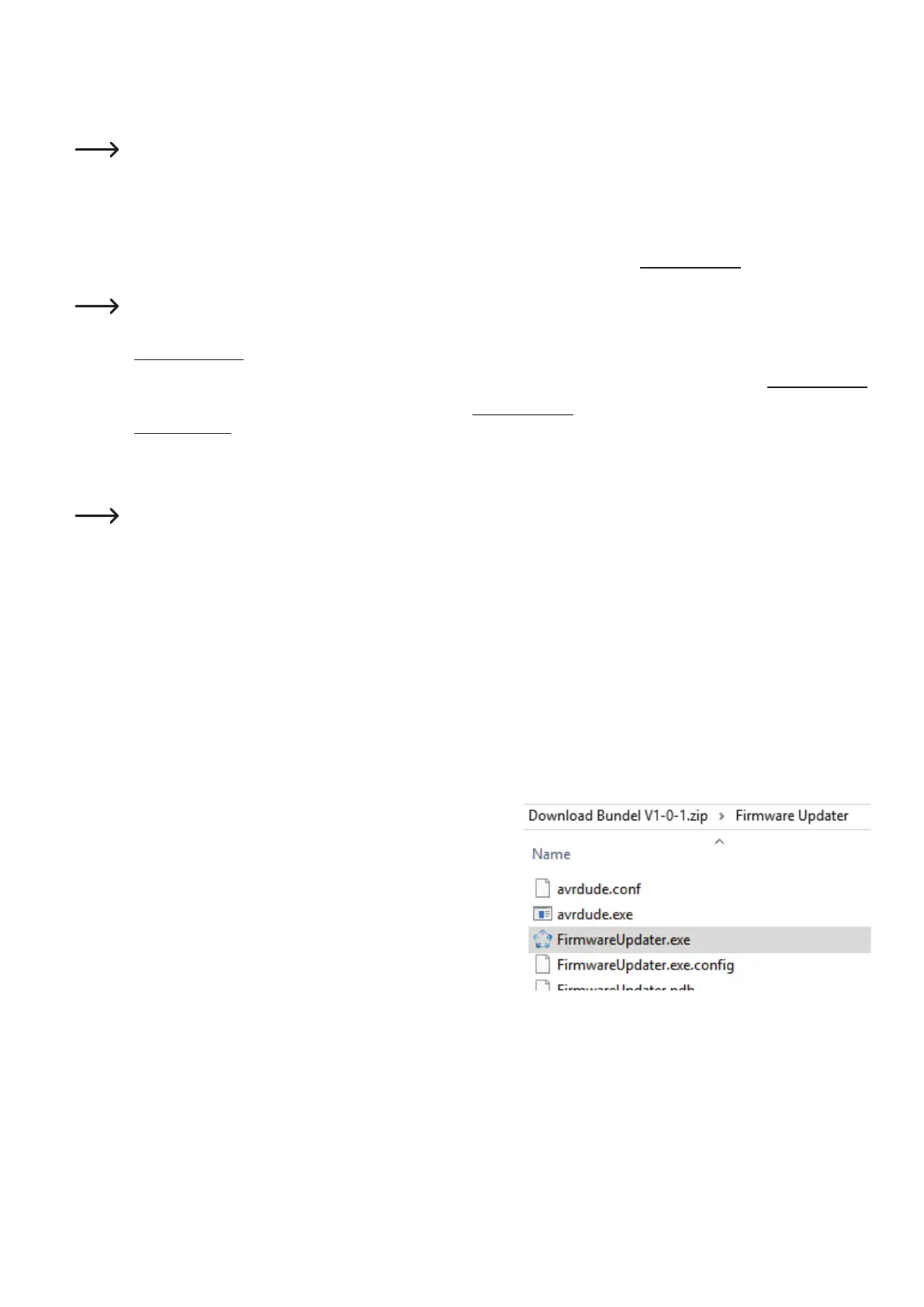
• Startthele"FirmwareUpdater.exe"withadministratorrights.Youcannd
the program in the unpacked download bundle, in the directory "Firmware
Updater".
• First,setyourlanguageifnecessary.Forthis,clickthemenu"Language" or "Sprache". Select English or German as your language.



 To Next Page