93
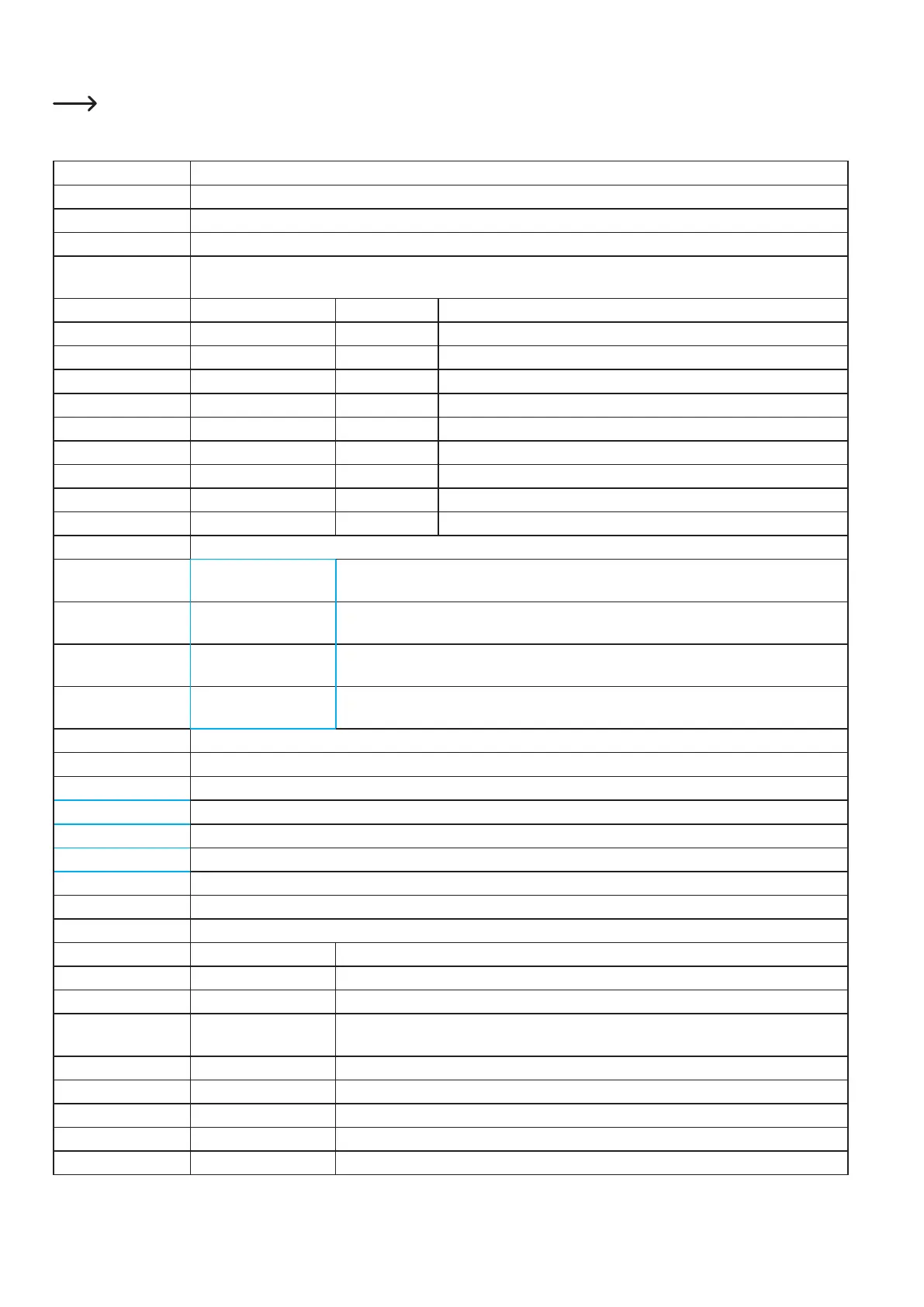
c)FunctionsoftheIndividualMenuItems
Thetop-mostpointineachsubmenu(toberecognisedbytheunwoundarrowupwards)switchesbacktotherespectiveprevious
menu. Therefore, these items are not included in the explanation.
Info screen Switches back to the main display
Prepare
Auto home Move all axes into the home position
Set home offsets Specifythezeropoint-performahomingrunwiththerepeatersoftwareandthenexecute"Sethomeoffset";rst
setthedistance(worksonlyafterrestartofthesoftware)(youcanalsosetanoffset,e.g.toprintontoanobject)
Move axis Move 10 mm MoveX MovestheX-axisinstepsof10mm
MoveY MovestheY-axisinstepsof10mm
Move 1mm MoveX MovestheX-axisinstepsof1mm
MoveY MovestheY-axisinstepsof1mm
Move Z Moves the Z-axis in steps of 1 mm
Extruder Moves the infeed motor in steps of 1 mm
Move 0.1mm MoveX MovestheX-axisinstepsof0.1mm
MoveY MovestheY-axisinstepsof0.1mm
Move Z Moves the Z-axis in steps of 0.1 mm
Extruder Moves the infeed motor in steps of 0.1 mm
Disable steppers All motors are switched off.
Preheat PLA Preheat PLA Prepares the printer for printing of PLA without hot printing plate; setting in the menu item
“Preheat PLA conf”
Preheat PLA Bed Prepares the printer for printing of PLA with hot printing plate; setting in the menu item
“Preheat PLA conf”
Preheat ABS Preheat ABS Prepares the printer for printing of ABS without hot printing plate; setting in the menu item
“Preheat ABS conf”
Preheat ABS Bed Prepares the printer for printing of ABS with hot printing plate; setting in the menu item
“Preheat ABS conf”
Cooldown Cooling off; all heatings are switched off
Tune Displayed only during printing
Speed: 100 Change the print speed during printing
Nozzle: 230 Change the extruder temperature during printing
Fan speed: 255 Change the fan speed during printing
Flow: 100 Changethelamentconveyingspeedduringprinting
Control
Temperature Nozzle: 0 Manuallysettingthetemperatureforextruder0(e.g.forlamentchange)
Bed: 0 Manually setting the temperature for the heat bed
Fan speed: 0 Manually setting the fan speed
Autotemp: Off/On Automatic adjustment of the temperature when the printing speed is increased; printing
faster=highertemp.
Ext. Min: 210 Min-value for the temperature limit of the autotemp setting
Ext. Max: 250 Max-value for the temperature limit of the autotemp setting
Ext. Fact: 000.10 Controller values for hot end
PID-P: +022.20 Controller values for hot end
PID-I: +001.08 Controller values for hot end



 To Next Page