137
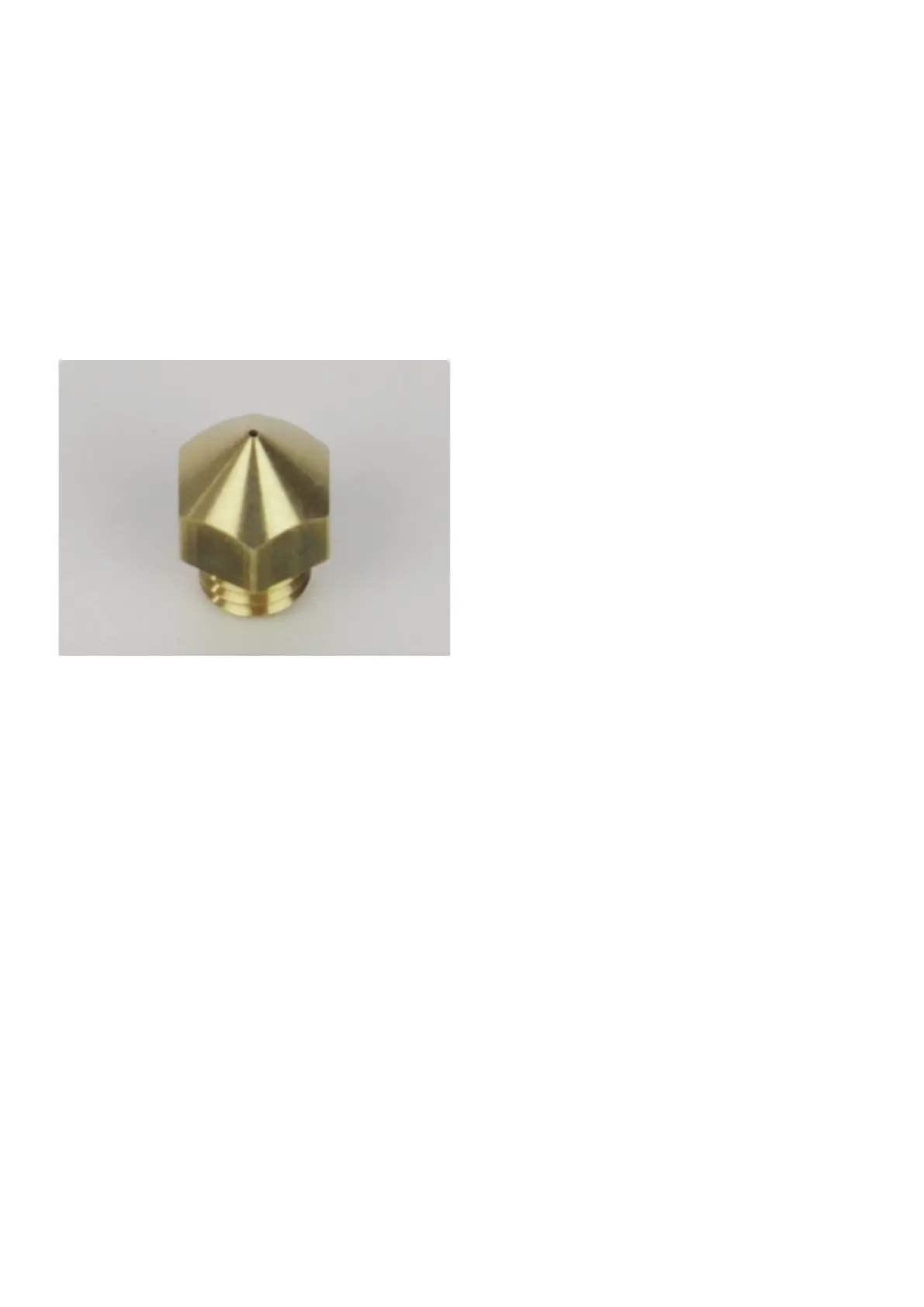
• Turntheextrudernozzlebackintotheheatingblockandtightenitcarefullywitharingspanner,open-facedspannerorhexagonwrench(2).
Never apply any strong forces for this.
Secure the heating block again by twisting with an 11 mm open-faced spanner.
• Theninsertthelamentagainasdescribedin"InsertingtheFilament".
• Switchofftheextruderheatingagainandhavetheextrudercooloff.
Viewofthenozzles
Thefollowingguresaretoenableyoutocheckyourinstallednozzleincaseofabadprintpatternorifnotenoughlamentisextruded.For
example, it is possible that the tip of the nozzle is set incorrectly or comes into contact with the printing plate due to a printing error, and is
scraped or damaged by this.
Nozzle0.4mm(standard)



 To Next Page