100
4.4.20.2 Vacuum test
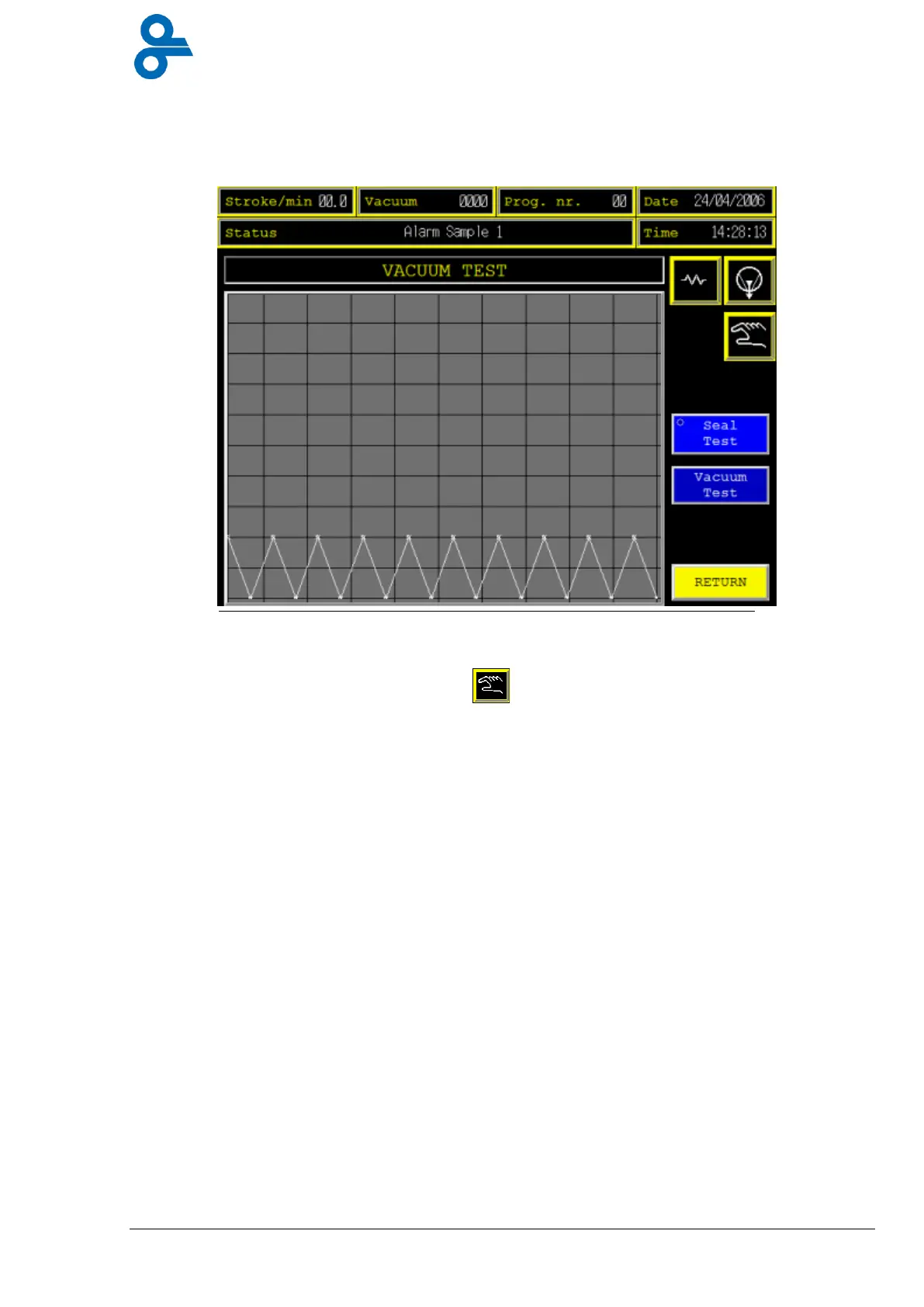
This menu is accessed by pressing the ‘VACUUM TEST”’ button in the maintenance menu
(see Figure 4.42)
Here the vacuum process is shown in a graphic.
Machine has to be set into manual mode, and also the pump must be in run.
Touching the “vacuum test” button for 1 sec. each next step can be executed:
The vacuum test is divided into 6 steps.
Step 1: Die systems close
Step 2: Air intake valves close
Step 3: Vacuum valves open > vacuum in sealing station
Step 4: Vacuum valves close > vacuum test
Step 5: Air intake valves open
Step 6: Die systems open
Touching the “Seal test” button during step 4 gives a good picture about the condition of the
sealing membranes and the adjustment of the sealing die.
Touching the “Return” button gives entrance to the maintenance-screen.


 To Next Page