90
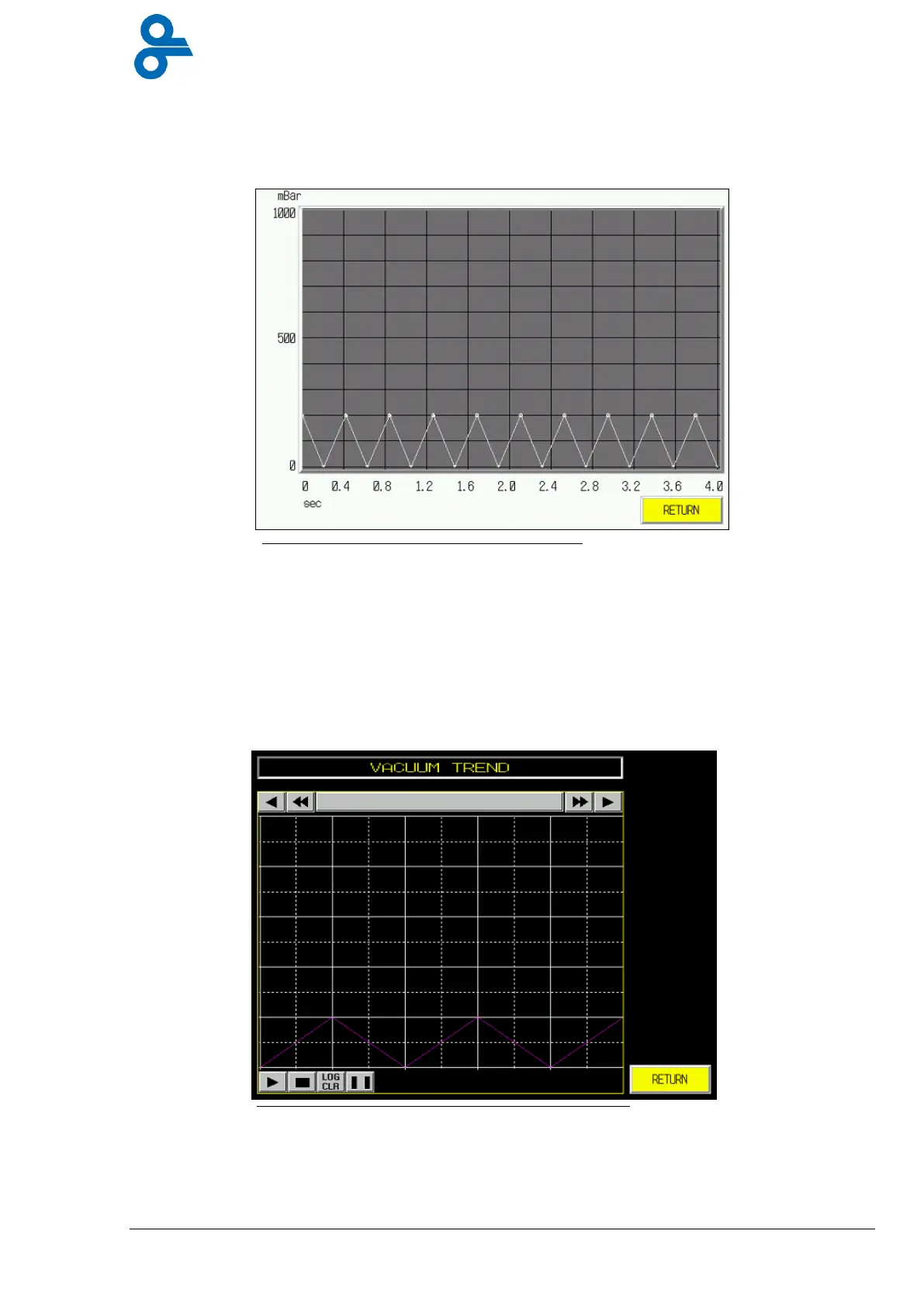
4.4.13.1 Vacuum Graphic
This menu is accessed by pressing the ‘VACUUM GRAPHICS’ button in the vacuum settings
menu (see Figure 4.33)
This screen shows you a real time vacuum curve of each vacuum and gas process.
Press button
return
and the screen goes back to the screen vacuum settings.
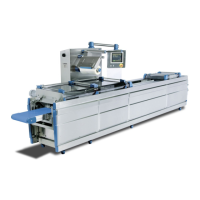
4.4.13.2 Vacuum Trends
This menu is accessed by pressing the ‘VACUUM TRENDS’ button in the vacuum settings
menu (see Figure 4.34)
This screen shows you a real time vacuum curve and a stationary curve. With the arrows you
can look back at the vacuum characteristics.
Press button
return
and the screen goes back to the screen vacuum settings.
Figure 4.33 Vacuum Graphic
Figure 4.34 Vacuum Trends


 To Next Page