110
5.2.4 Single stroke
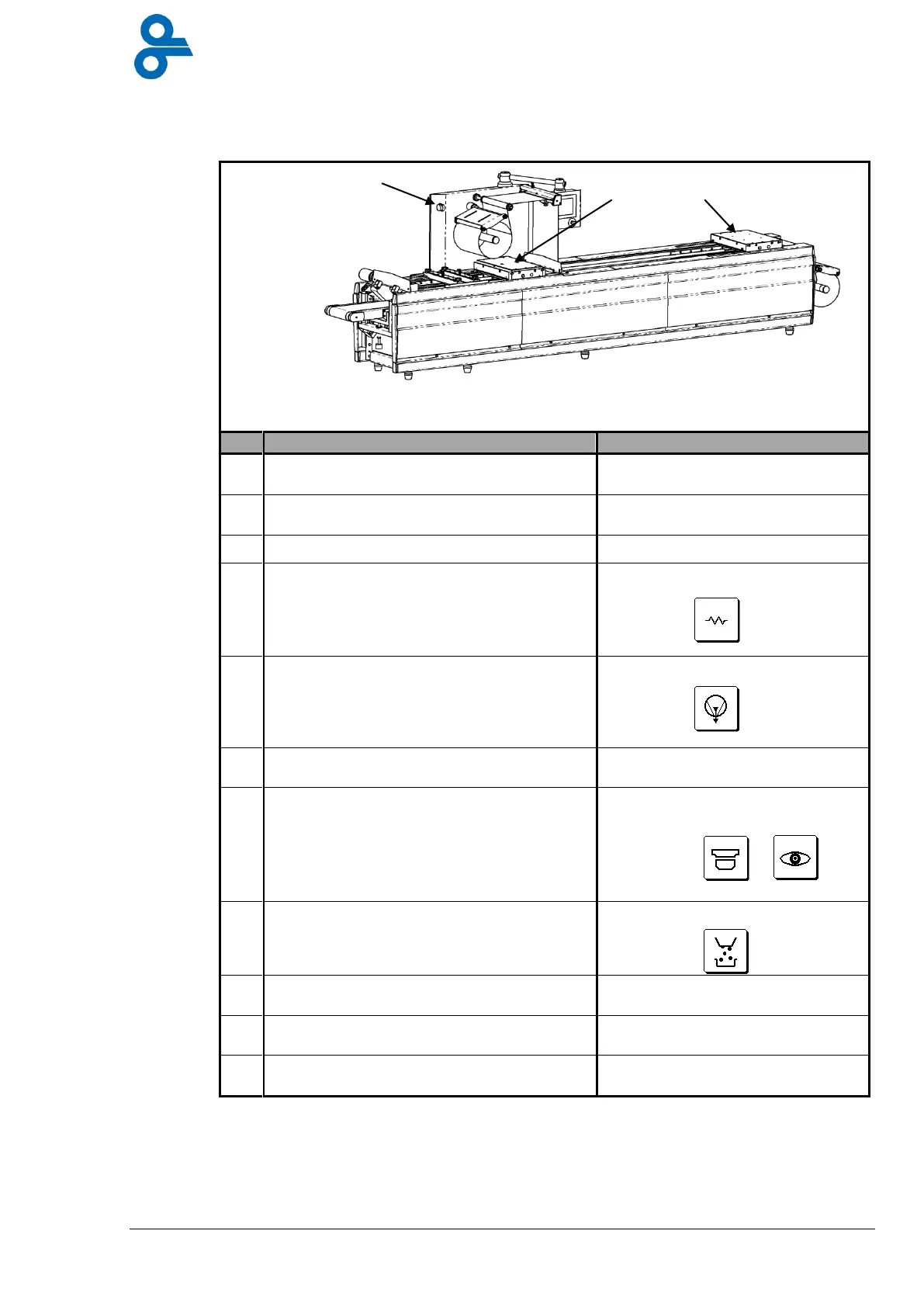
The staged plan for the Single Stroke operational mode is described in table 7.
Table 7 Starting up single stroke
Check that no-one else is working on or
with the machine.
Go on to the next stage only when
the machine is free.
Go through the steps indicated in Table 4
(see paragraph 5.2.1.)
Turn the main switch on, position, “1”.
Using the operator menu, turn the heating
elements on and allow the machine 15
minutes to come up to temperature.
Use the button on the control
panel:
Use the main menu to turn the vacuum
pump on.
Use the button on the control
panel:
Re-set the machine with the button on the
touch screen.
Status line indicates ‘single
stroke’.
Use the function buttons to turn on the
parts of the machine required, such as the
photocell, the forming station and the
cross cutting equipment etc.
The buttons are in the operator
menu, such as:
Turn on any peripherals required such as
the filler and the waste film removal
equipment.
Use the button on the control
panel:
Choose a program for the product to be
packed.
See paragraph 4.3.2 for the
choice of product.
Any other process settings can be made
via the touch screen.
Now start up the process using the start
button on the control panel.
The machine makes a single
stroke.
Heating elements
Afbe> Waar zit alles
dan???


 To Next Page