59
4 Control panel
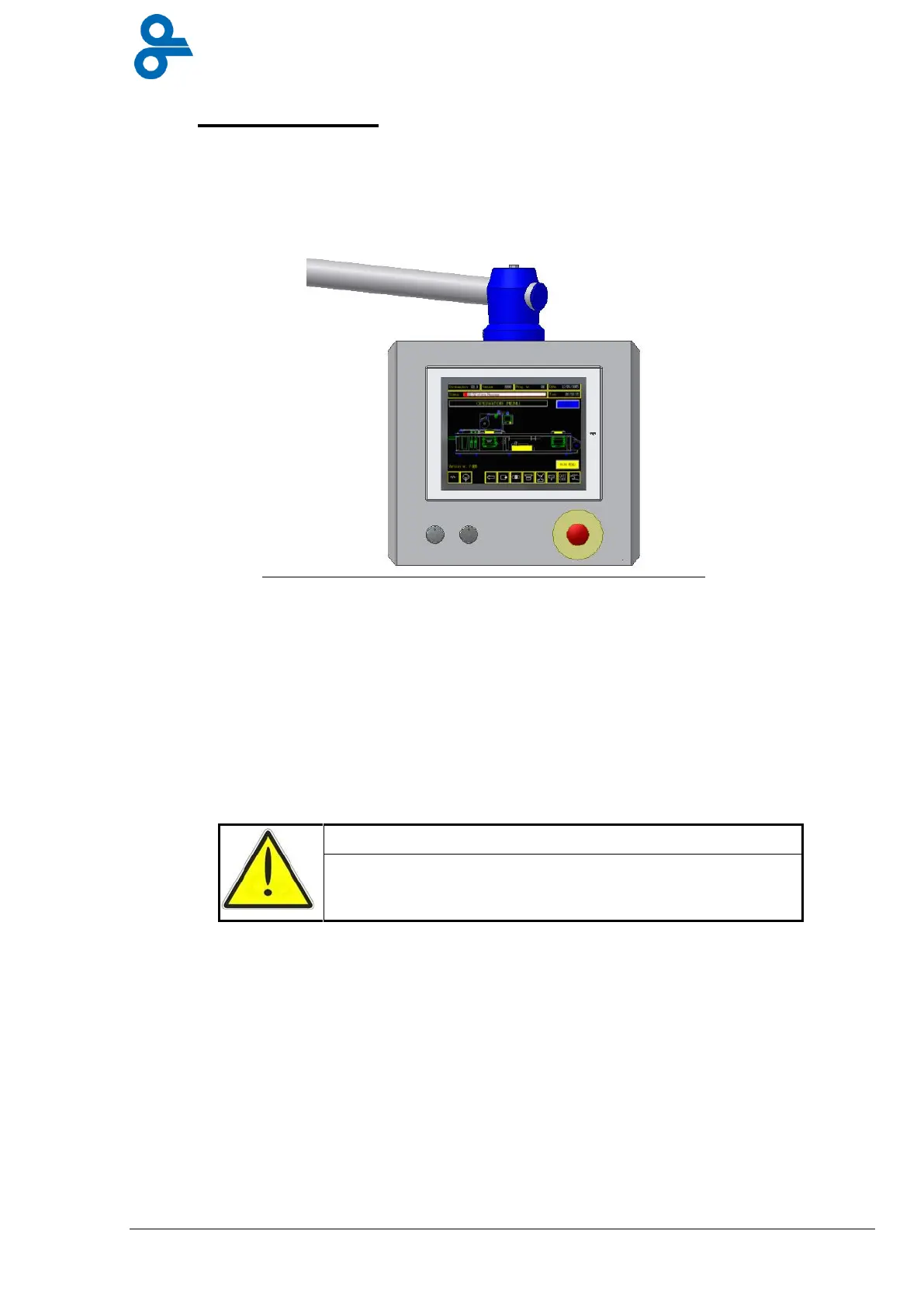
The machine is fitted with a rotating control panel mounted on the control cabinet (see Figure
4.1).
The panel consists of a start switch, a stop switch, an emergency stop switch and a touch
screen. Practically all the functions required for the packaging process are operated from the
touch screen. The wide-ranging settings are discussed below.
4.1 How the touch screen works
A touch screen is a VDU that can display all manner of figures and text, just like a PC monitor.
Instead of having a separate keyboard however the touch screen allows the user to operate
the machine simply by touching the icons displayed on screen.
Only use your hands to operate the touch screen.
Hard or sharp objects can damage the screen.
The machine has a great many functions and settings, all of which are organised in menus to
provide a logical overview. A menu is a collection of buttons and data displayed on the touch
screen. The machine’s menus are put together as shown in the matrix below (Figure 4.2).


 To Next Page