Chapter 6
Ventilator Communications
REF 1029568 Rev A BiPAP® Focus™ Ventilator Service Manual © Respironics, Inc. 6-15
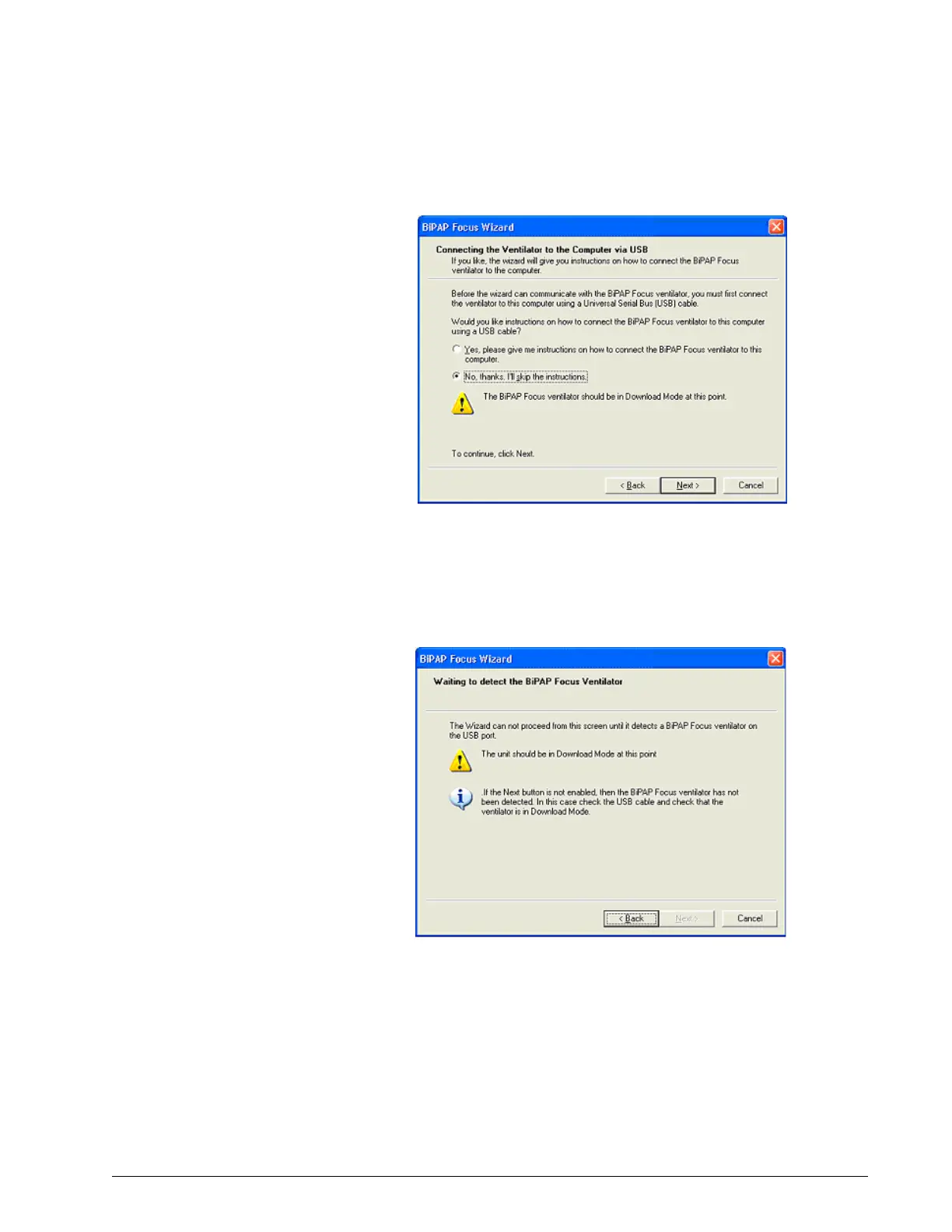
Figure 6-21: Connecting the Ventilator to the Service PC
3. Once the ventilator and PC are connected, power up the ventilator
while holding down the Up and Down arrow buttons until the ventilator
displays the message Waiting to detect the BiPAP Focus Ventilator
(Figure 6-22). Click Next.
Figure 6-22: Powering Up the Ventilator
4. The software connection process dialog box appears identifying the
steps including, Searching for the ventilator, retrieving ventilator
configuration information, and installing the communications software
(Figure 6-23).



 To Next Page