Getting to Know the Monitor
18
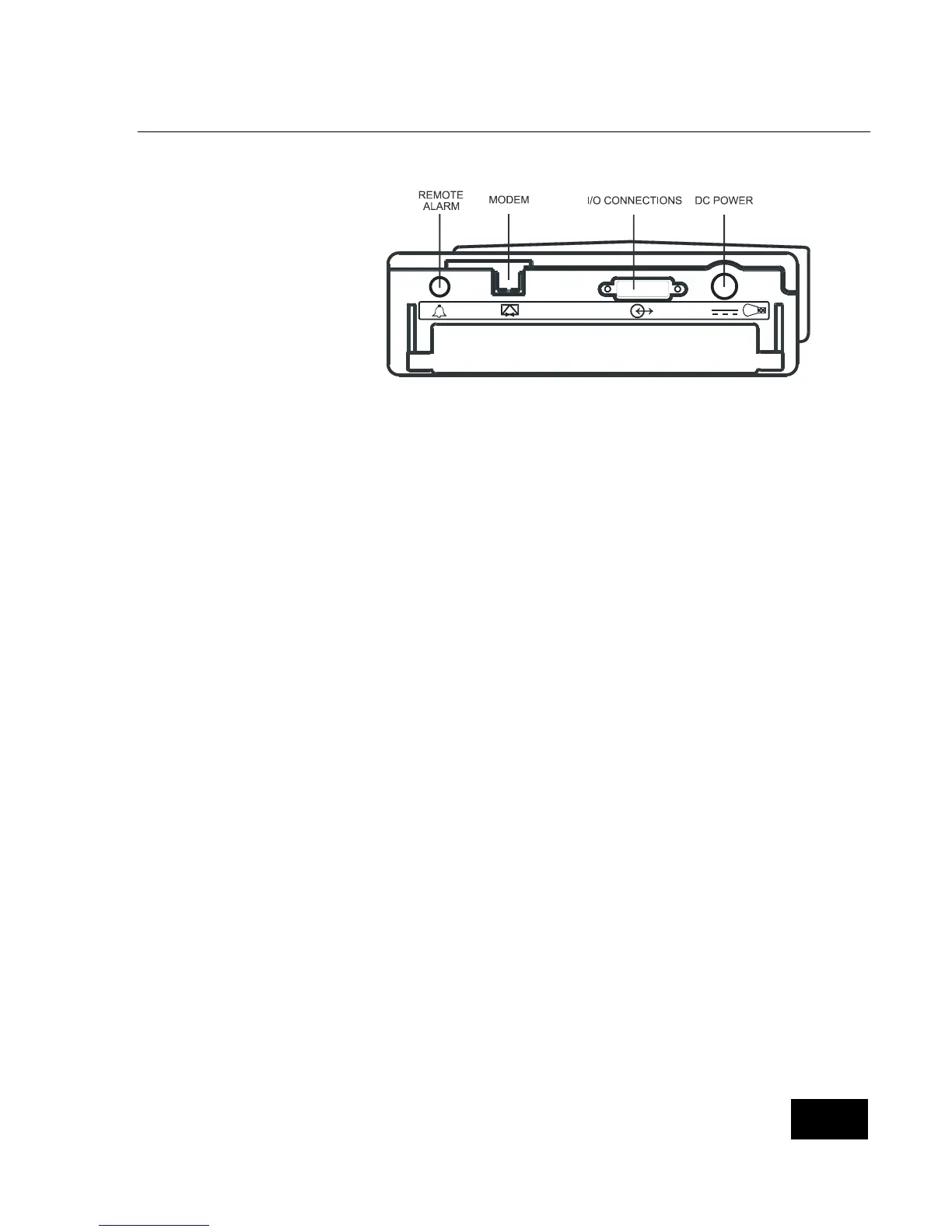
Back Panel Features
Remote Alarm (Optional)
The Remote Alarm allows you to
hear the audible alarms from a
different room.
Modem (Optional)
The SmartMonitor 2 may be equipped with a modem to transfer the SmartMonitor 2 memory to
the physician. See the section on Transferring Monitor Memory for more information. See the
sections on FCC Part 68 and IC CS-03 for information on connecting the modem to the
telephone line.
DC Power
Use the DC Power connector with the power cord/battery charger. Whenever the SmartMonitor 2
is not in portable use (on battery power only) it should be connected to the battery charger.
I/O Connector
This connector connects the SmartMonitor 2 with other devices. Ensure that the devices used do
not exceed SELV (Safety Extra Low Voltage) levels as described in EN60601-1.
.















 To Next Page