15
GA--A 202
4Checks
.
IMPORTANT!
Run through the checks before and after each use.
Do not use the products if they are damaged or incomplete or have loose
parts.
Return damaged products together with any loose parts for repair.
Do not attempt to do any repairs yourself.
4.1 Visual check
Z Carry out the following checks:
' Check devices, instruments and accessories for damage, hygienic
condition, completeness and corrosion.
' Check all connection cables and tubes for damage.
' Check lettering/labeling for completeness and good legibility.
' Check that the cable connector on the motorized handle is in home
position, i.e. fully inserted.
' Check that the valve is plugged in.
' Check that the cutting edges and windows of the blades/abraders
areinperfectworkingorder.
' Check footswitch and connection cables for damage and cracks in
the insulation of the connection cable.
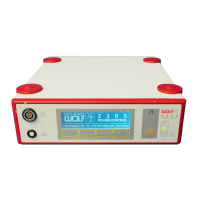
' Check the sensor surfaces on the POWER CONTROL unit.
4.2 Function check
.
NOTE!
Make sure that the tools are immersed in liquid (cooling of the heat gen-
erated by friction). Do not operate in dry condition!
The POWER CONTROL M4 self--test can be activated at any time.
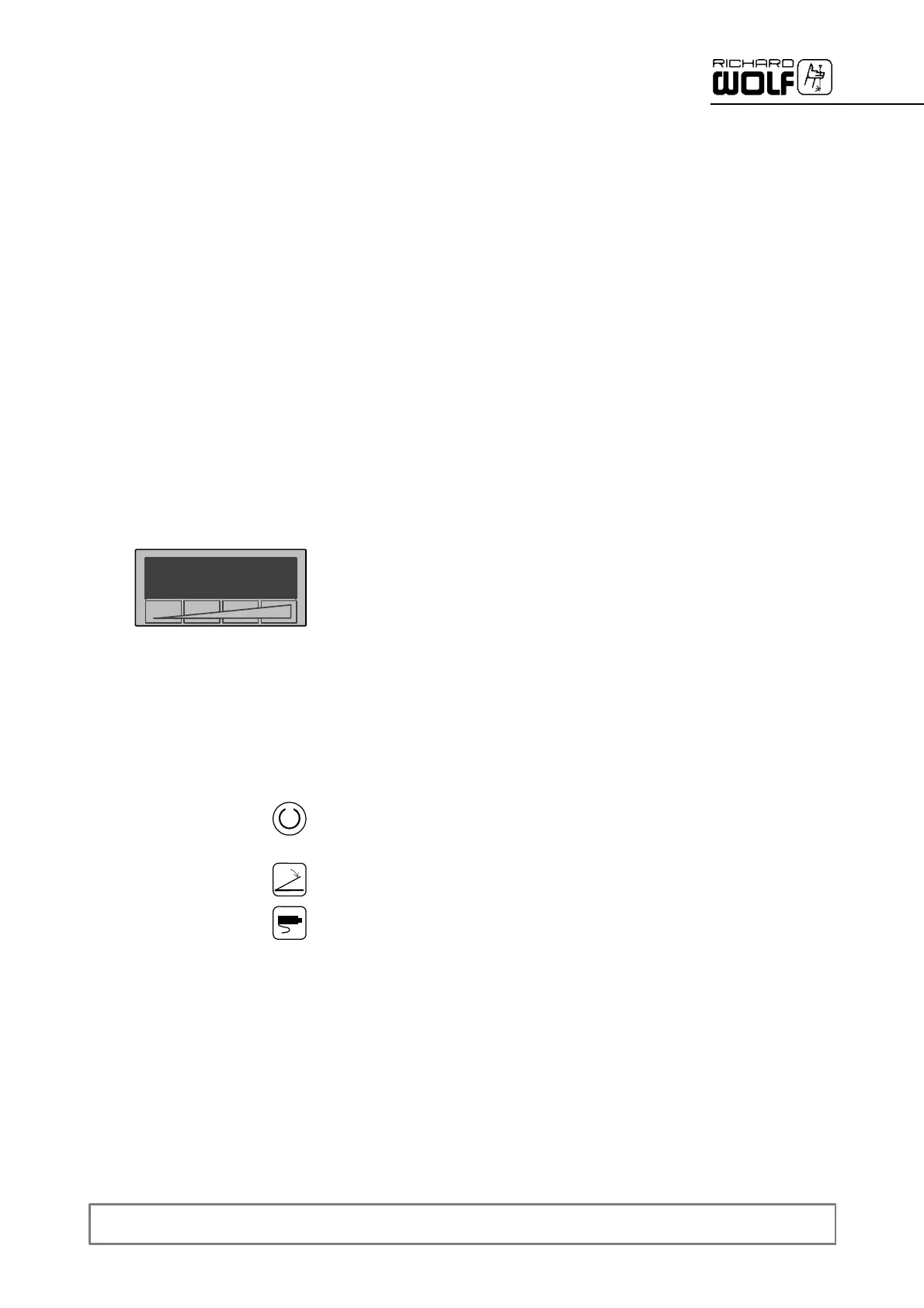
Z Switch on the power switch.
Z Press the blinking “Ready” button.
' The device carries out a self--test. In the case of an error the result is
displayedontheLCD.
' If no footswitch is connected, the “No footswitch” indicator blinks.
' If no POWER STICK is connected, the “No POWER STICK” indicator
blinks.


 To Next Page