28
GA--A 202
5.4 Alarms
The POWER CONTROL displays all error messages as written text on
the display. Severe faults/errors, such as motor overload, device defect
ive, are also issued optically and acoustically (see also section 7.1).
Z “Alarm" indicator lights up and alarm is sounded if:
' the connection between POWER CONTROL and POWER STICK is
incorrect
' a parting of the cable is detected
' the motor is overloaded
' If device is defective (e.g. processor error)
Upon successful correction the POWER CONTROL can be used as
usual.
5.5 Emergency shutdown of POWER STICK
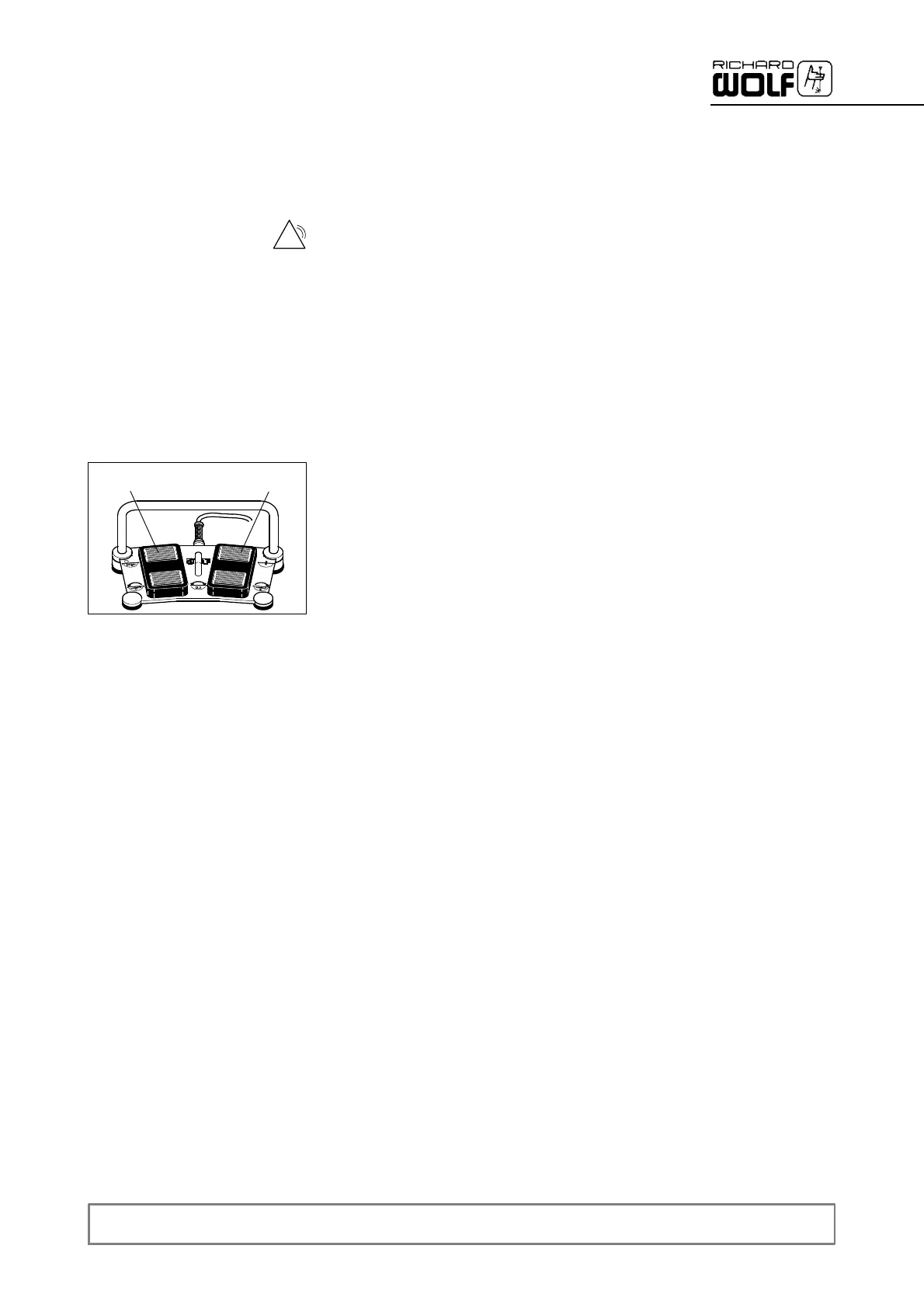
Z If due to a defect (such as a defective footswitch) the POWER STICK
no longer switches off, the emergency shutdown function can be
activated by pressing the rear pedals 12.1 or 12.2.
' If the footswitch is defective, emergency operation is possible by
controlling the device via the device front panel.
' After an emergency shutdown, do not operate the POWER CON
TROL and POWER STICK anymore and contact the service depart
ment immediately.
5.5.1 Taking out of service
Z To take the device out of service, switch off the power switch and
disconnect the device from the power supply / mains.
1
2
3
4
12.2
12.1


 To Next Page