29
GA--A 202
6 Operation in the RIWO NET SYSTEM
6.1 Combination with RIWO NET SYSTEM
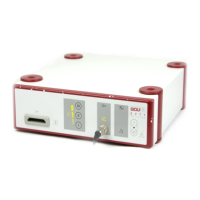
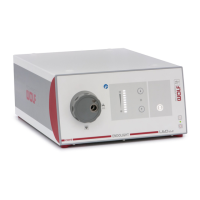
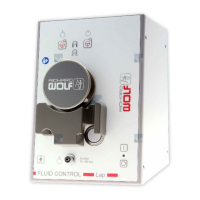
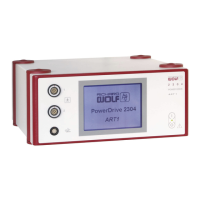
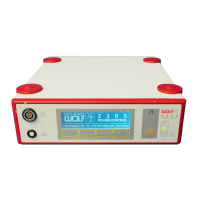
Via the integrated CAN--BUS interface the POWER CONTROL 2303 can
be integrated into the R.Wolf RIWO NET SYSTEM.
Only the components approved for use with the RIWO--NET--SYSTEM
must be connected to the “CAN--BUS” interface.
The components must meet the requirements of the latest instruction
manual for the RIWO--NET--SYSTEM, section on “Combinations”.
The control computer complies with IEC / EN 60601--1 and can be oper-
ated in the patient environment.
.
IMPORTANT!
In addition to this manual make sure you follow the latest manual for the
RIWO--NET--SYSTEM.
6.2 Operation
The instruction set used in the interface software is suitable for operating
this device within the RIWO NET SYSTEM.
ThePOWERCONTROLunitcanbecontrolledviatheRIWONETSYS-
TEM with r emote control, speech control, touch--screen monitor or manu-
ally via the buttons on the device front panel.
.
IMPORTANT!
The POWER CONTROL unit can still be operated via the front panel but-
tons, should the RIWO NET SYSTEM fail.
.
IMPORTANT!
To fully understand the system please read the latest m anual for the
RIWO--NET--SYSTEM.
.
IMPORTANT!
For control via the touch--screen monitor it is sufficient to touch the mon-
itor surface only slightly.
6.3 Setting of “ID” rotary coding switch
Z The “ID” rotary coding switch on the rear panel of the device must be
set to “0”.


 To Next Page