6. Managing Apps
Adding an App
This section describes how to add third-party apps.
• Downloading and using third-party apps is the responsibility of the user, after carefully checking
the provider of the app.
• The use of the downloaded software is subject to the laws of the region in which you are located.
• Depending on the environment in which the device is used, unspecified users might be able to
install apps without permission. If you want to restrict the addition of apps, you can disable the
addition of apps in System Settings or lock the screen with a password. For details, see page 126
"Other".
This machine uses Aptoide to add apps.
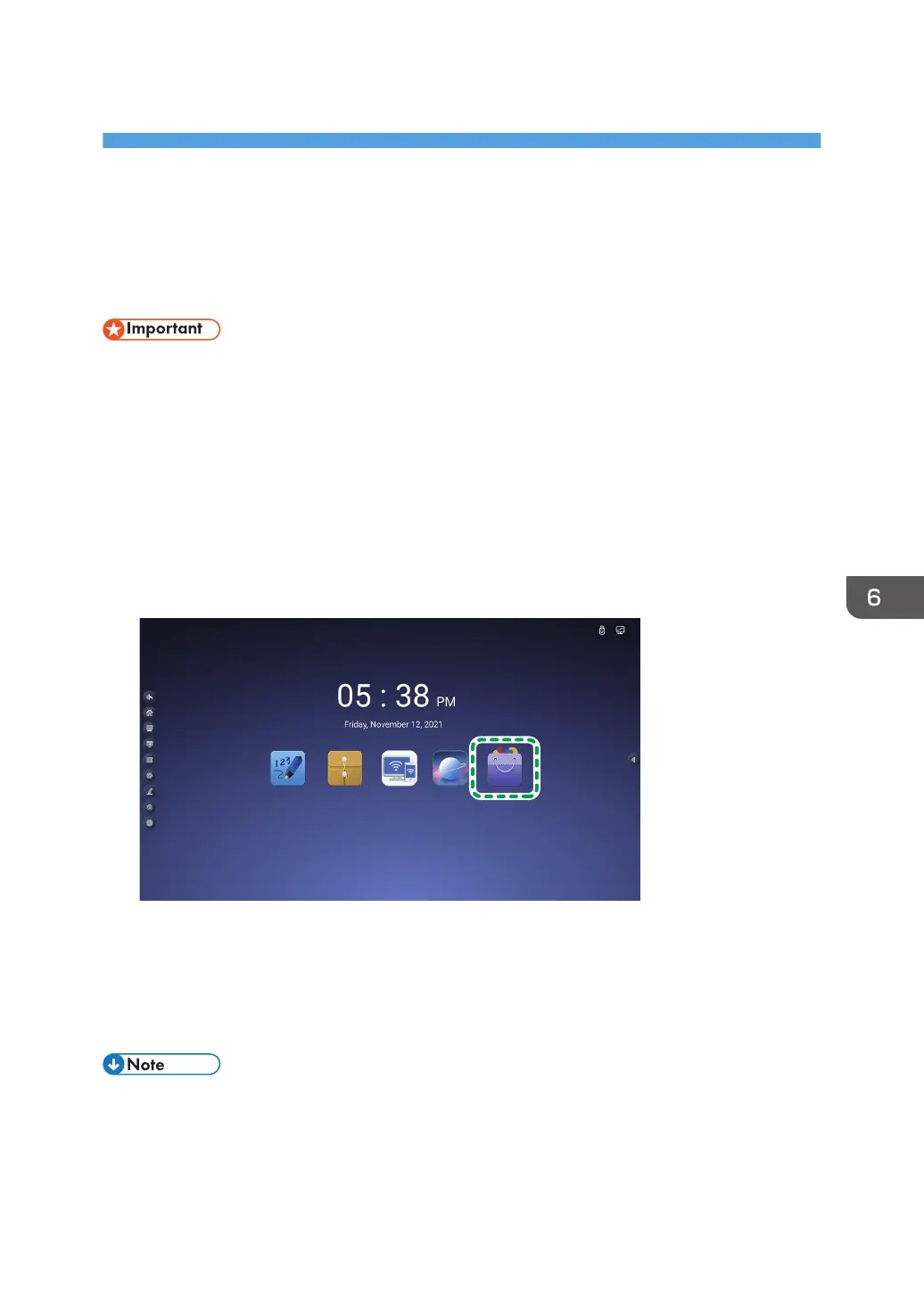
1. Touch the application box icon on the home scree.
2. Touch the Aptoide icon.
Aptoide will launch.
3. Open the page of the desired app by searching, etc., and then download the app.
You can see the added apps in the application box.
• For details about Aptoide, see the Aptoide web site.
99



 To Next Page