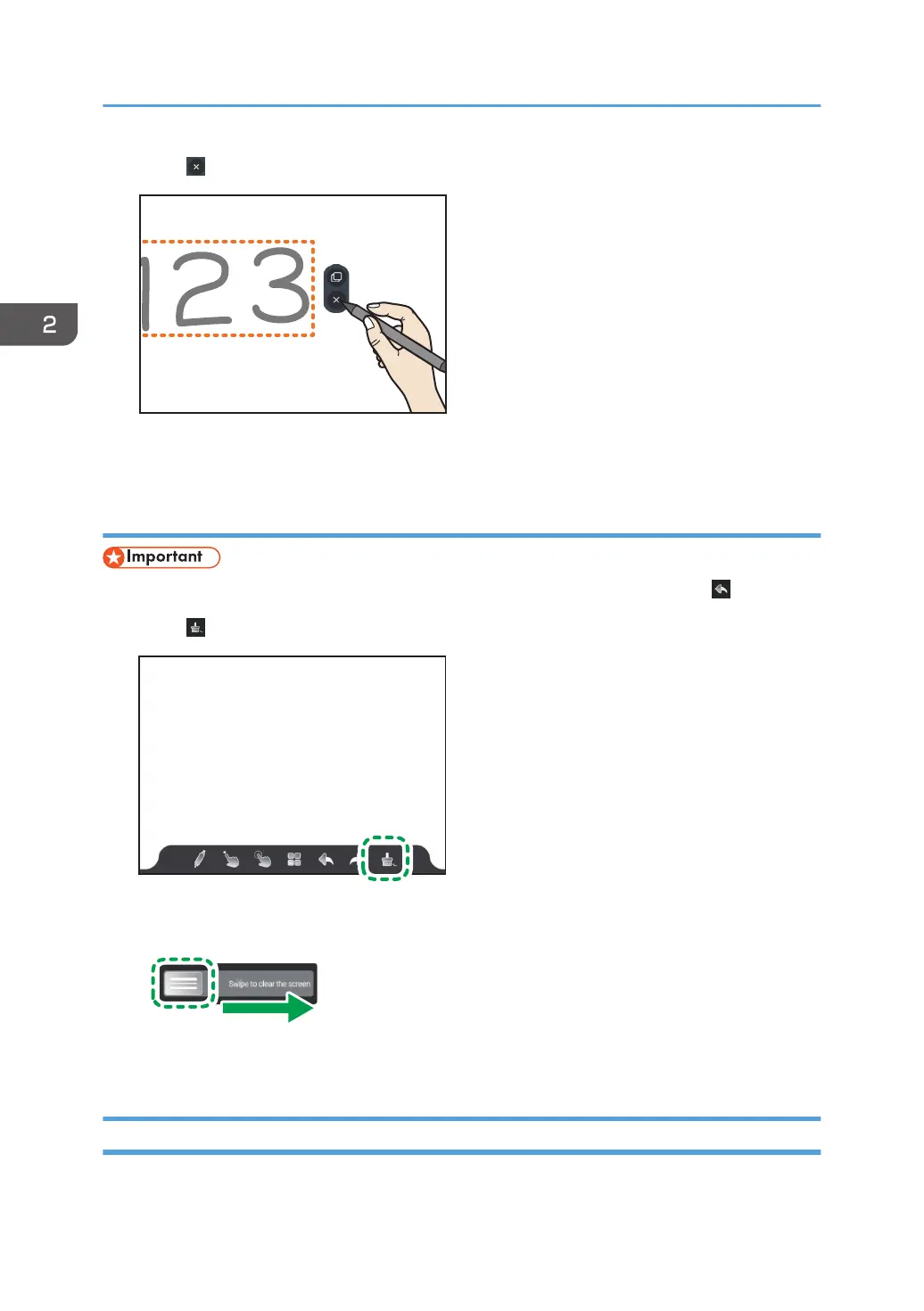
3. Touch .
The selected written content is erased.
Erasing all written content of the current page
• When erased by this operation, you cannot return to the previous state by touching .
1. Touch .
2. Slide the left part of the bar to the right.
All written content of the displayed page is erased.
Enlarging, Reducing, or Moving Written Content
You can enlarge, reduce, or move written content after selecting it.
2. Using a Whiteboard
44



 To Next Page