Writing a Figure
You can select a figure or a straight line from the list and write it.
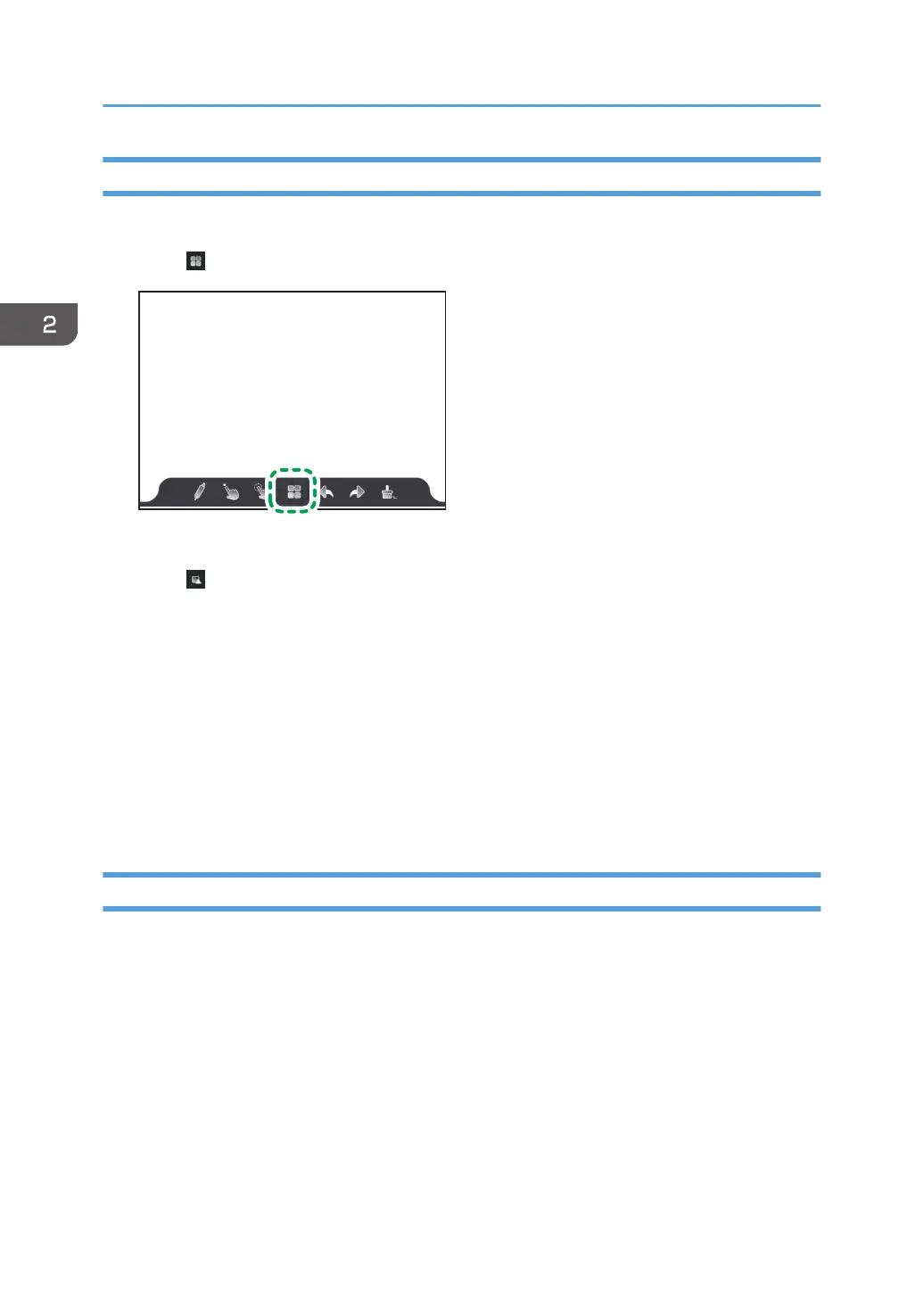
1. Touch .
The whiteboard screen settings appears.
2. Touch .
A list of figures appears.
3. Select a figure to write.
4. Touch the pen on the screen and move it to write the selected figure at the touched
location.
5. Touch the screen with pen and move it to write the selected figure at the touched location.
You can change the size of the figure by touching and moving the pen.
6. Enlarge, reduce, or move the figure if necessary.
For details, see page 44 "Enlarging, Reducing, or Moving Written Content".
Loading a Video File
You can load a video file saved in a folder on this machine or on a USB flash memory device set into this
machine, and you can play the video file back.
The following video file formats are supported:
• MP4
• MKV
• AVI
Loaded video files can be enlarged, reduced, or moved.
2. Using a Whiteboard
36



 To Next Page