Change the Displayed Page by Selecting from Thumbnails
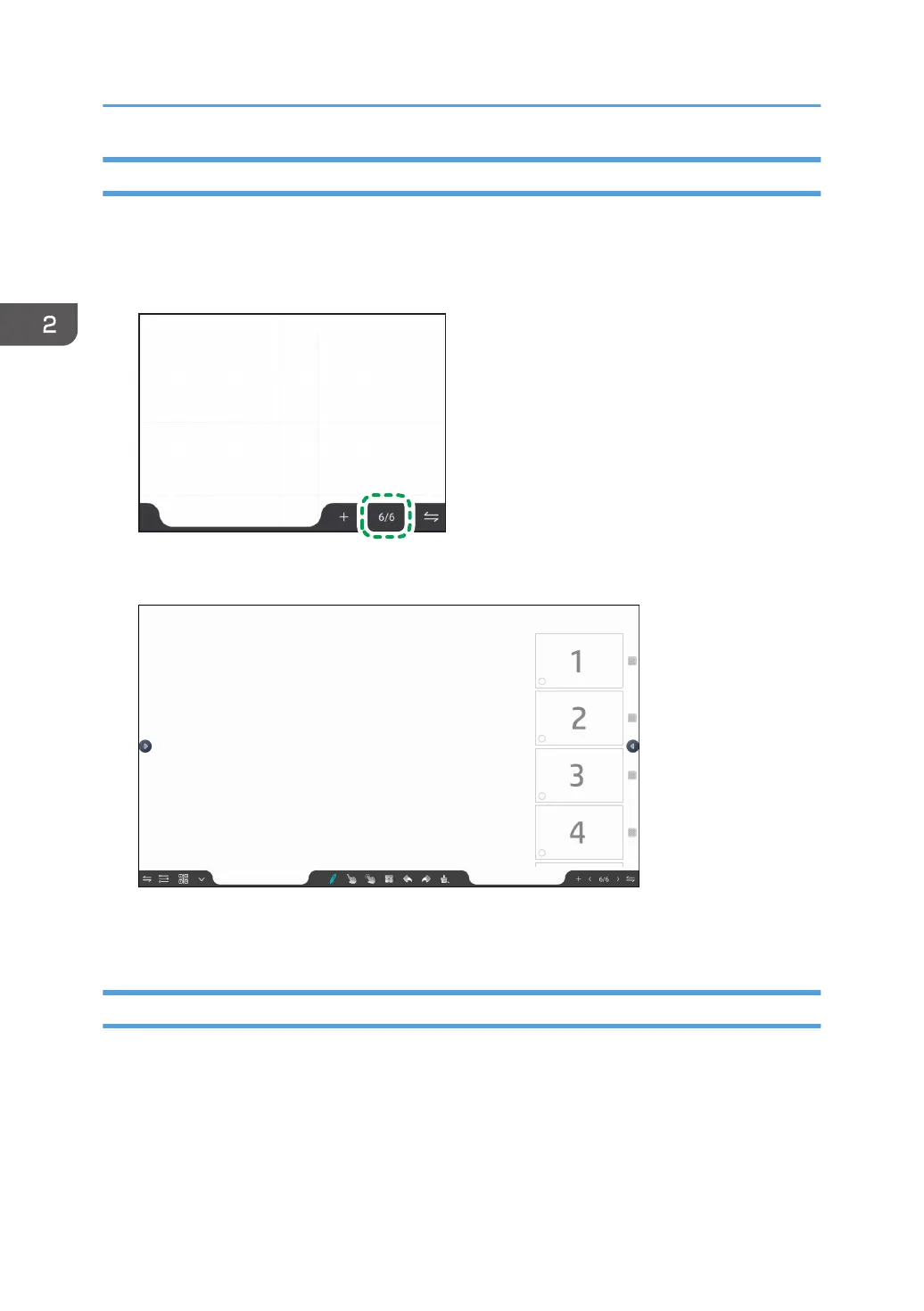
When you have created multiple pages, you can select a page from the page thumbnails to change the
displayed page.
1. Touch the page number display.
Thumbnails of the pages appear.
2. Touch the thumbnail of the page that you want to display.
The page that you touched the thumbnail for is displayed.
Deleting a Page
When multiple pages are created, specify a specific page to be deleted.
2. Using a Whiteboard
52



 To Next Page