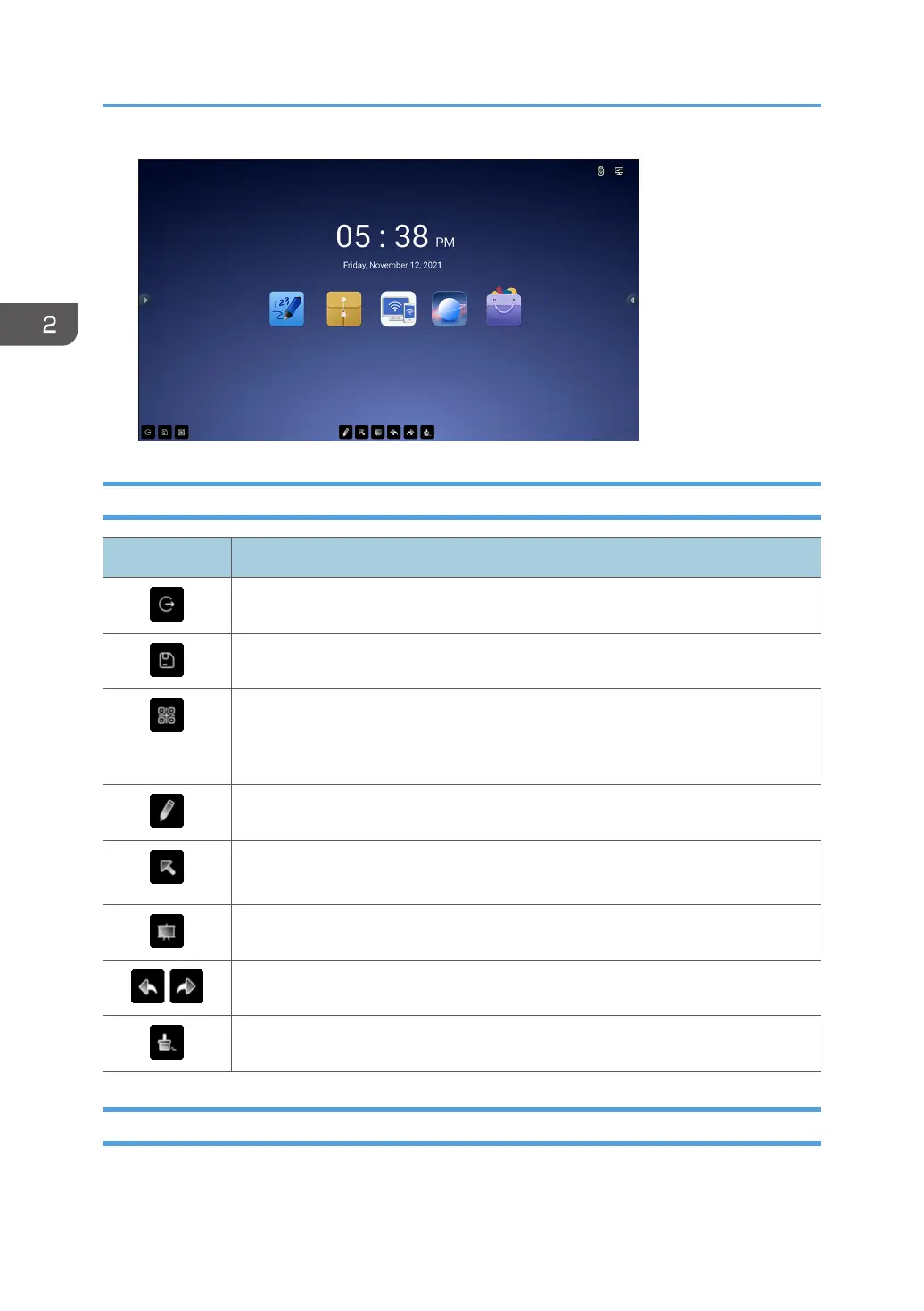
Icons Displayed on the Annotation
Icon Description
Exits the annotation
Saves the current view
Displays a QR code that can be used to access the current view from a smart
device
Scan the QR code with your smart device to see what you have written.
Displays the writing settings of the annotation
Used to temporarily stop writing and operate apps and other functions on the
screen
Used to capture the display of the screen by specifying a range
Undoes writing, editing, or erasing, or redoes an undo operation
Erases everything on the page
Writing on the Screen
In the annotation, you can write immediately after the tool is launched.
2. Using a Whiteboard
68



 To Next Page