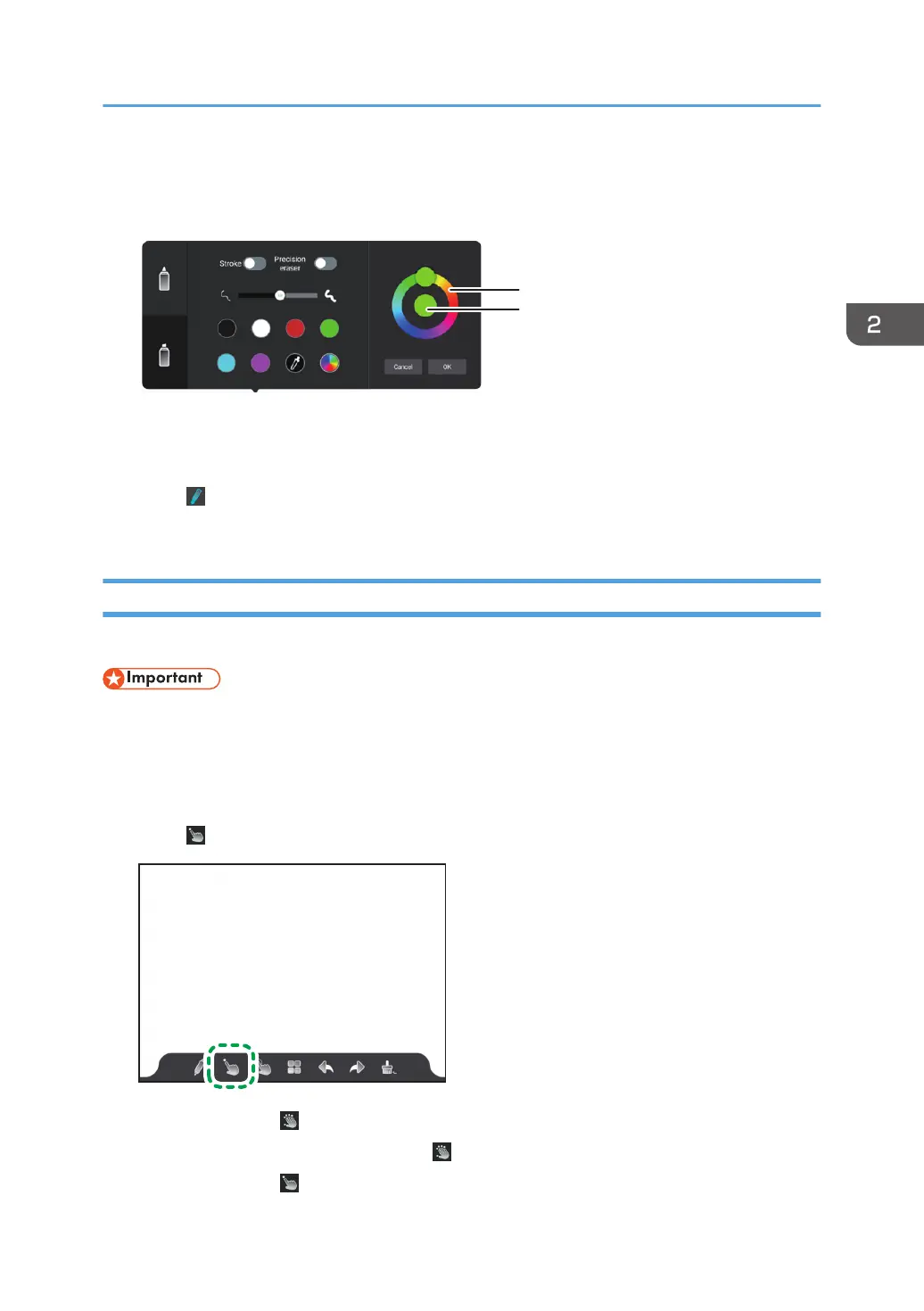
3. Select the color that you want to use in the color chart, and then touch [OK].
1. Color chart
2. Selected color
4. Touch or outside of the writing settings.
5. Write with the selected color.
Writing by Multiple Users at the Same Time
Multiple users can write at the same time.
• When writing by multiple users at the same time, the following operations that use multiple fingers
cannot be performed:
• Changing the display magnification
• Moving the display position
1. Touch .
The icon changes to , and multiple users will then be able to write at the same time.
2. To return to writing by one user, touch .
The icon changes to , and only single user can now write.
Basic Operations
35



 To Next Page