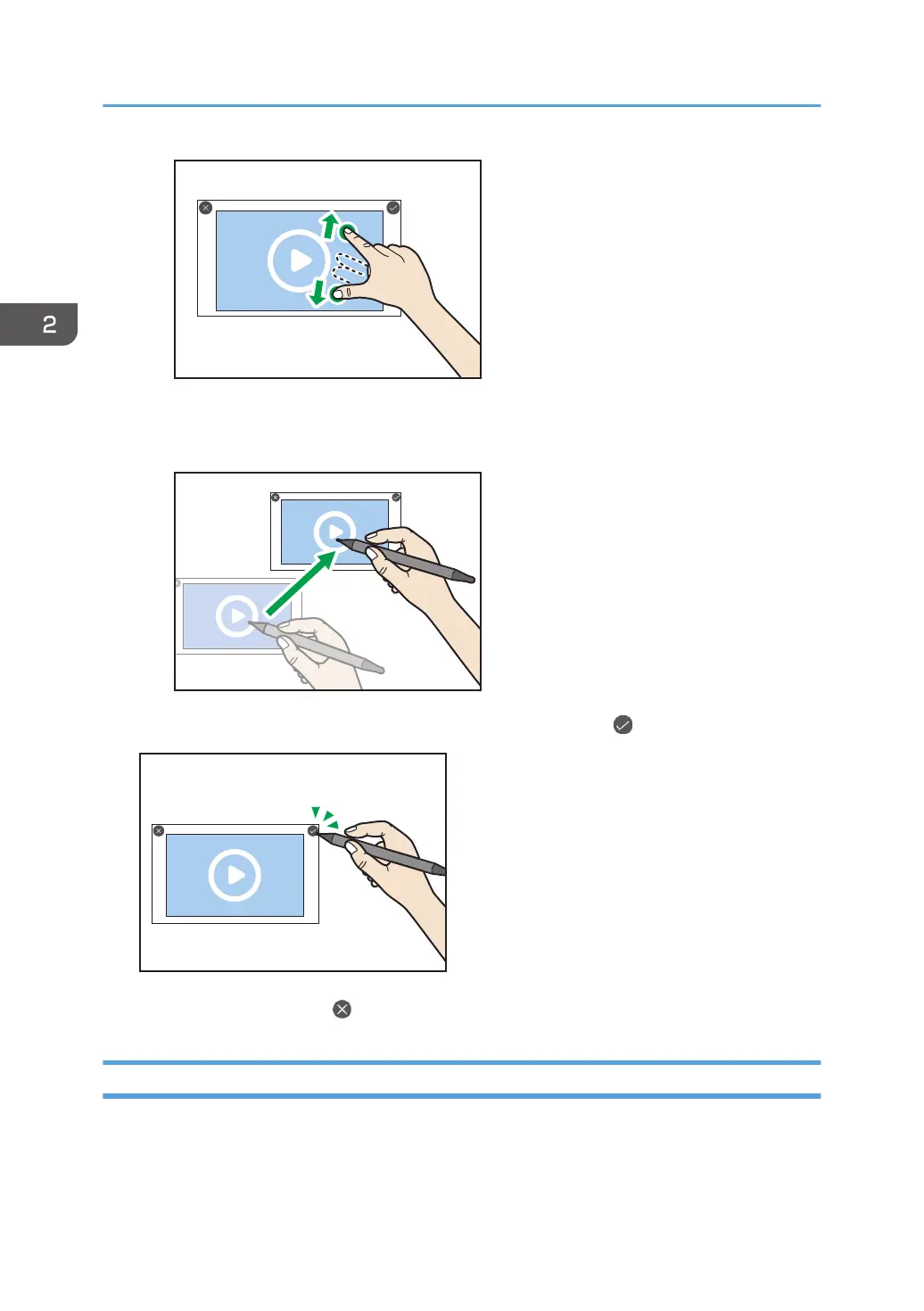
• Moving
Drag the video to the area where you want to place.
7. When you have finished changing the position and size, touch .
If you want to cancel, touch .
Loading an Image File
You can load an image file saved in a folder on this machine or on a USB flash memory device set in this
machine, and you can insert it into the page.
The following image file formats are supported:
2. Using a Whiteboard
38



 To Next Page