• JPG
• PNG
• BMP
Loaded image files can be enlarged, reduced, or moved.
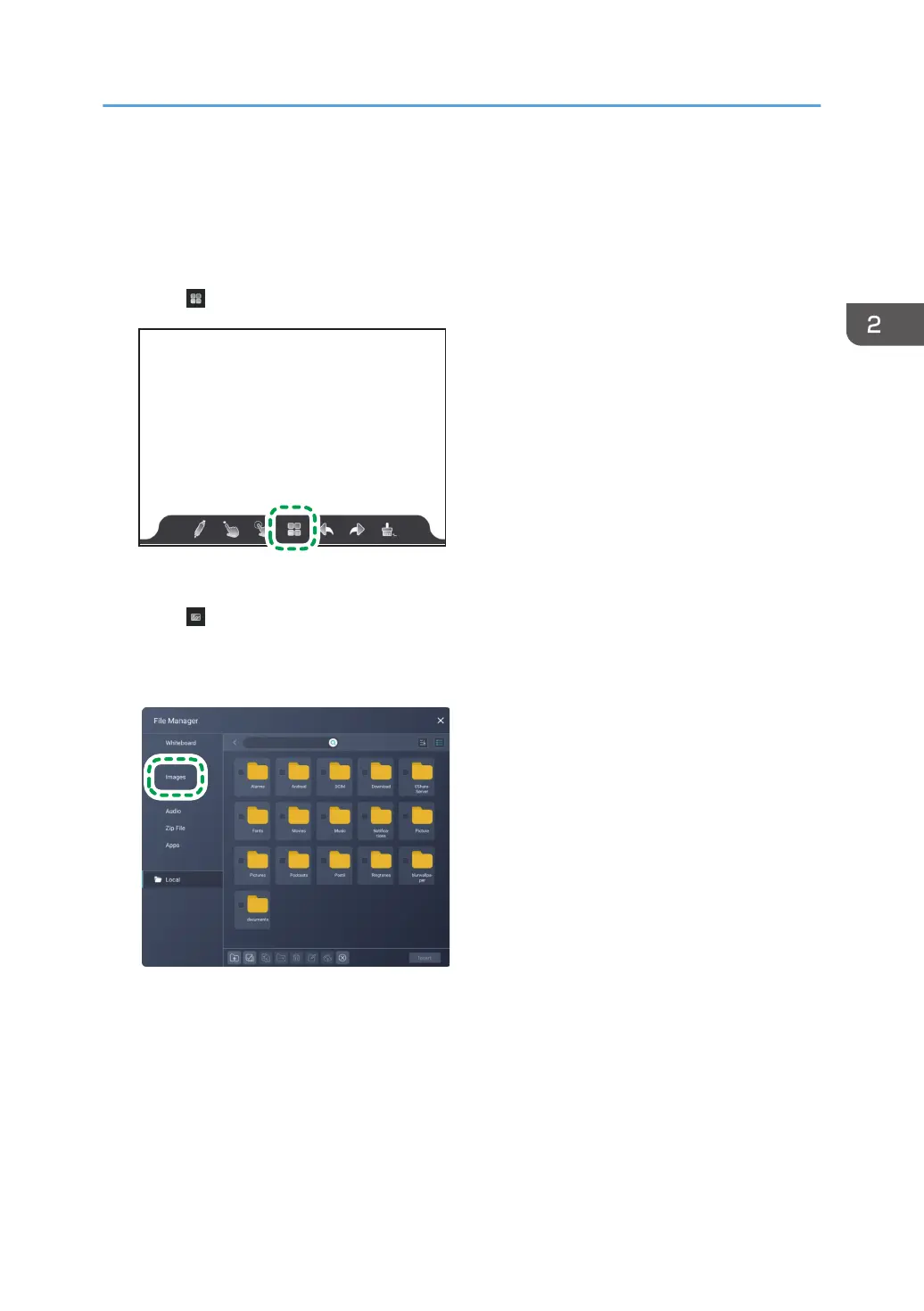
1. Touch .
The whiteboard screen settings appears.
2. Touch .
File Manager appears.
3. Touch [Images].
Only image files will be displayed.
4. Select the file to load.
When loading an image from a USB flash memory device, specify the USB flash memory device
and select the file.
For details about File Manager, see page 95 "Managing Files".
5. Touch [Insert].
Basic Operations
39



 To Next Page