3. Sharing the Screen with EShare
This section describes how to use EShare to share the screen and files of this machine with other devices,
as well as to display the screen of other devices on this machine.
About EShare
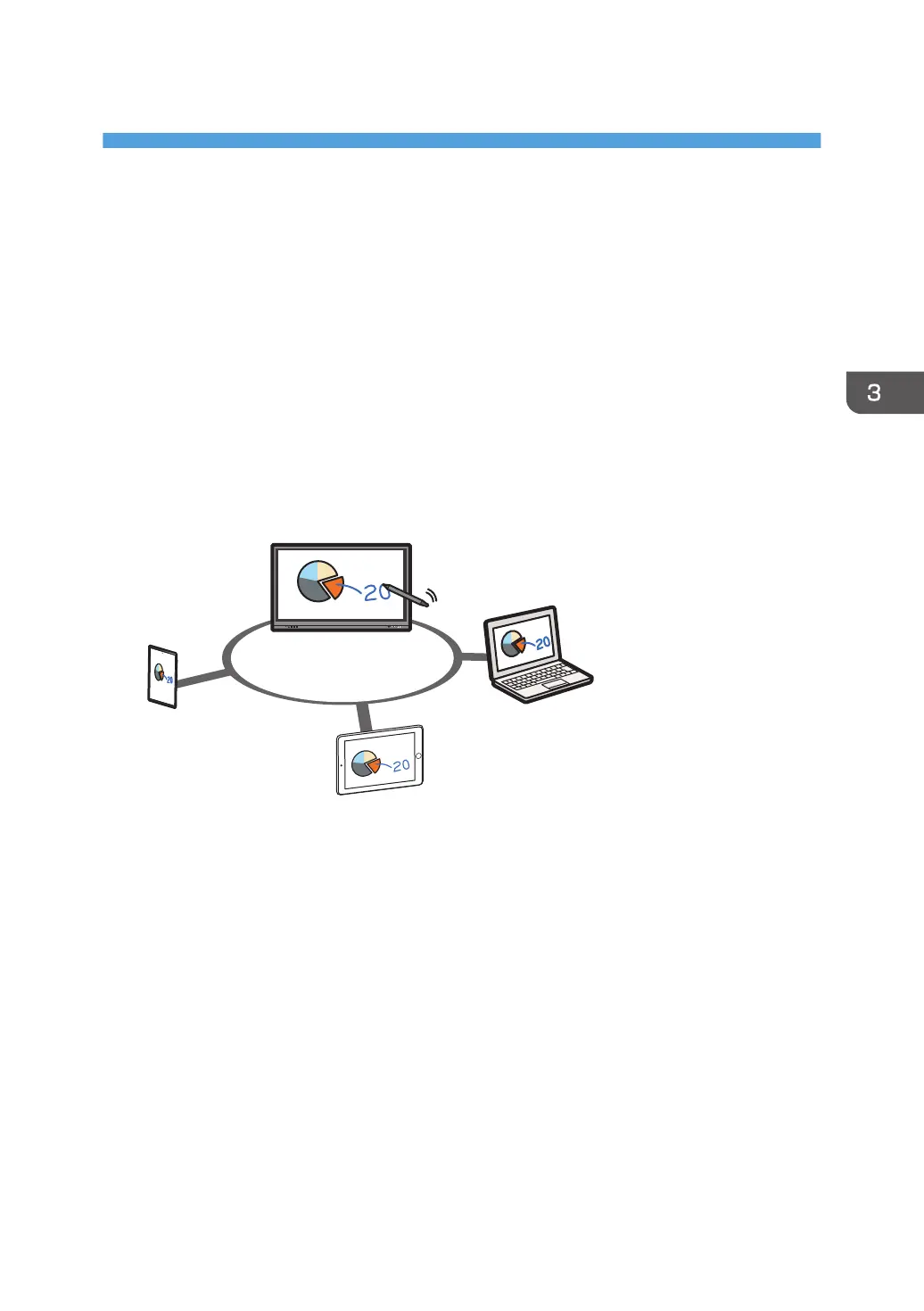
You can use EShare to share the screen with devices connected to the same network.
There are two types of screen-sharing that can be done using the functions of EShare.
TV Mirror
Display and share the screen of this machine on the connected devices.
The connected devices can control the apps of this machine.
In addition, the connected devices can send files to the machine. (Smartphones and tablets only)
Mirroring
Display and share the screen of the connected devices on this machine.
You can control the connected devices from the screen of this machine. (Windows and macOS
only)
The screens of up to nine devices can be displayed on this machine.
79



 To Next Page